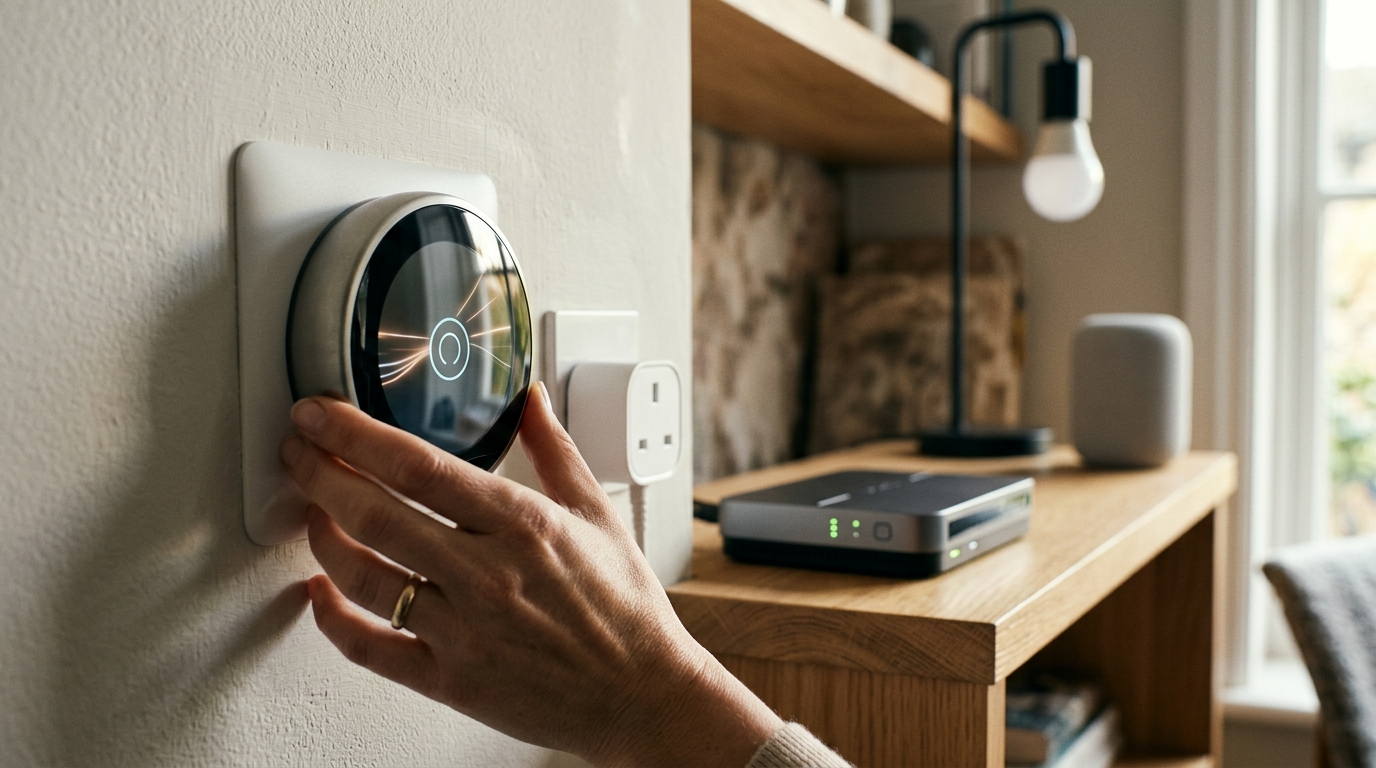
For years, smart home buying meant choosing a side. Buy a Ring doorbell and you were locked into Alexa. Pick a Nest thermostat and you were in Google’s world. Choose HomeKit accessories and you needed an Apple TV or HomePod to make them work. Matter changes this. It is the Matter smart home standard that lets devices work across Apple Home, Google Home and Amazon Alexa, and in 2026 it has finally reached the point where it is genuinely useful. Here is how to use it.
Smart Home Devices: Contents
- What Is Matter and Why Does It Matter?
- What You Need to Get Started
- How to Add a Matter Device to Apple Home
- Multi-Admin: Using One Device with Multiple Platforms
- Thread Border Routers: Why They Matter for Matter
- Current Limitations
- Which Devices Support Matter in 2026?
- Getting Started
What Is Matter and Why Does It Matter?
Matter is an open-source connectivity standard developed by the Connectivity Standards Alliance (CSA), with backing from Apple, Google, Amazon, Samsung, and over 500 other companies. It provides a common language for smart home devices, meaning a Matter-compatible light bulb works with Apple Home, Google Home, and Alexa without needing separate versions or integrations for each platform.
Before Matter, manufacturers had to build separate support for each ecosystem, or choose one and exclude the others. This is why some smart plugs worked with Alexa but not HomeKit, or why certain sensors required a specific hub. Matter eliminates this fragmentation. A Matter device is a Matter device, regardless of which app or voice assistant you use to control it.
What You Need to Get Started
To use Matter devices, you need a Matter controller, a hub that manages the devices on your network. The good news is that you probably already have one:
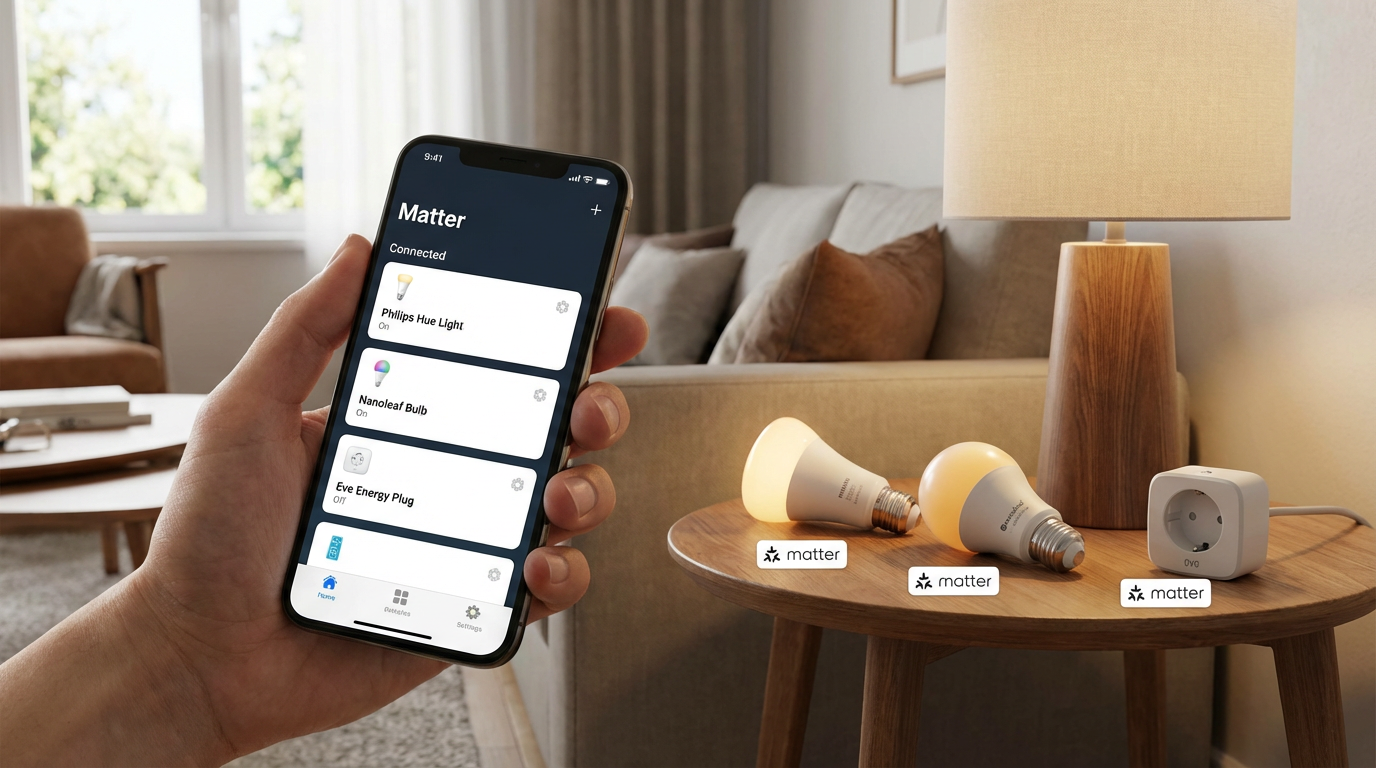
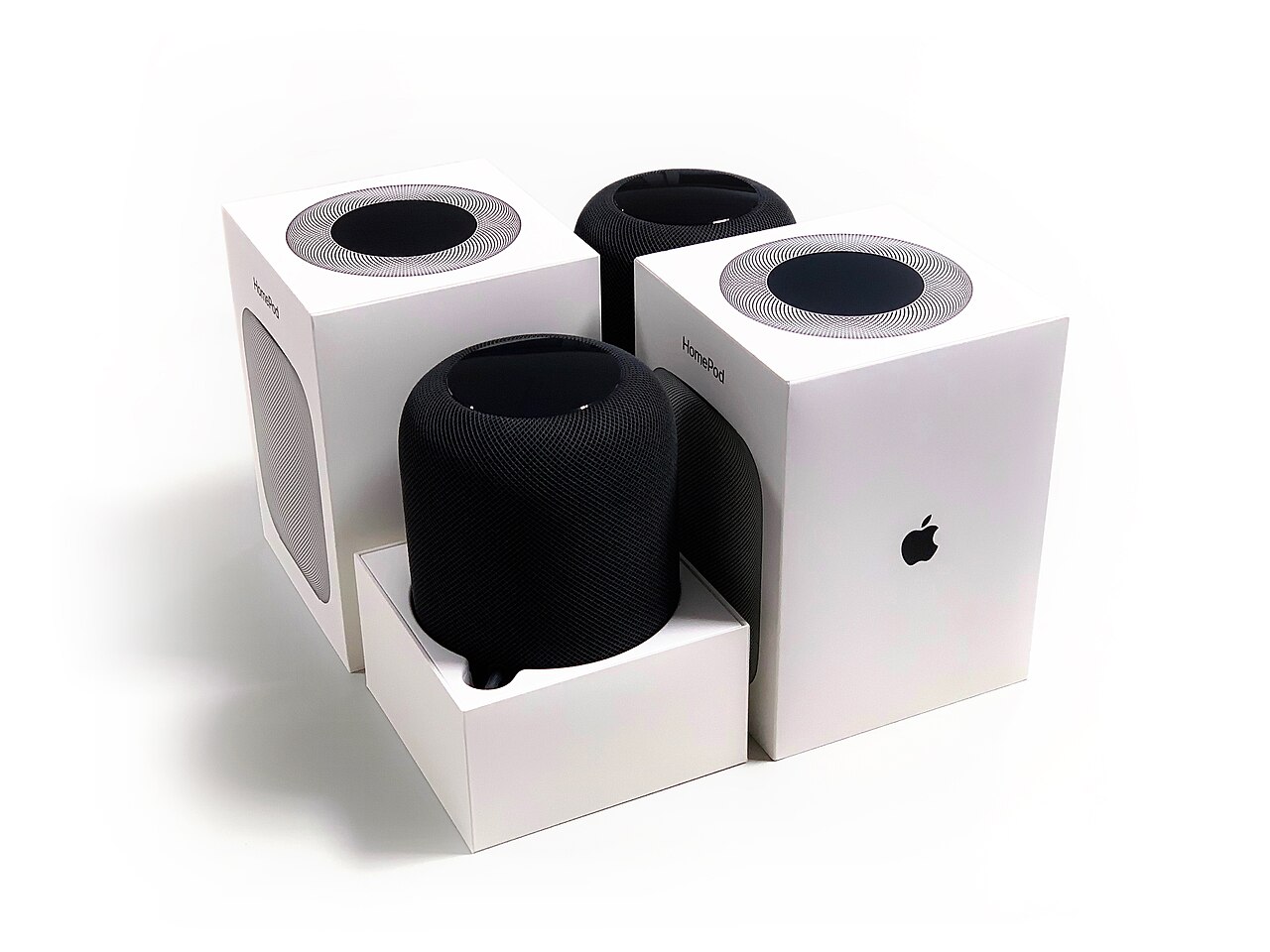
Apple Home: Apple TV 4K (2nd gen or later), HomePod (2nd gen), or HomePod mini serve as Matter controllers and Thread border routers. Google Home: Nest Hub (2nd gen), Nest Hub Max, Nest Mini (2nd gen), Nest Audio, and Nest Wi-Fi Pro act as Matter controllers. Amazon Alexa: Echo (4th gen), Echo Dot (5th gen), Echo Show 10, and the Eero 6+ mesh router support Matter.
How to Add a Matter Device to Apple Home
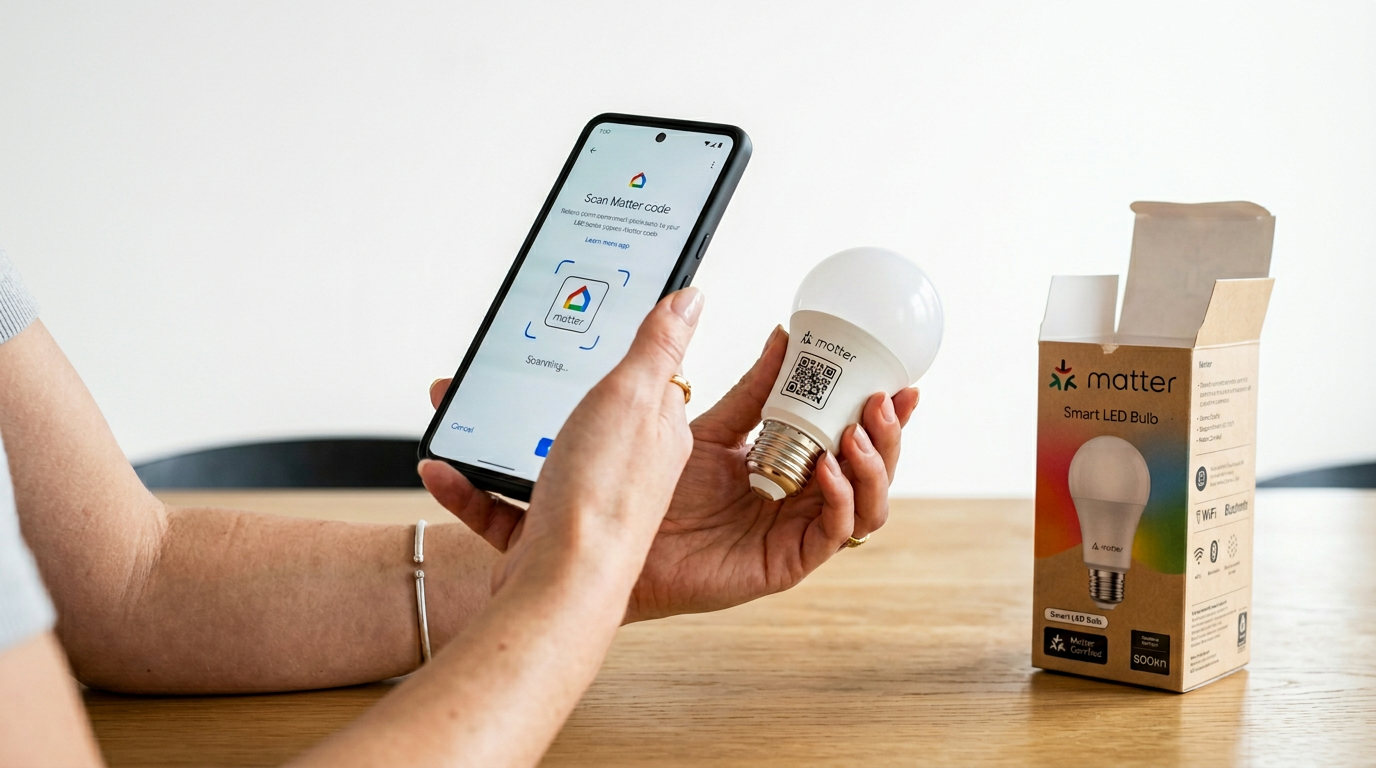
Step 1: Open the Apple Home app on your iPhone or iPad. Step 2: Tap the “+” button and select “Add Accessory.” Step 3: Scan the Matter QR code on the device or its packaging. Every Matter device comes with a setup code, either a QR code or an 11-digit numeric code. Step 4: The Home app will discover the device, add it to your home, and let you assign it to a room. Step 5: The device is now controllable through the Home app, Siri, and any automations you create.
The Google Home and Amazon Alexa flows are very similar: tap “+”, scan the QR code, pick a room. On Google Home you can also link services like Nest or Philips Hue alongside Matter devices for a unified dashboard.
Amazon’s Matter implementation has been slower to mature than Apple’s and Google’s, but the core functionality, adding, controlling and automating Matter devices, works reliably in 2026. For more on building automations with Alexa, our Alexa routines guide is a practical starting point.
Multi-Admin: Using One Device with Multiple Platforms
One of Matter’s most useful features is multi-admin. A single Matter device can be controlled from more than one ecosystem at the same time, so the same smart plug can show up in Apple Home, Google Home and Alexa without any bridging hack.
Apple Home: Go to the device settings and select “Turn On Pairing” to generate a new pairing code for another platform. Google Home: Device settings > “Linked Matter apps and services” lets you share the device. Alexa: The process is initiated from the second platform, open Google Home or Apple Home and add the device using its Matter code while it is already connected to Alexa.
Thread Border Routers: Why They Matter for Matter
Matter runs over Wi-Fi, Ethernet and Thread. Thread is a low-power mesh protocol that a lot of battery-powered Matter devices (sensors, locks, blinds) rely on. It is not the same as Wi-Fi, so you need a gateway to bring Thread traffic onto your network.
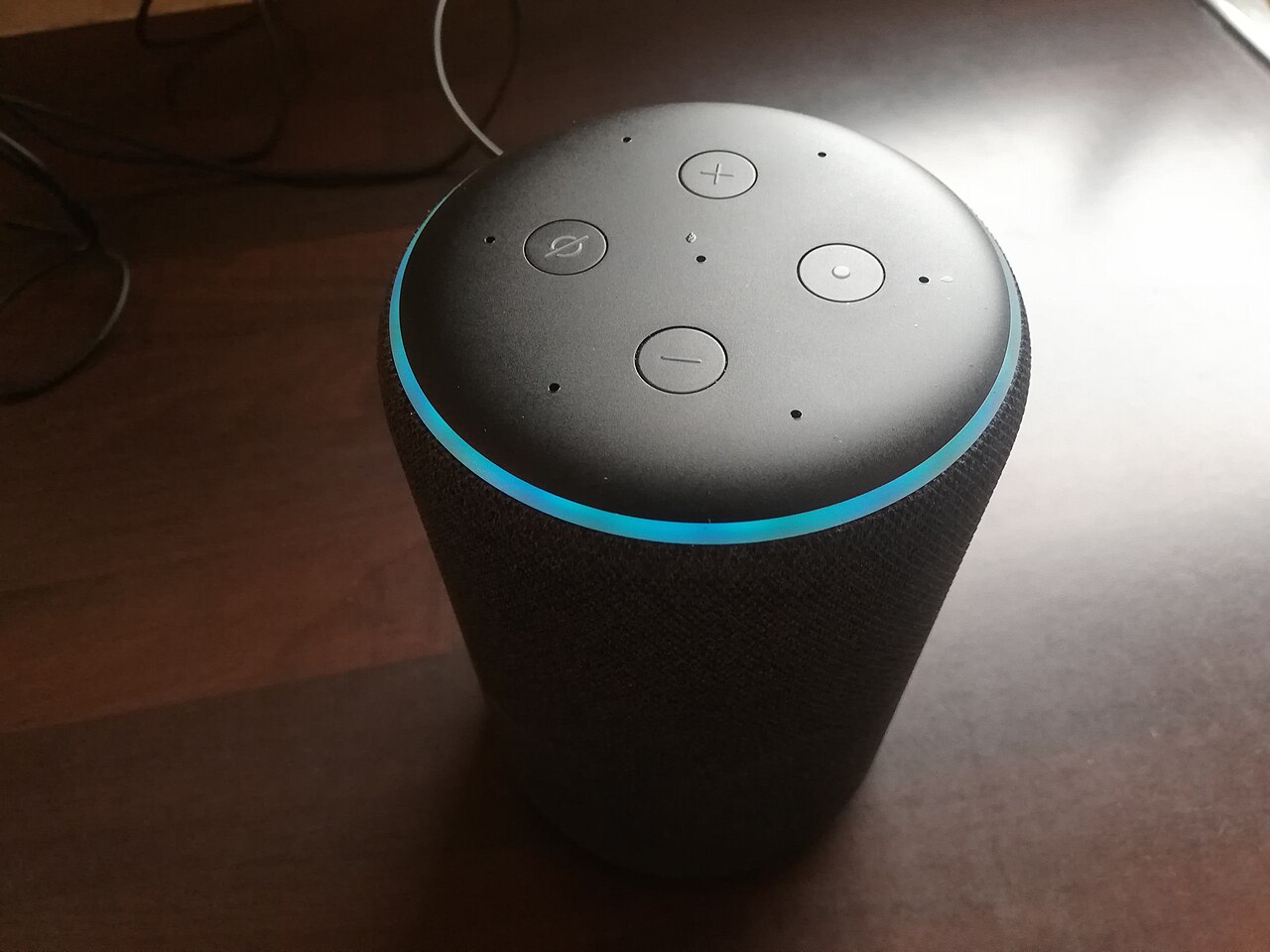
A Thread border router bridges the Thread network to your IP network (Wi-Fi or Ethernet), allowing Thread devices to communicate with your apps, voice assistants and the internet. Apple TV 4K, HomePod mini, Google Nest Hub (2nd gen), Nest Wi-Fi Pro, and certain Eero routers all function as Thread border routers.
The more Thread border routers you have, the more robust your Thread network becomes. If you already have a couple of HomePod minis or Nest devices around your home, you likely have a solid Thread mesh without doing anything extra.
Current Limitations
Matter has come a long way, but it is not perfect in 2026. Device category support is still expanding, lights, plugs, switches, sensors, locks, and thermostats are well-supported, but cameras, robot vacuums, and some appliances are not yet covered by the Matter specification. Setup can be finicky, some devices take multiple attempts to pair, and multi-admin occasionally requires resetting and re-pairing. Advanced features often remain locked to the manufacturer’s own app, a Philips Hue bulb controlled via Matter loses access to Hue’s entertainment sync features, for instance.
Despite these limitations, Matter is the most significant improvement in smart home interoperability in years. The direction of travel is clear: by 2027, most new smart home devices will support Matter as standard, and the teething problems of early adoption will be resolved.
Which Devices Support Matter in 2026?
The list grows weekly, but the most notable Matter-compatible devices include: Philips Hue bulbs and accessories (via Bridge update), Eve smart plugs, sensors, and blinds, Nanoleaf bulbs and light panels, Yale and Aqara smart locks, Ecobee and Nest thermostats, TP-Link Tapo smart plugs and bulbs, and IKEA Dirigera hub devices. For a broader look at building out your smart home, our best smart thermostats and best smart locks guides cover specific categories in depth.
Getting Started
The best way to try Matter is to buy one Matter-compatible device, a smart plug is the simplest starting point, and add it to your preferred platform. Once you see how it works, extending to lights, sensors and more complex devices becomes straightforward. Matter is not a revolution you need to adopt all at once. It is an evolution that makes every new smart home purchase simpler and more flexible than before.
Buyer action
Where to buy or check next
Use this as the final check before ordering a phone, changing network or trusting a headline monthly price.














Reader discussion
Leave a comment
Comments are moderated. Keep it useful, accurate, and on topic.