
Planning long-distance journeys in an electric car used to require spreadsheets, range calculations, and a generous helping of optimism. In 2026, your phone can handle nearly all of it. Whether you are driving a Tesla, a BMW, or a Hyundai, the right combination of apps and settings will turn a potentially stressful trip into a straightforward one. Here is how to plan a long-distance EV road trip using nothing but your phone.
Long-distance Ev Road Trip: Contents
- Step 1: Start with A Better Route Planner
- Step 2: Check Your Manufacturer App
- Step 3: Use Google Maps EV Routing
- Step 4: Install the Right Charging Apps
- Step 5: Plan Your Charging Stops Strategically
- What to Do When a Charger Is Occupied or Broken
- Final Tips for a Smooth Journey
Step 1: Start with A Better Route Planner
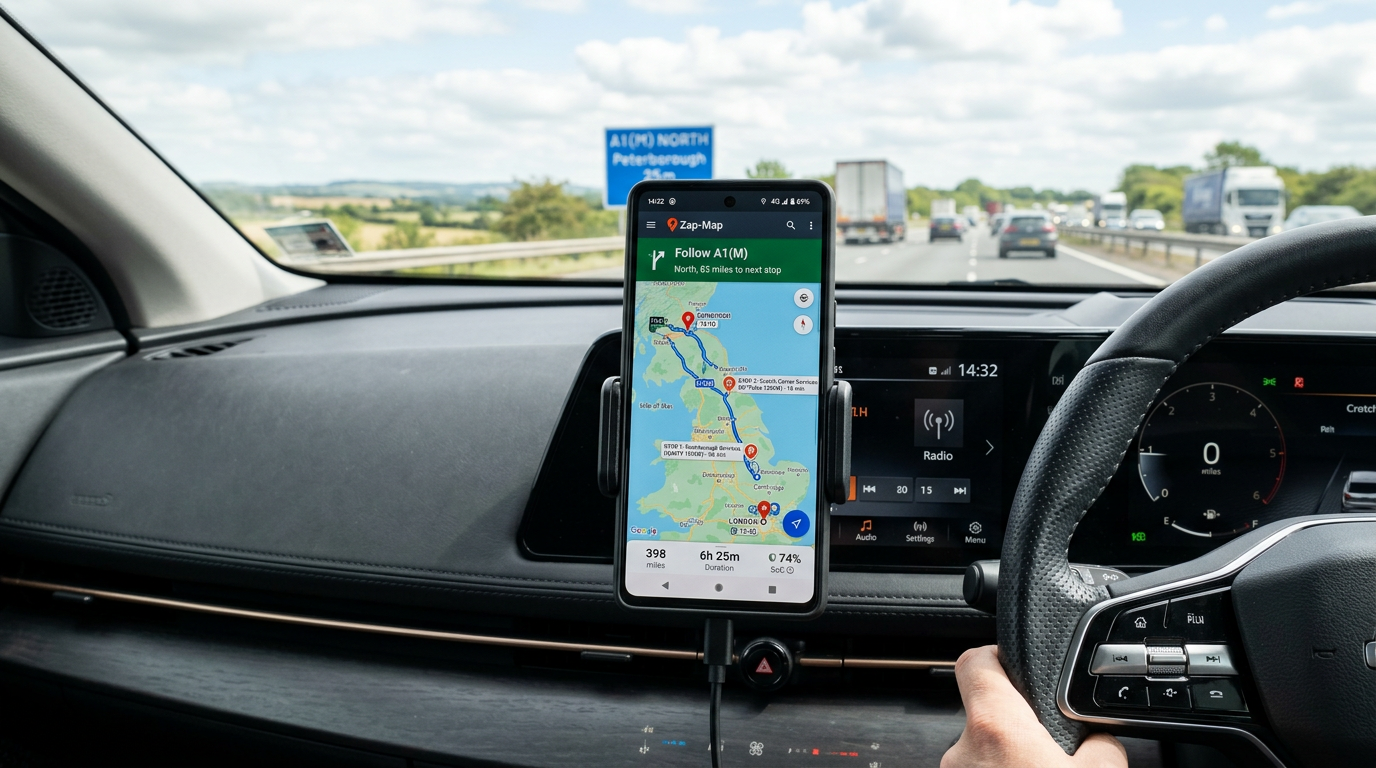
A Better Route Planner, commonly known as ABRP, remains the gold standard for EV trip planning. The free tier is excellent, and the premium Pro subscription (around £4 per month) adds live traffic data and real-time charger availability that are worth the cost for regular long-distance travellers.
Begin by setting up your vehicle profile. Select your exact car model and variant, because ABRP knows the battery capacity, efficiency curves, and charging speeds for virtually every EV on sale. This matters because a 77 kWh Hyundai Ioniq 6 charges significantly faster on a CCS rapid charger than a 77 kWh Volkswagen ID.4, and ABRP factors this into its stop recommendations.
Step 2: Check Your Manufacturer App
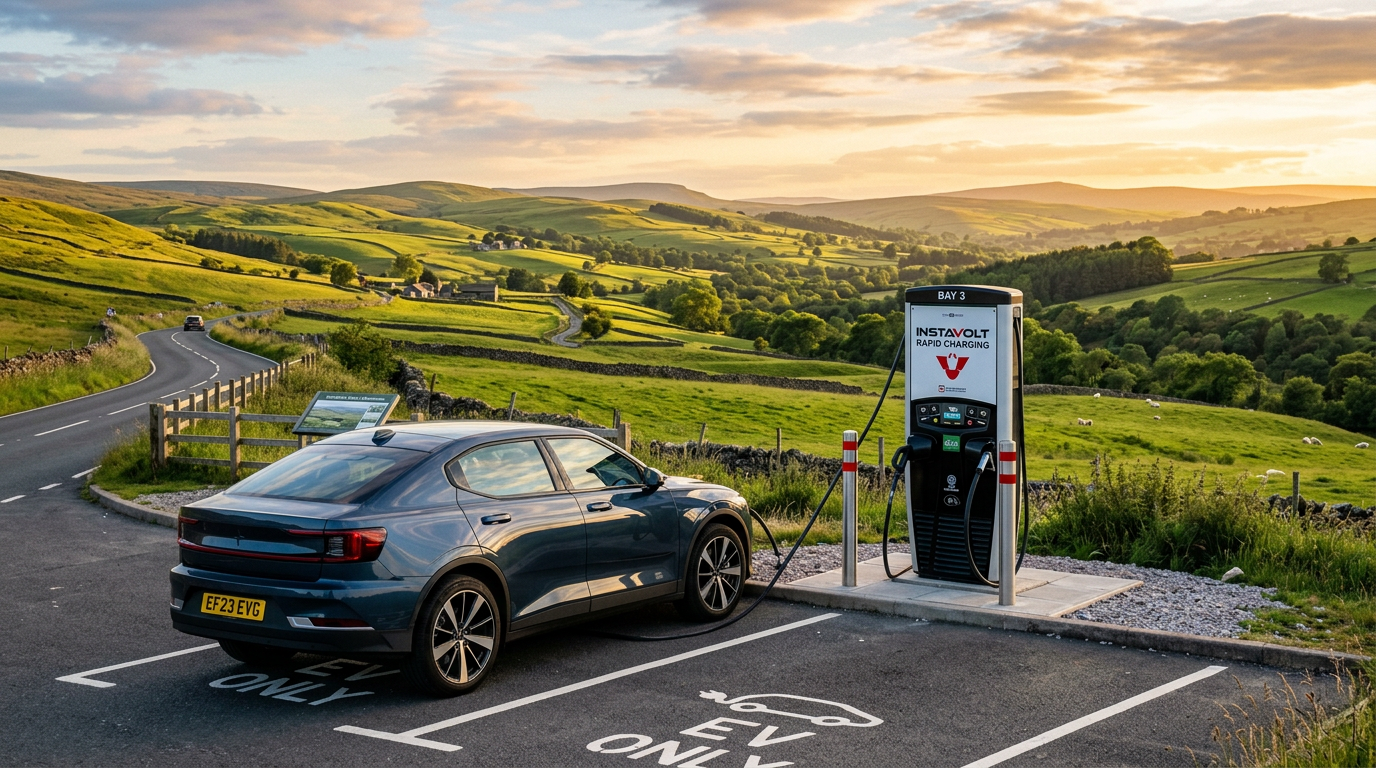
Most manufacturer apps now offer their own trip planning. Tesla’s in-car navigation is still the gold standard for Tesla drivers, pre-conditioning the battery before Supercharger stops and showing live stall availability. BMW’s My BMW app, Hyundai’s Bluelink, Kia Connect, Mercedes me and Ford’s FordPass all offer similar (if less polished) route planning with charger stops. Use the manufacturer app for battery preconditioning and climate control remote start, then cross-check the route with ABRP for a second opinion on charger choice.

Step 3: Use Google Maps EV Routing
Google Maps has solid EV routing that pulls live charger status from partners such as BP Pulse, Shell Recharge, Tesla Supercharger and Ionity. Enter your start point, enter your destination, tap the EV routing option and it will suggest charging stops based on the make and model you’ve saved in your Google account. It is not as sophisticated as ABRP for edge cases, but it is free, ubiquitous and works offline once a route is cached.
Step 4: Install the Right Charging Apps
You will need charging network apps installed and accounts set up before you leave. Nothing is more frustrating than arriving at a charger only to discover you need to download an app and create an account while your battery is dwindling. In the UK, the essential apps are Zap-Map (for finding and checking charger status), Osprey, Gridserve, and BP Pulse. If you are travelling in Europe, add Ionity and Fastned to that list.
Our guide to the best EV charging apps covers the full selection, but the key advice is this: install them, create accounts, and add a payment method to each before your trip. Many networks now support contactless card payment at the charger, but having the app ensures you can see live status and remote-start a session if the contactless reader is broken.
Zap-Map deserves special mention. It aggregates charger data from multiple networks and includes user-reported status updates. Before committing to a charging stop, check Zap-Map to see whether users have recently reported the charger as working. A broken rapid charger can add an hour to your journey if the next alternative is 30 miles away.
Step 5: Plan Your Charging Stops Strategically
The most efficient approach is to charge little and often rather than waiting until the battery is nearly empty and then charging to 100 per cent. Charging from 10 to 80 per cent is significantly faster than charging from 10 to 100 per cent, because most EVs taper their charging speed dramatically above 80 per cent to protect the cells.
For a 300-mile journey, two 15-minute stops charging from 15 to 65 per cent will typically be faster than one 45-minute stop charging from 10 to 95 per cent. ABRP handles this calculation automatically, but it is worth understanding the logic so you can adapt on the fly if a charger is out of service.
Time your stops to coincide with meals or comfort breaks. Motorway service stations with rapid chargers are ideal, because 20 minutes is enough for a coffee and a stretch, and your car will be ready when you are.

What to Do When a Charger Is Occupied or Broken
This is where live data earns its keep. ABRP Pro, PlugShare and Zap-Map all show real-time availability, and Zap-Map’s community reports are invaluable. If you arrive and the charger is occupied, most apps will show the nearest alternative.
If a charger is genuinely broken, report it on Zap-Map, because you will be helping the next driver. Then use your phone to reroute. The charging landscape is dense enough now that an alternative is rarely more than 15 minutes away on major routes, though rural areas can still be challenging. Keep a portable battery pack charged in the boot for your phone, because it does a lot of work on these journeys, and running out of phone battery while relying on it for navigation and charger information is a situation best avoided.
Final Tips for a Smooth Journey
Reduce your motorway speed if range is tight. Dropping from 70 mph to 60 mph can extend range by 15 to 20 per cent on most EVs. Use the car’s eco mode if it has one. Keep windows closed at speed and use the climate system instead, because open windows create drag that hits efficiency harder than the air conditioning does.
And finally, allow more time than you think you need, at least on your first long-distance trip. You will get faster at the routine, but the first time involves a learning curve. Once you have done it twice, the process becomes second nature, and you will wonder what all the anxiety was about. For more on the broader EV ownership landscape, we have been tracking developments closely. If you are still evaluating the switch to electric, our friends at Zap-Map have an excellent broader guide to getting started.
Planning EV ownership, not just one road trip? Car Deal Expert’s EV buying and salary-sacrifice guides cover the UK running-cost maths.
Buyer action
Where to buy or check next
Use this as the final check before ordering a phone, changing network or trusting a headline monthly price.














Reader discussion
Leave a comment
Comments are moderated. Keep it useful, accurate, and on topic.