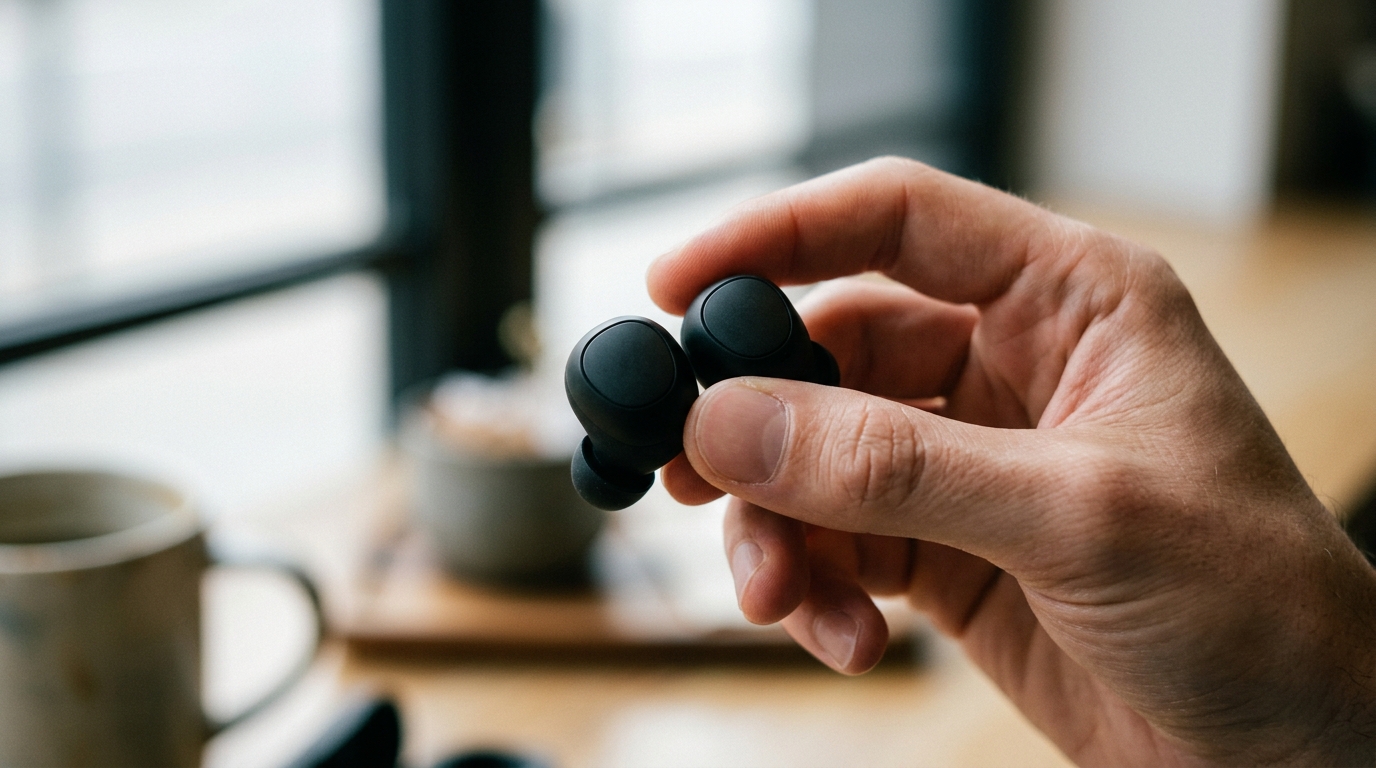
You have spent good money on wireless earbuds, read the reviews and picked the right pair, yet something about the sound is not quite right: too much bass, harsh treble, or a general muddiness that makes everything sound flat. The good news is that most sound issues can be fixed with a few simple adjustments. Here is how to get the best possible sound from your wireless earbuds, without needing an audio engineering degree.
Best Sound: Contents
- Start with the Fit: It Matters More Than You Think
- Use Your Earbuds’ Companion App EQ
- Common Sound Problems and How to Fix Them
- Third-Party EQ Apps
- Choose the Right Bluetooth Codec
- Spatial Audio: Worth Enabling?
- Quick Wins for Better Sound
Start with the Fit: It Matters More Than You Think
Before touching any EQ settings, make sure your earbuds fit properly. A poor seal is the single biggest reason wireless earbuds sound thin, lack bass, or let in too much outside noise. If you are using silicone ear tips, try all the included sizes , most people assume they are a “medium” when they actually need a large or small tip.
A proper seal should feel snug without being uncomfortable. Bass response is almost entirely dependent on the seal between the ear tip and your ear canal. If you switch from a medium to a large tip and suddenly hear noticeably more bass, that is the seal doing its job, not the tip changing the sound signature.
Use Your Earbuds’ Companion App EQ
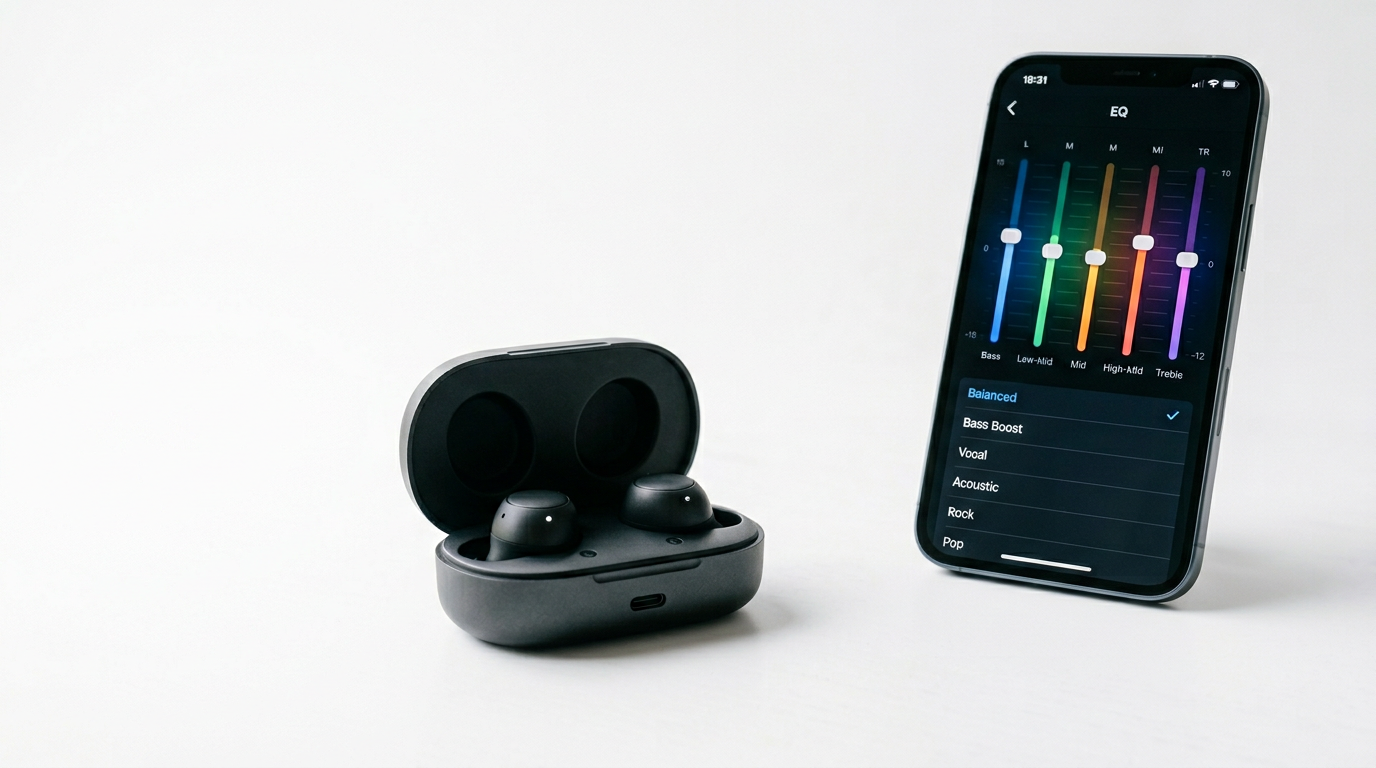
Almost every premium pair of wireless earbuds has a companion app with EQ controls built in. These are usually where you unlock the biggest improvements, because they change how the earbuds themselves process audio before it reaches your ears.
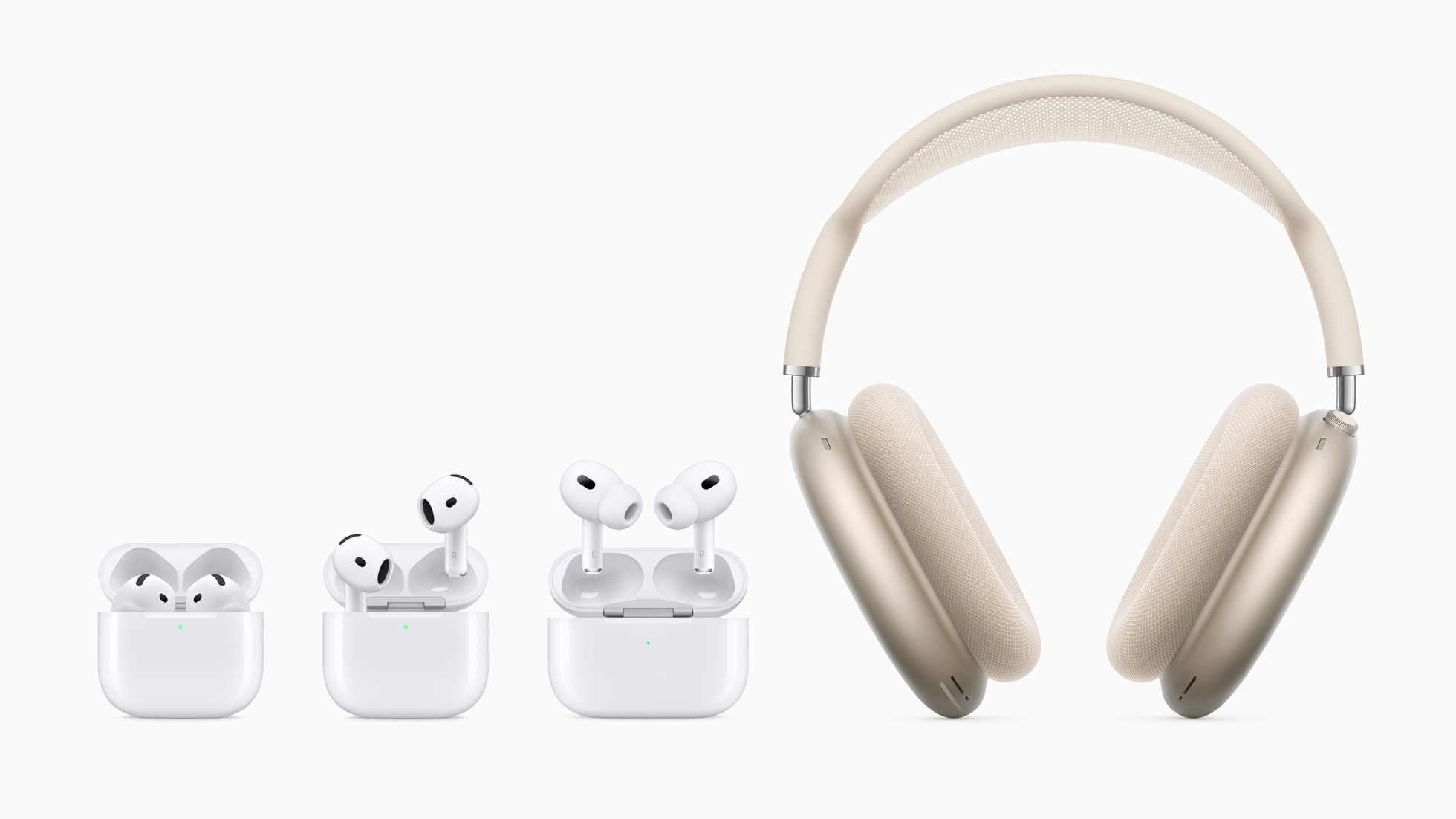
AirPods (iOS Settings): Apple does not offer a traditional parametric EQ for AirPods, but you can adjust the sound through Settings > Music > EQ on iPhone. The “Late Night” preset compresses dynamic range and can make quiet details more audible, while “Bass Booster” and “Treble Booster” do exactly what they suggest. For AirPods Pro, Adaptive Audio and Personalised Spatial Audio (set up through Settings > AirPods) tailor the sound to your ear shape.
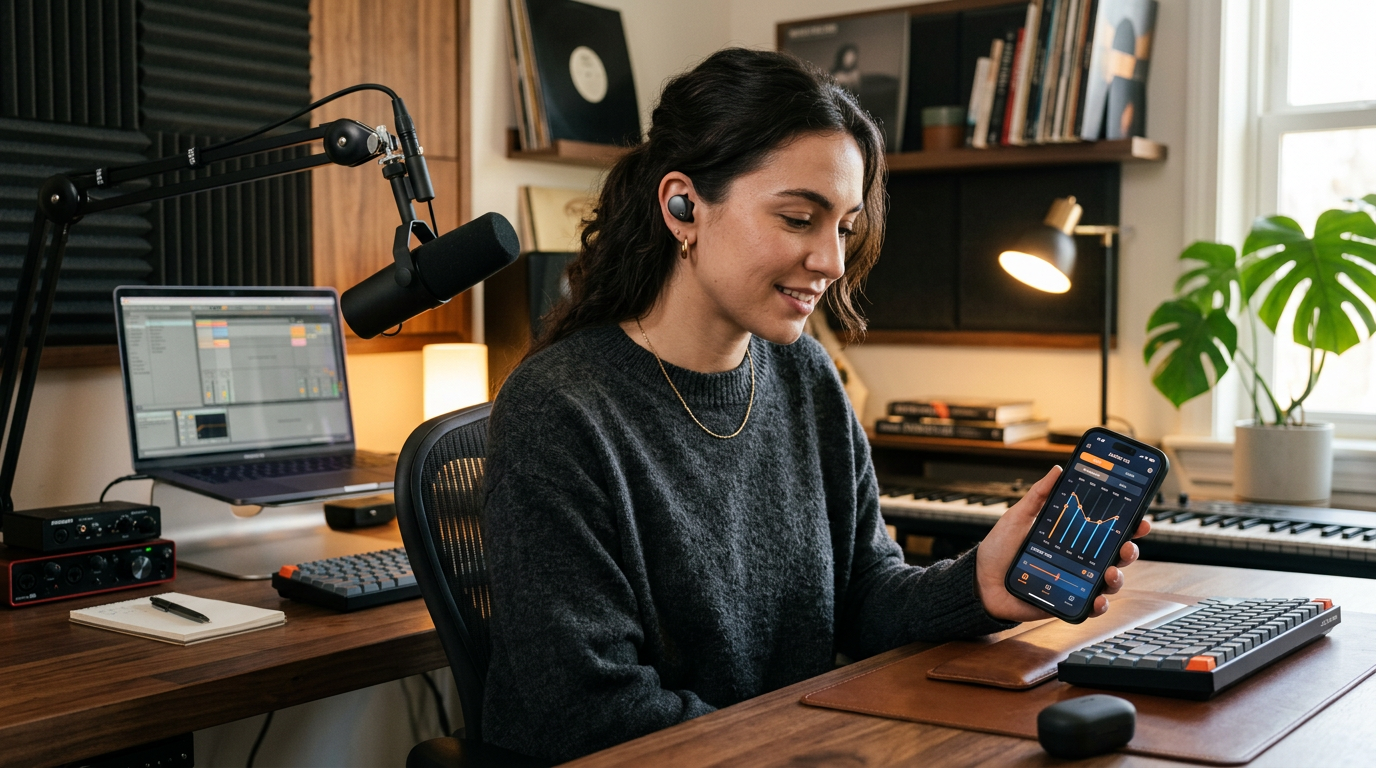
Samsung Galaxy Buds (Galaxy Wearable app): Samsung’s app offers a full parametric EQ with presets and custom adjustment. The “Clear” preset reduces bass emphasis and brings vocals forward, which is useful if you find the default tuning too warm. You can also create custom presets and save them for different use cases.
Sony (Headphones Connect app): Sony’s app offers one of the best EQ implementations available. The five-band EQ with presets like “Bright,” “Excited,” and “Vocal” provides quick adjustments, while the custom EQ lets you fine-tune each frequency band. Sony also offers DSEE Extreme upscaling, which enhances compressed audio files.
Common Sound Problems and How to Fix Them
Too much bass (boomy, overwhelming low end): Reduce the lowest EQ band (around 60 to 100Hz) by 2 to 4 dB. This tightens the bass without removing it entirely. Many consumer earbuds are tuned with boosted bass out of the box because it sounds impressive in a shop demo but becomes fatiguing over time.
Harsh or sibilant treble (piercing “s” sounds, cymbals hurt): Pull the highest band (around 8 to 12kHz) down by 2 to 3 dB. Many earbuds, especially cheaper ones, lean bright to mimic “detail” in the shop, and that can tire your ears out quickly.
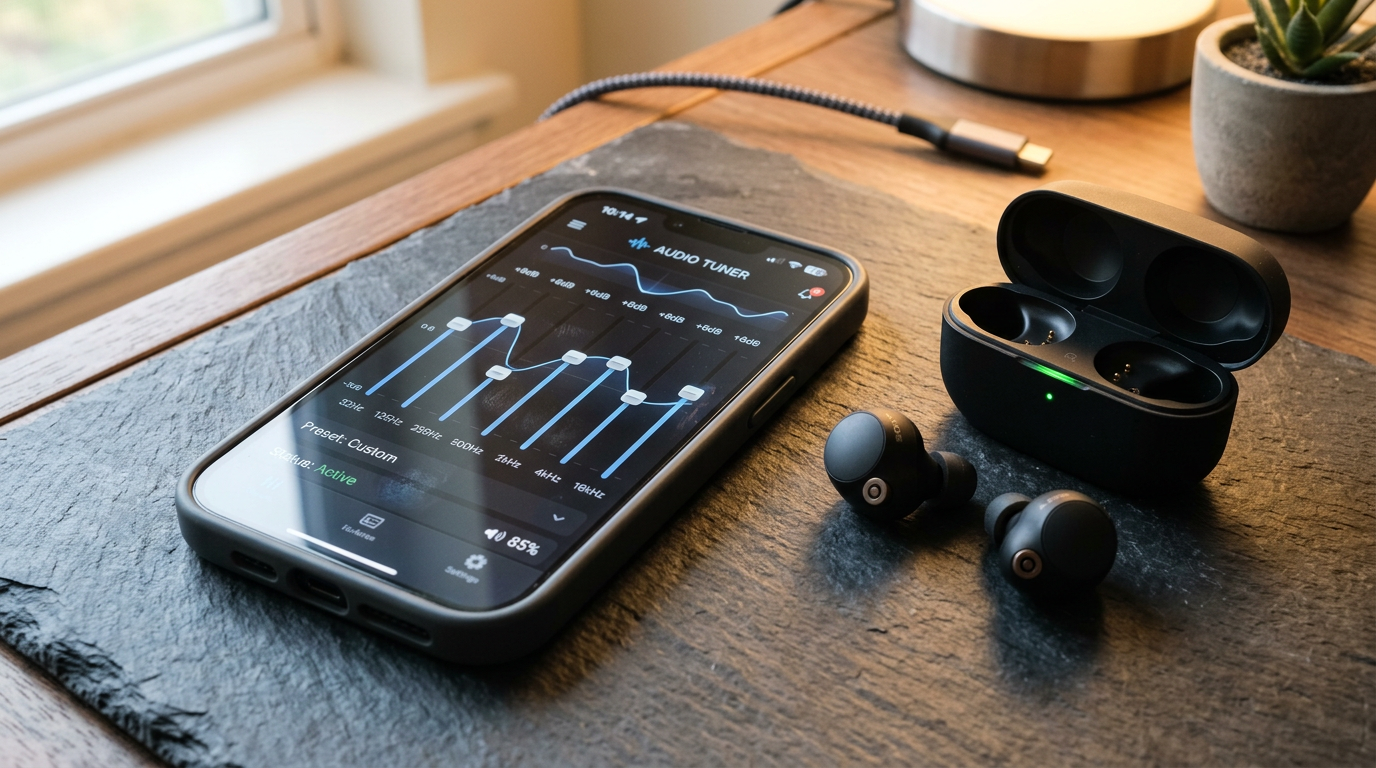
Muddy or congested sound (vocals buried): Boost the midrange (around 1 to 3kHz) by 1 to 2 dB and slightly reduce the bass. Muddy sound is usually caused by bass frequencies bleeding into the midrange. Tightening the bass and gently lifting the mids brings clarity to vocals and instruments.
Thin or tinny sound (no body or warmth): This almost always indicates a poor seal. Try larger ear tips first. If the seal is good and the sound is still thin, boost the lower mids (around 200 to 500Hz) by 1 to 2 dB to add warmth.
Third-Party EQ Apps
If your earbuds do not have a companion app with EQ (or if you want more control), third-party apps can help. On Android, Wavelet is excellent. It offers AutoEQ profiles for hundreds of earbuds models that correct them to a neutral frequency response, and it works system-wide. On iOS, options are more limited due to Apple’s audio framework restrictions, but apps like Equalizer+ HD work with most music apps.
For a more detailed look at which earbuds offer the best sound out of the box, our best wireless earbuds under £100 guide covers the top options at every price point.
Choose the Right Bluetooth Codec
Your earbuds and phone negotiate a Bluetooth codec when they connect. Pick the best one both ends support and you immediately get better audio quality with no other changes.
SBC: the default Bluetooth codec. Functional but lower quality. Avoid if your earbuds support anything better. AAC: Apple’s preferred codec, good quality on iPhones and variable on Android. aptX / aptX HD / aptX Adaptive: Qualcomm’s codecs, good quality and low latency, common on Android phones. LDAC: Sony’s high-resolution codec and the best quality widely available over Bluetooth Classic, supporting up to 990kbps. Available on most Android phones and Sony earbuds. LC3 / LC3plus: the Bluetooth LE Audio codecs, which offer excellent quality at lower bitrates and better battery efficiency and are rolling out on most new earbuds and phones in 2026.
To get the best quality, check your phone’s Bluetooth settings (on Android: Settings > Developer Options > Bluetooth Audio Codec) and select the highest quality codec your earbuds support. On iPhone, AAC is used automatically and cannot be changed.
Spatial Audio: Worth Enabling?
Apple’s Spatial Audio, Sony’s 360 Reality Audio, and Samsung’s 360 Audio can create an immersive, cinema-like listening experience with supported content. For music mixed in Dolby Atmos (available on Apple Music and Tidal), Spatial Audio can be genuinely impressive. For regular stereo content, it tends to make things sound wider but sometimes less focused.
Our deep dive on whether spatial audio is worth it covers this in detail. The short answer: try it with Dolby Atmos music and decide for yourself. It is a personal preference rather than an objective improvement.
Quick Wins for Better Sound
If you want to improve your earbuds’ sound in the next five minutes, do these three things: check your ear tip fit and try a size up, open your earbuds’ companion app and try the available EQ presets, and make sure you are using the best Bluetooth codec your phone supports. These simple steps can transform earbuds that sound “fine” into earbuds that sound genuinely great. For specific model recommendations, our AirPods Pro 3 vs Galaxy Buds 4 Pro comparison covers the current flagship options.
Buyer action
Where to buy or check next
Use this as the final check before ordering a phone, changing network or trusting a headline monthly price.














Reader discussion
Leave a comment
Comments are moderated. Keep it useful, accurate, and on topic.