This post is from our Windows Phone 7 archive. For our current coverage of phones, see our 2026 best phones in the UK for 2026.
Read the 2026 best phones in the UK for 2026 guide →UPDATED · News · 28 Mar 2011 · MTW Editorial Team

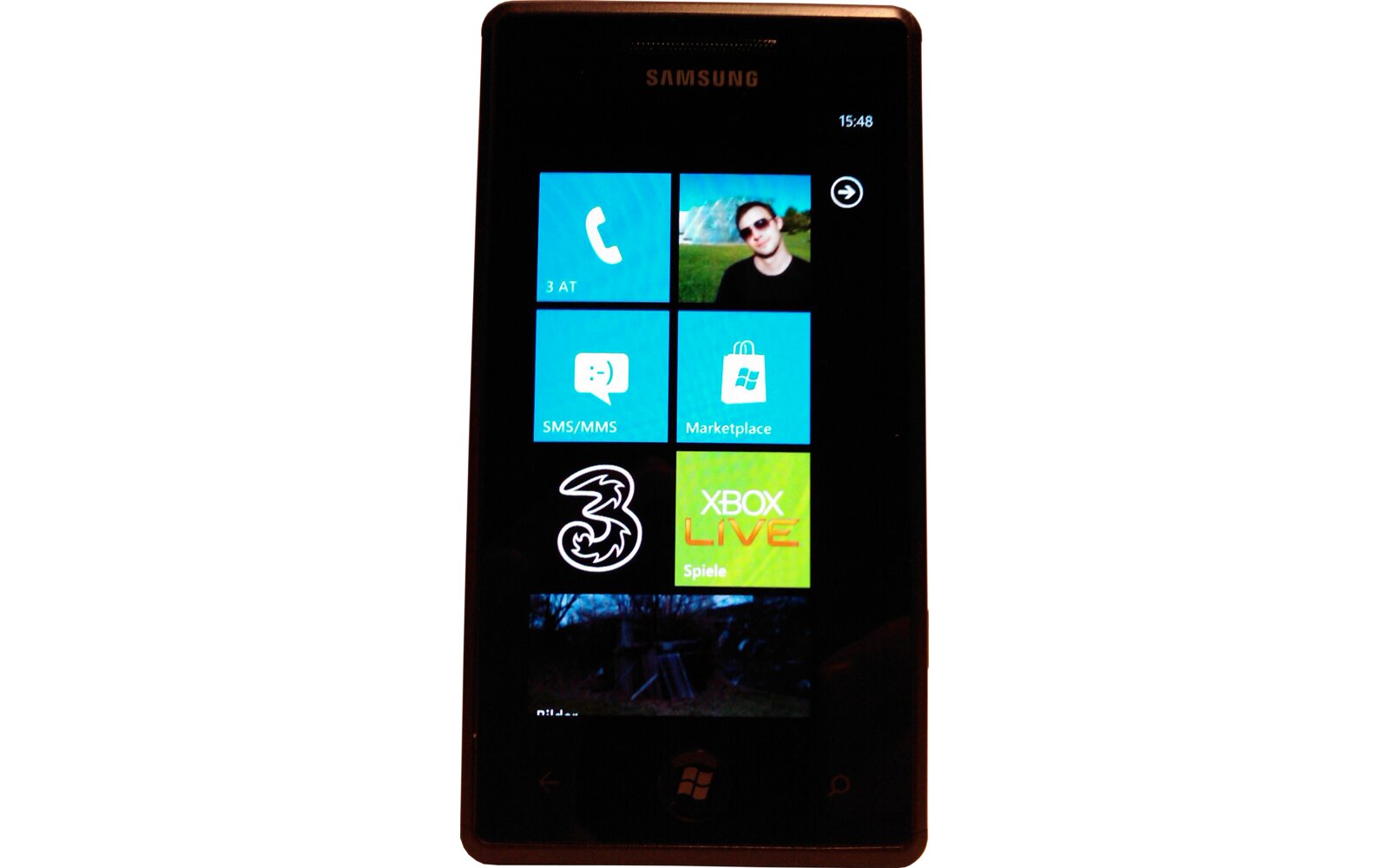
Samsung Omnia 7 owners rejoice! There’s a fairly easy way to force the installation of the Windows Phone 7 NoDo update on your devices without any hacks at all. First off grab the PBK file here and follow the instructions courtesy of Dawnrazrblade:
Make sure your Zune software is up to date and close it! Switch your phone off and on then connect it to PC, go into settings on your phone and
switch Flight Mode ON! now open up the file you downloaded (pbk) and select EUROIP PPTP Hungary
click Connect
USERNAME: demo
PASSWORD: demo
Open Zune and click on settings, click phone then scroll down to UPDATE.
I hope this works for you! if not try again!! well guys if this helped you? could you please
make a donation anything is welcome and enjoy your NODO UPDATE
This probably won’t work and you’ll get a server connection error in the Zune Software when checking for the update. So instead of putting your device in flight mode just leave it connected to your cellular data network (not WiFi), make sure that “Use Cellular Data to check for Updates” functions is active (thanks for the tip ulub81) and go to the cellular settings of the OS:
– Plug-in your device
– Manually check for an update and after a couple of seconds turn off the cellular data connection on the device.
– Repeat this step until the Zune software tells you that there’s a March 2011 update available (this can’t take lots of tries so be patient). A good way to know when to turn off data is approx 4 or 5 secs after it switches to 3G+ on the device (so pull down the task menu to see what’s going on)
– Once you have the update notification just hit update and re-open the PBK app and hit hang-up so that the Zune software can download the update package.
voila…
UPDATE: This trick apparently works on other brands and models so try it out and report back. Can’t confirm yet if it works on branded devices so please keep the reports coming in and remember that it can take tons of tries to get it to work (took me around 50x).
UPDATE: If you are using a Samsung Focus (and other branded devices) just un-brand it before using the previous hack.
UPDATE March 30th: Here’s another way to get it:
1. Start Zune
2. Turn off Data connection and Wifi on the Phone
3. Connect the Phone with the PC (USB)
4. Start the update search in Zune
5. About 3 seconds later, disconnect your PC from the internet (Turn WLAN off).
6. Zune finds NoDo-Update. Press OK.
7. Connect to the internet again and install the update.
UPDATE September 27th: This method also works for the Mango update.
Source: Dawnrazrblade thanks ulub81
Buyer action
Where to buy or check next
Use this as the final check before ordering a phone, changing network or trusting a headline monthly price.