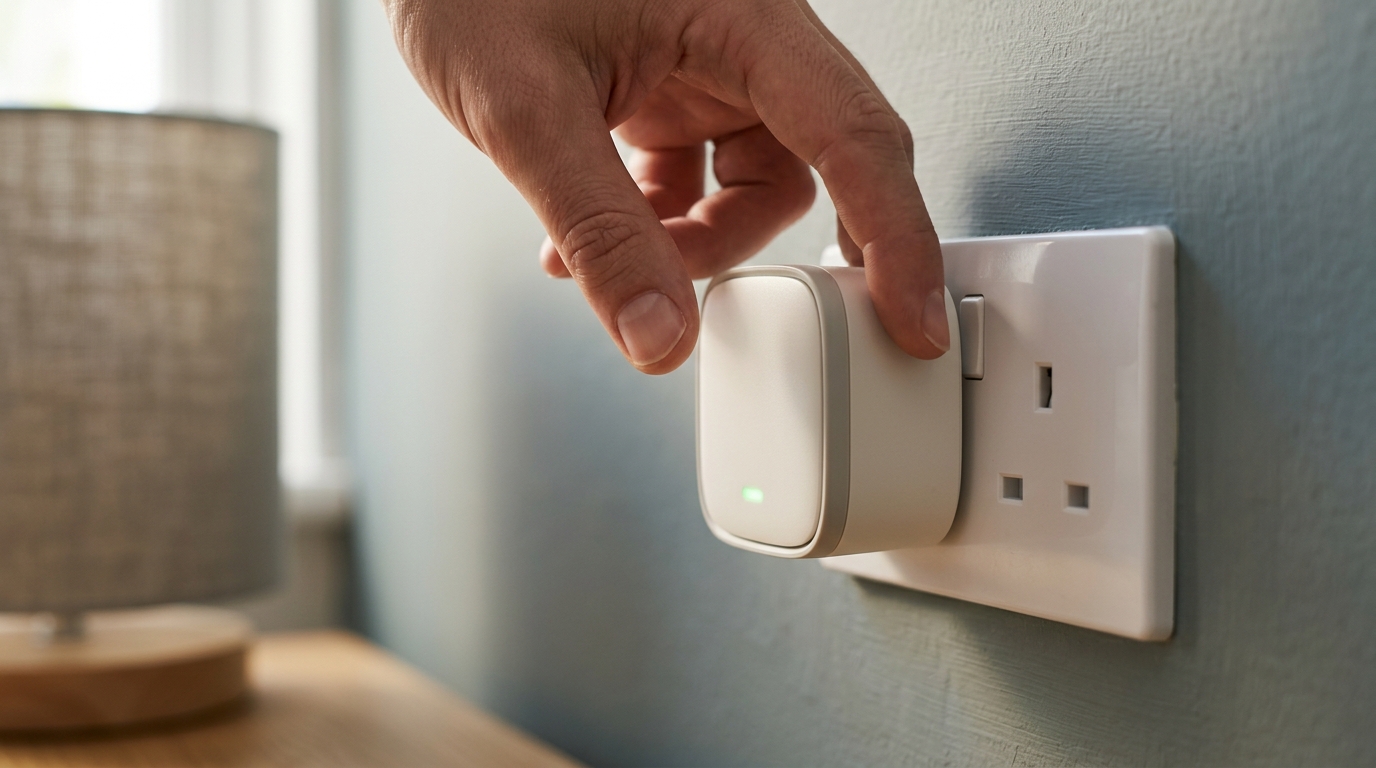
If you are curious about smart home technology but unsure where to begin, the Best Smart Plugs are the answer. They cost between £10 and £25, require no rewiring or technical knowledge, and they turn any existing appliance into a smart device in under five minutes. Plug one in, connect it to your Wi-Fi, and suddenly you can control a lamp, fan, or heater from your phone or with a voice command. Here are the best smart plugs available in the UK in 2026 and what to look for when choosing one.
Best Smart Plugs: Contents
- What to Look For in a Smart Plug
- TP-Link Tapo P110 , Best for Most People
- Eve Energy , Best for Apple and Thread Users
- Hive Active Plug , Best for British Gas Customers
- How to Get the Most from Your Smart Plugs
- Which Smart Plug Should You Buy?
What to Look For in a Smart Plug
Before diving into specific recommendations, it helps to understand the features that separate a good smart plug from a mediocre one.
Matter support is increasingly important. Matter is the unified smart home standard backed by Apple, Google, Amazon, and Samsung. A Matter-compatible plug works with any Matter controller, meaning you are not locked into a single ecosystem. If you switch from Alexa to Google Home next year, a Matter plug comes with you.
Energy monitoring tells you how much electricity an appliance is drawing. This is surprisingly useful for identifying energy-hungry devices, tracking running costs, and spotting appliances that draw standby power when supposedly “off.”
Scheduling and automation let you set times for the plug to turn on and off automatically. Most smart plugs support this, but the quality of the scheduling interface varies considerably between apps.
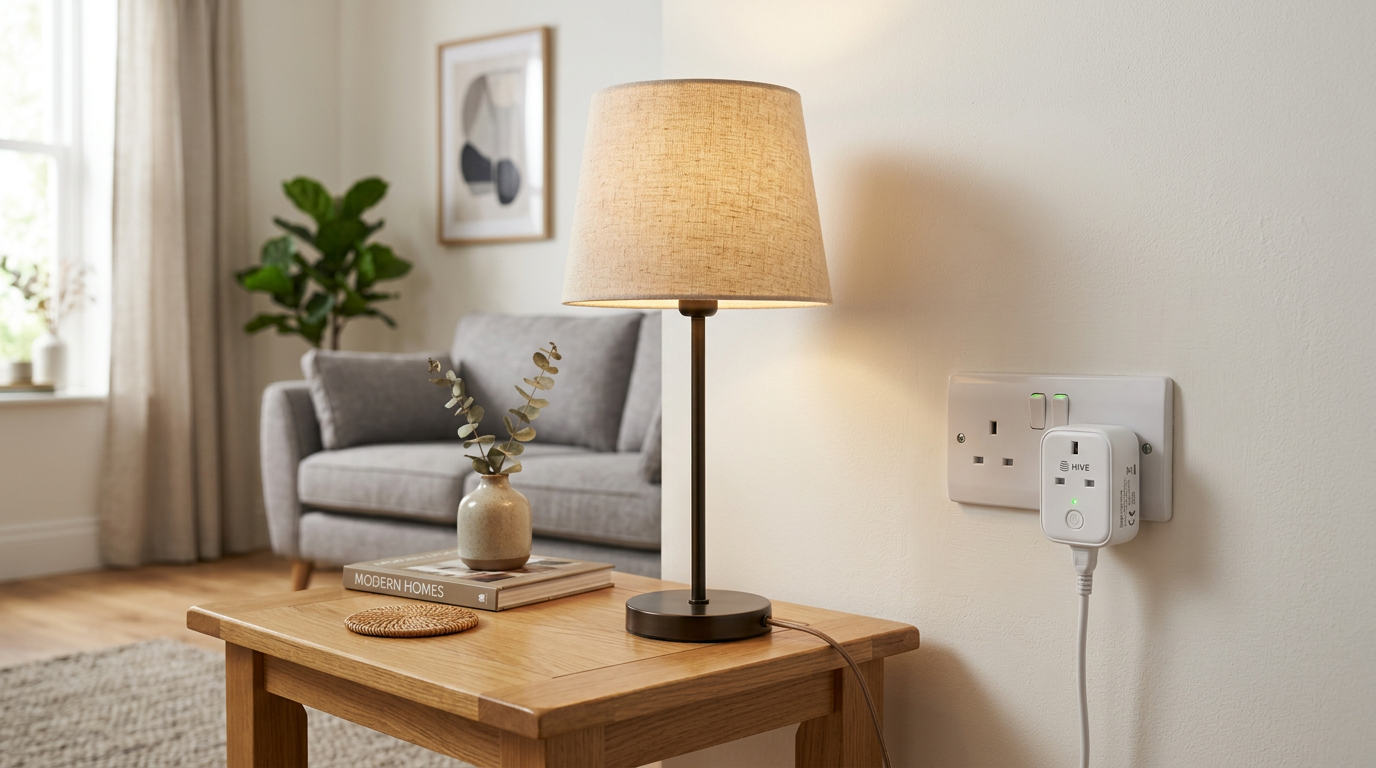
Voice assistant compatibility with Alexa, Google Assistant, and Siri is standard on most modern smart plugs, but always verify before purchasing, especially if you use Apple HomeKit.
TP-Link Tapo P110 , Best for Most People
The TP-Link Tapo P110 has been a favourite for good reason. At around £13 for a single plug or £30 for a three-pack, it offers exceptional value. It includes energy monitoring, scheduling, timer functions, and away mode (which randomly switches the plug on and off to simulate occupancy when you are on holiday).
Eve Energy, Best for Apple and Thread Users
The Eve Energy is the premium choice, and at around £45 it costs roughly three times as much as a Tapo, but it earns the premium with Matter-over-Thread, HomeKit-quality reliability, and precise energy monitoring. Thread is a low-power mesh networking protocol that improves responsiveness and range compared with Wi-Fi-only plugs; if you have an Apple TV 4K, HomePod mini or a Nest Hub (2nd gen) acting as a Thread border router, the plug slots into that mesh and responds almost instantly.
The Eve app is an excellent, privacy-respecting alternative to the vendor-locked apps that dominate this space, and the plug is noticeably more compact than many rivals so it does not block adjacent sockets.
Hive Active Plug , Best for British Gas Customers
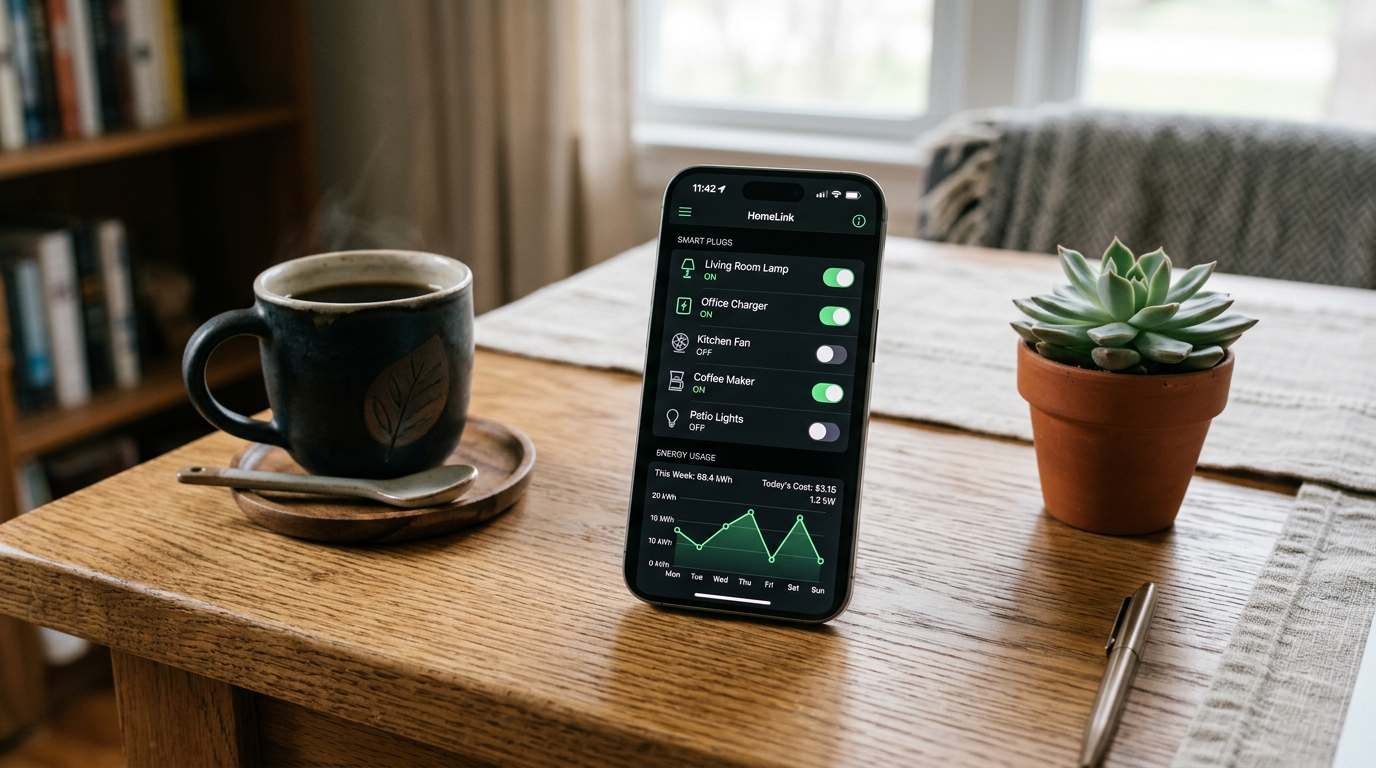
The Hive Active Plug sits at around £24 and integrates into the Hive ecosystem, which is popular in the UK thanks to its partnership with British Gas. If you already have a Hive thermostat or Hive Hub, the Active Plug slots into your existing setup seamlessly.
It supports Alexa and Google Assistant and includes basic scheduling and automation features. The Hive app is straightforward, and the plug’s build quality is solid. However, it lacks energy monitoring and does not yet support Matter or Thread, which makes it feel slightly behind the curve compared to the competition.
The Hive Active Plug makes the most sense if you are already invested in the Hive ecosystem and want everything in one app. For everyone else, the Tapo P110 offers more features at a lower price. Our broader smart home editorial covers how products like Hive fit into the wider landscape.
How to Get the Most from Your Smart Plugs
Once you have your smart plug set up, here are practical ways to use it beyond simply turning things on and off from your phone.
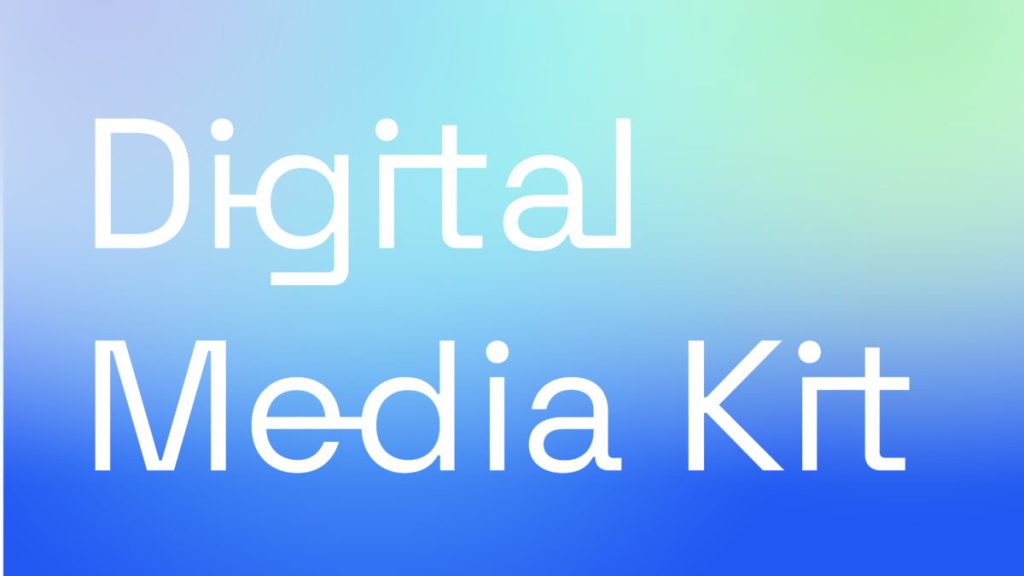
Automate lighting. Connect a table lamp and set it to turn on at sunset and off at bedtime. This is the single most popular smart plug use case, and for good reason , it is genuinely useful and requires no additional smart home hardware.
Kill standby power. Connect your TV and entertainment setup through a smart plug and switch it off overnight. Modern televisions and games consoles draw significant standby power , a smart plug with energy monitoring will show you exactly how much, and automatic scheduling eliminates the waste without requiring you to remember.
Create arrival routines. Pair your smart plug with a voice assistant routine or automation that triggers when you arrive home. Your hallway lamp turns on, the kettle switches on (if it has a mechanical on switch that stays engaged), and you walk into a welcoming home rather than a dark one.
Use them for safety. If you use a portable heater, a smart plug with scheduling ensures it turns off after a set period. This is particularly useful for Alexa routines, where you can build in automatic shut-off times.
Which Smart Plug Should You Buy?
For most people, the TP-Link Tapo P110 is the clear recommendation. It offers the best combination of price, features, and ecosystem compatibility. Buy a three-pack and start with a lamp, a fan or heater, and your entertainment setup.
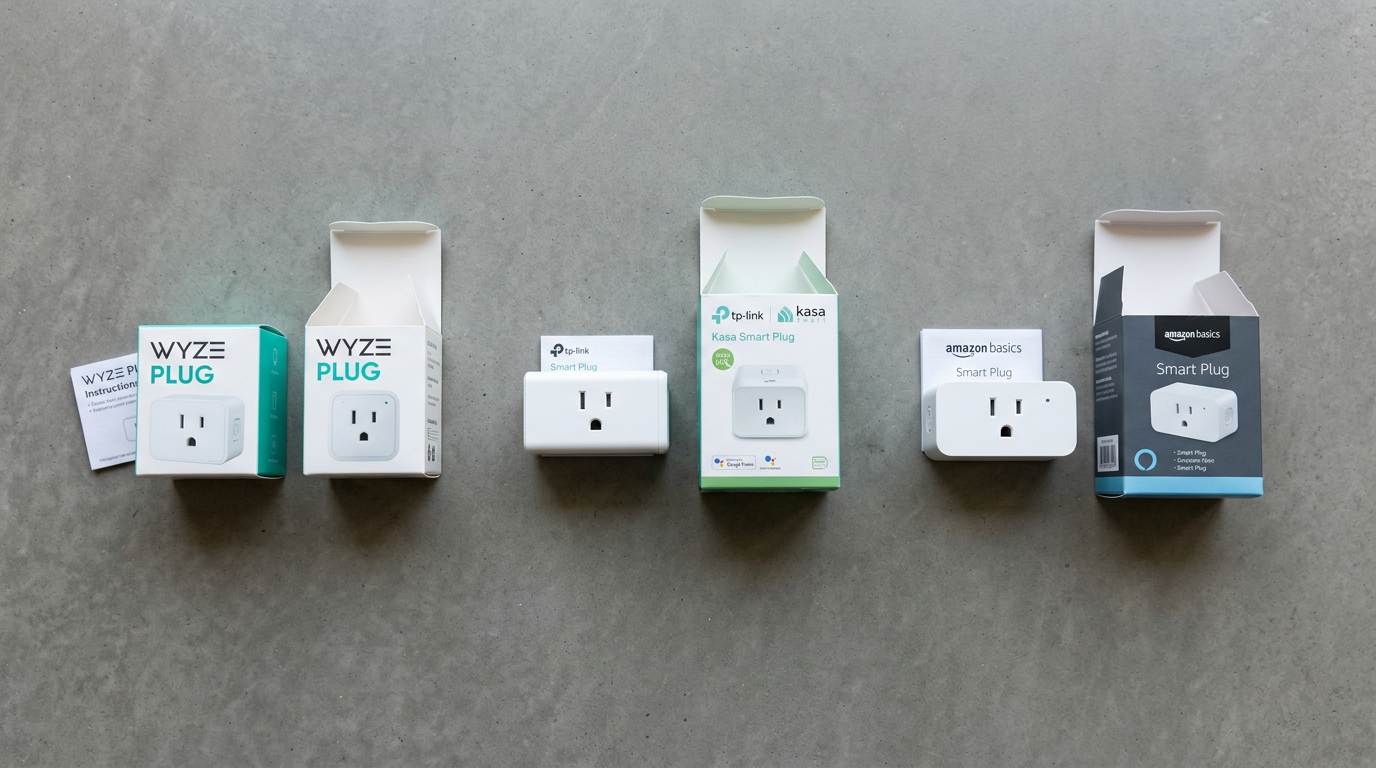
If you are building a premium Thread-based smart home or want the best energy monitoring, the Eve Energy is worth the extra cost. If you are deep in the Alexa ecosystem and want the simplest possible setup, the Amazon Smart Plug on a deal is hard to beat. And if you already use Hive for heating, the Hive Active Plug keeps everything in one app.
Smart plugs will not change your home overnight, but they are the most accessible, lowest-risk way to discover whether smart home technology is for you. Start with one, see if it sticks, and build from there. For a deeper look at getting started, The Verge’s smart home coverage is an excellent resource alongside our own guides.
How we pick
Buyer action
Where to buy or check next
Use this as the final check before ordering a phone, changing network or trusting a headline monthly price.














Reader discussion
Leave a comment
Comments are moderated. Keep it useful, accurate, and on topic.