EDITOR’S NOTE: This article is part of MobileTechWorld’s historical archive. Mobile technology has evolved dramatically since this was published. For our latest coverage, explore our Latest News, Reviews, and AI in Mobile coverage.
News · 31 Jul 2010 · MTW Editorial Team

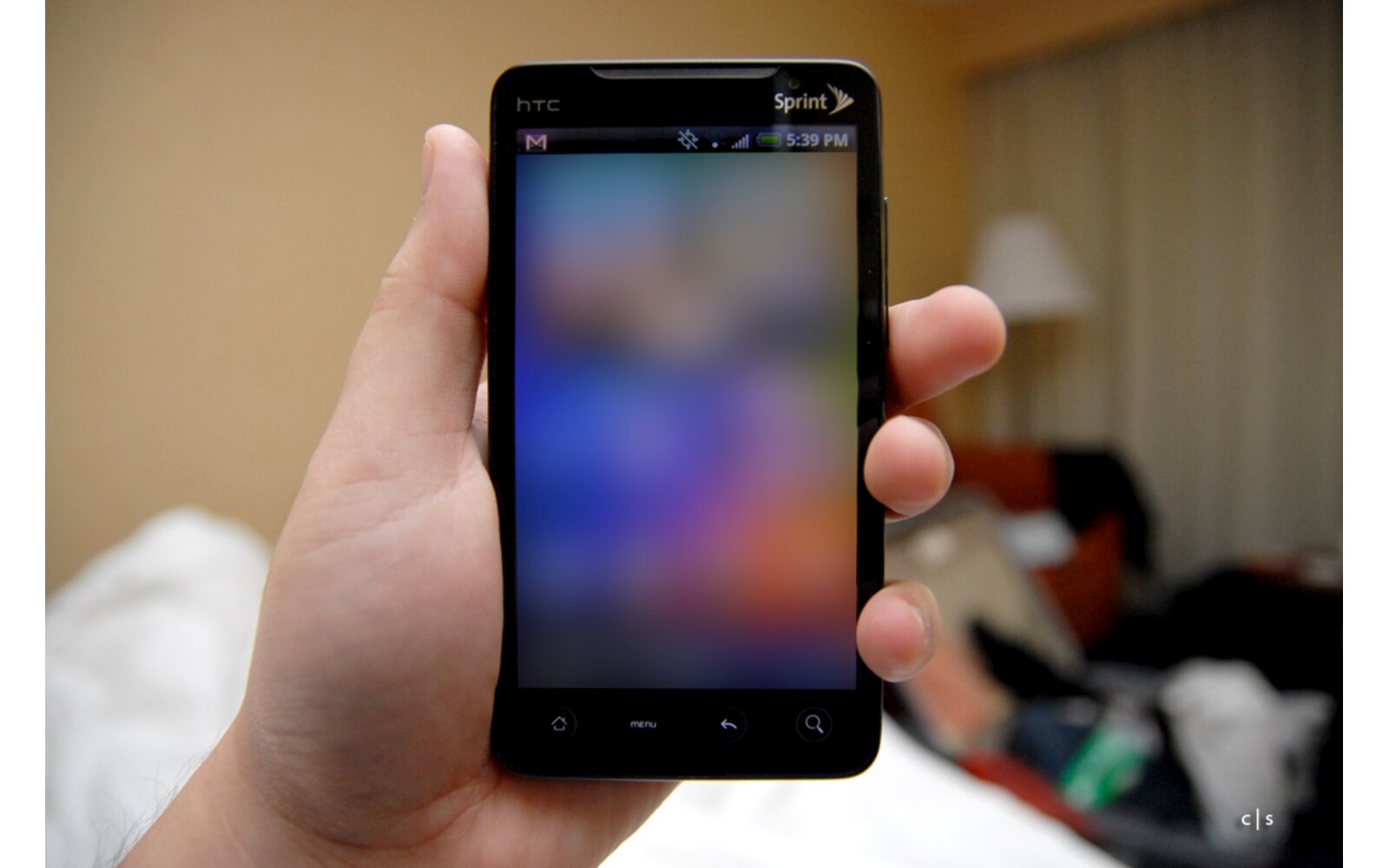
Can’t wait until August 3rd? Just grab the Android 2.2 firmware for your HTC EVO 4G and manually installed yourself right now. Downlad the Zip file here move it to the root directory of your SD card, boot the phone into recovery mode by holingd the volume ”up” button while the phone is turning on, and select apply update from the .zip file. Voila! Have a nice weekend and enjoy your EVO 4g.
UPDATE: HTC Took the file down claiming that it is not final. Here’s a Mirror just in case you want to try it out
Source: HTC via Android Police & Engadget
Buyer action
Where to buy or check next
Use this as the final check before ordering a phone, changing network or trusting a headline monthly price.
Google Store phonesCheck official Pixel pricing and trade-in options.Google Pixel supportConfirm update support, repair and setup details.Currys Android phonesCompare mainstream UK Android retail pricing.EE Android phonesCompare UK contract pricing and plan terms.Vodafone Android phonesCheck plan pricing and stock.Ofcom coverage checkerCheck local signal before switching network.