
Building a Whole-Home Smart Speaker Setup across multiple rooms doesn’t have to drain your bank account. With a bit of planning and the right platform choice, you can fill your home with music, podcasts, and voice assistant access for far less than you might expect. Here’s how to do it properly, which ecosystem to choose, and what to buy at every budget level.
Whole-home Smart Speaker Setup: Contents
- Step One: Pick Your Ecosystem and Stick With It
- The Room-by-Room Approach
- Recommended Setups by Budget
- How to Set Up Multi-Room Audio Groups
- Tips for Getting the Best Results
Step One: Pick Your Ecosystem and Stick With It
The single most important decision you’ll make is choosing one platform and committing to it. Mixing ecosystems , an Echo in the kitchen, a Nest in the bedroom, a HomePod in the living room , means you lose multi-room audio synchronisation, unified voice control, and the ability to manage everything from one app. Pick one and build around it.
Here’s how the three main platforms compare:
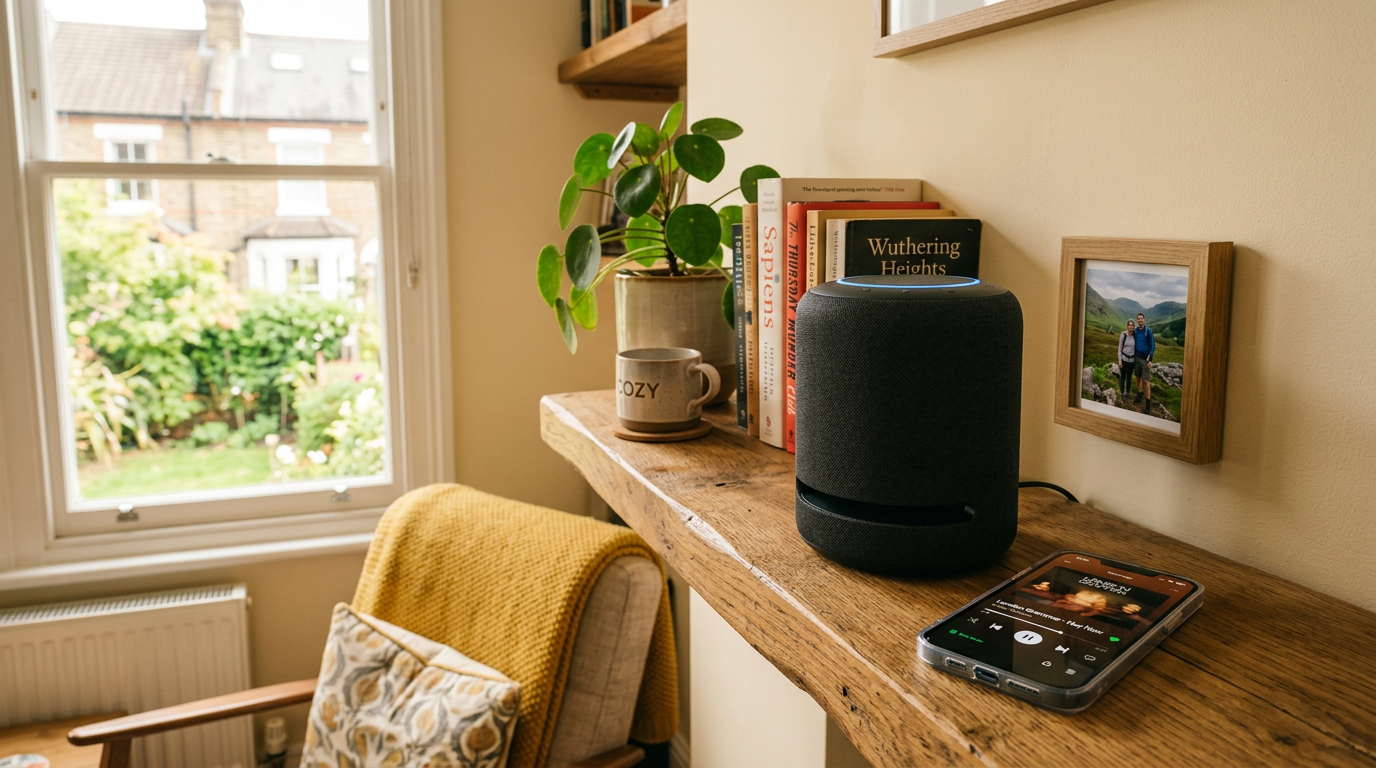
Amazon Echo / Alexa: The most affordable entry point and the widest range of speaker options, and in 2026 the Echo Dot remains the easiest recommendation for most UK buyers. Alexa has the largest library of third-party skills and the best smart home device compatibility. Sound quality on the standard Echo is decent, and the Echo Studio delivers genuinely impressive audio for its price. Multi-room audio grouping is straightforward through the Alexa app. Best for: budget-conscious buyers and those with lots of smart home devices.
Google Nest / Home: Google’s ecosystem has received a significant boost recently with the Gemini-powered Google Home update, which brings smarter contextual understanding, live camera search, and more natural voice interactions. Google’s newest Home Speaker arrived on 25 June 2026 and is available through the Google Store and third-party retailers, joining a line-up where the Nest Audio offers excellent sound for its price and the Nest Hub devices add a screen for visual feedback. Multi-room audio works through the Google Home app, and Chromecast integration means easy streaming from your phone. Best for: Google users who want the smartest voice assistant and visual displays.
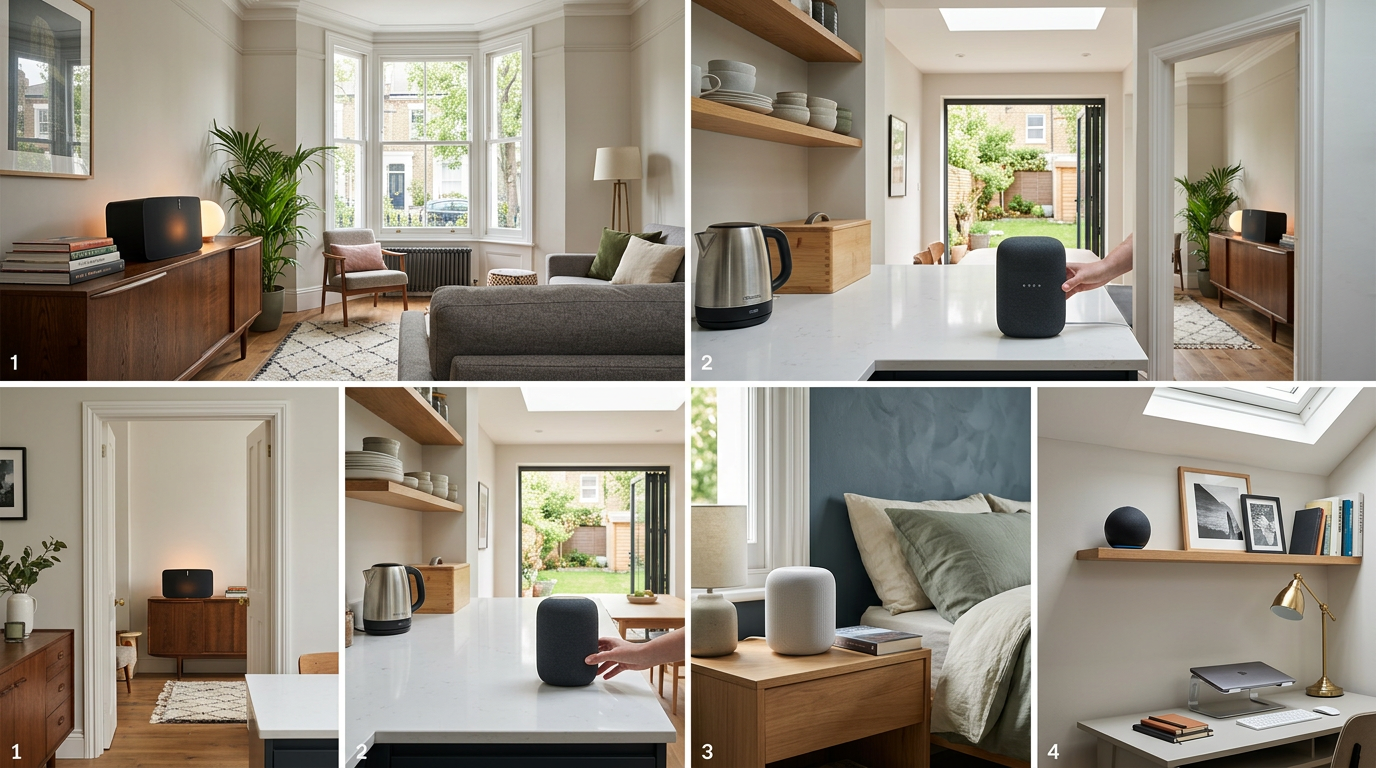
Apple HomePod / AirPlay: The most expensive option but the best audio quality per speaker. The HomePod (2nd generation) sounds superb for a smart speaker, and the HomePod mini is surprisingly capable for its size. AirPlay 2 handles multi-room audio beautifully with tight synchronisation. The catch: you’re locked into the Apple ecosystem, Siri is the least capable voice assistant of the three, and the speaker range is limited to just two models. Best for: Apple households that prioritise sound quality and already use Apple Music.
The Room-by-Room Approach
- Kitchen: A compact speaker that handles timers, recipes, and background music. Sound quality is less critical here because kitchens are noisy environments. A smart display like the Echo Show 8 or Nest Hub is particularly useful for following recipe instructions.
- Living room: This is where you want your best-sounding speaker. It’s the room where you’ll sit and actually listen to music, so invest a bit more here.
- Bedroom: A smaller speaker with good alarm functionality and gentle audio. The ability to control smart lights by voice is a genuine quality-of-life upgrade in the bedroom.
Recommended Setups by Budget
The £200 Budget (3 rooms, basic audio):
- Amazon route: 2x Echo Dot (5th gen) for kitchen and bedroom, 1x Echo (4th gen) for the living room. Total: approximately £160-£190.
- Google route: 2x Nest Mini for kitchen and bedroom, 1x Nest Audio for the living room. Total: approximately £170-£200.
The £400 Budget (3 rooms, better audio):

- Amazon route: 1x Echo Show 8 for the kitchen, 1x Echo Studio for the living room, 1x Echo Dot with Clock for the bedroom. Total: approximately £350-£400.
- Google route: 1x Nest Hub (2nd gen) for the kitchen, 1x Nest Audio (pair of two for stereo) for the living room, 1x Nest Mini for the bedroom. Total: approximately £330-£380.
The £600 Budget (3-4 rooms, premium audio):
- Amazon route: 1x Echo Show 8 for the kitchen, 2x Echo Studio (stereo pair) for the living room, 1x Echo Dot with Clock for the bedroom, 1x Echo Dot for a bathroom or office. Total: approximately £550-£600.
- Apple route: 1x HomePod mini for the kitchen, 1x HomePod (2nd gen) for the living room, 1x HomePod mini for the bedroom. Total: approximately £500-£570.
How to Set Up Multi-Room Audio Groups
When it comes to whole-home smart speaker setup, once your speakers are placed and connected to Wi-Fi, you’ll want to group them so you can play the same audio across multiple rooms simultaneously.
Amazon Alexa:
- Open the Alexa app on your phone.
- Tap Devices > + > Add Group.
- Select Multi-Room Music and name the group (e.g., “Everywhere” or “Downstairs”).
- Choose which Echo devices to include.
- Say, “Alexa, play music everywhere” to test it.
Google Home:
- Open the Google Home app.
- Tap + > Create speaker group.
- Name the group and select the speakers to include.
- Say, “Hey Google, play music on [group name].”
Apple AirPlay 2:
- Start playing audio on one HomePod.
- Open Control Centre on your iPhone, long-press the audio card, and tap the AirPlay icon.
- Select additional HomePod speakers to add them to the session.
- Alternatively, say, “Hey Siri, play this everywhere.”
Tips for Getting the Best Results
Position speakers at ear height when possible. A speaker on a high shelf firing downward sounds noticeably different from one at seated ear level. Bookshelves and side tables tend to work better than mounting high on walls.
Keep speakers away from walls and corners. Placing a speaker directly against a wall or in a corner boosts bass but muddies the overall sound. A few inches of clearance behind and to the sides makes a meaningful difference.

Use routines and automations. All three platforms support routines , automated sequences triggered by a voice command, a time of day, or a sensor event. Set up a “Good morning” routine that plays a news briefing on your kitchen speaker while turning on the lights. Create a “Goodnight” routine that stops all audio, dims the lights, and sets your bedroom alarm. These routines transform smart speakers from simple music players into genuinely useful household tools.
Ensure solid Wi-Fi coverage. Multi-room audio is only as reliable as your wireless network. If your router struggles to reach the bedroom, your speaker group will drop out or stutter. Consider a mesh Wi-Fi system if your home has dead spots , it’s a worthwhile investment that benefits everything in your smart home, not just your speakers.
Building a whole-home smart speaker setup is one of the easiest and most rewarding smart home projects you can take on. Start with one ecosystem, begin with three rooms, and expand from there as your budget allows. You’ll wonder how you ever managed without it.
Buyer action
Where to buy or check next
Use this as the final check before ordering a phone, changing network or trusting a headline monthly price.














Reader discussion
Leave a comment
Comments are moderated. Keep it useful, accurate, and on topic.