News · 24 Nov 2011 · MTW Editorial Team

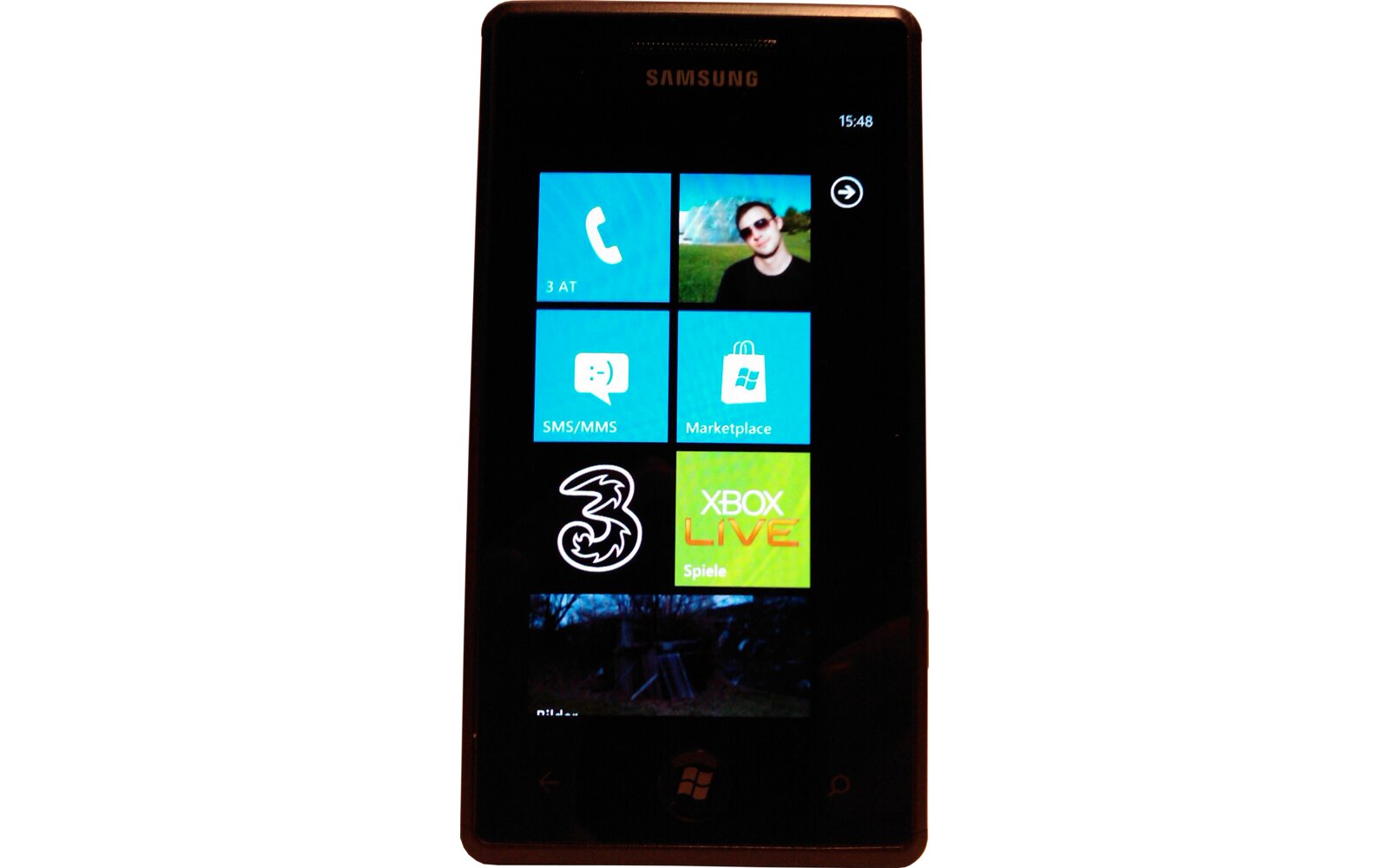
Both the Samsung Focus S and Focus Flash / Omnia W have two extra settings available to the end-user: Auto-Display intensity and Key-vibration feedback. Samsung has just made them available to Omnia 7 and Focus owners via an applications in the marketplace (once installed the extra settings will be located in the OS’s settings menu). The Auto-Display intensity toggle is perfectly functional but the key-vibration option doesn’t have any effect on my Omnia 7. Let me know how it goes for you, but remember that disabling auto-display intensity will shorten your battery life.
UPDATE: It appears like this app is once again not meant to run on the Omnia 7 and Focus. Besides the second option not working at all the auto-display brightness setting isn’t even saved. It will work as long as you the screen doesn’t shut down.If you power the screen back on it will revert to default… Thanks for nothing Samsung…
Buyer action
Where to buy or check next
Use this as the final check before ordering a phone, changing network or trusting a headline monthly price.