This post is from our Windows Phone 7 archive. For our current coverage of phones, see our 2026 best phones in the UK for 2026.
Read the 2026 best phones in the UK for 2026 guide →UPDATED · News · 28 Jan 2012 · MTW Editorial Team

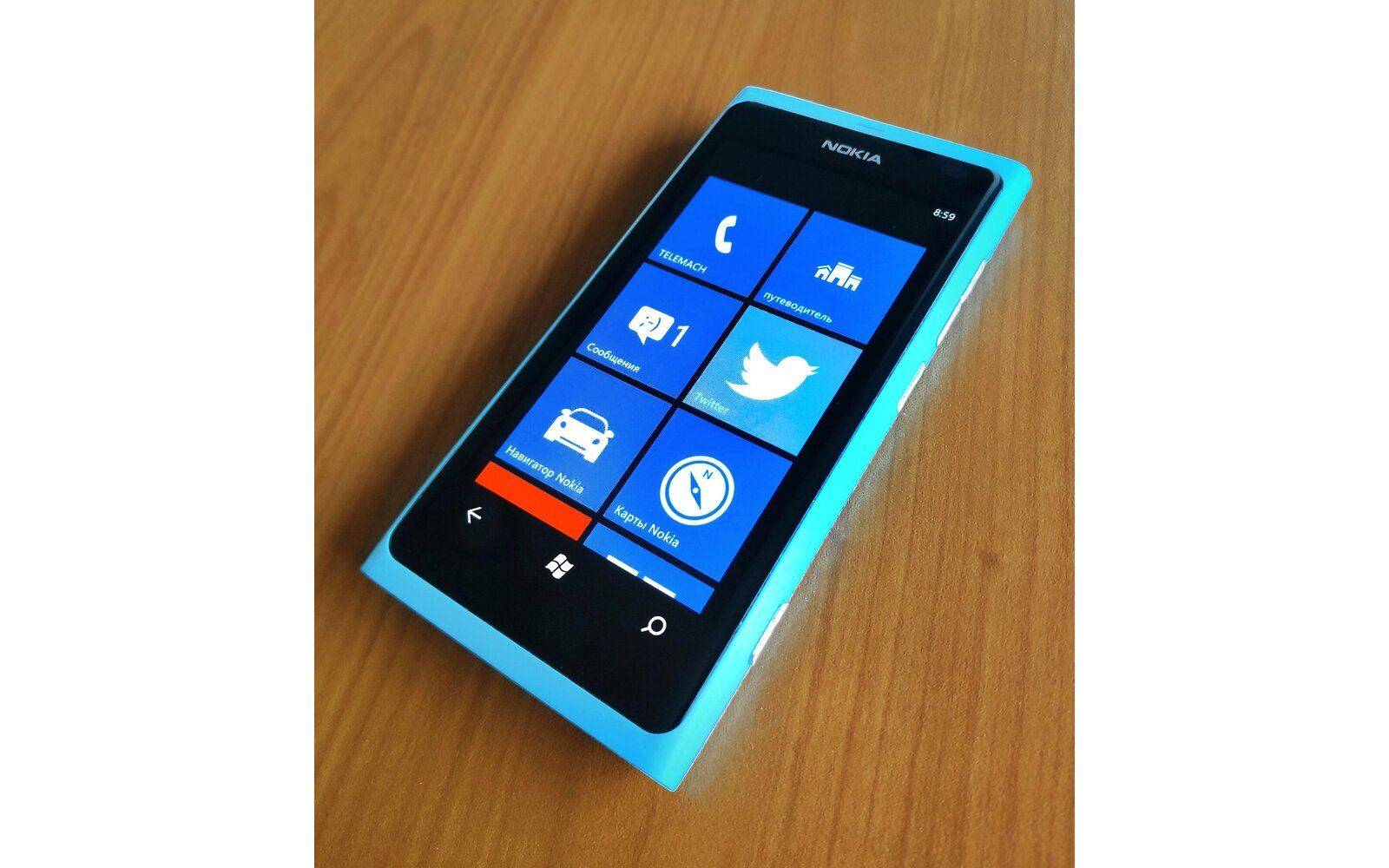
As you all have noticed the Nokia Lumia 800 isn’t free of issues since it’s launch back in November. Following the recent patch release and subsequent users complains about it not fixing some of the battery related issues, Audio and Camera quality, the company has released another statement today to set the record straight about what is actually going on. The good news is that Audio and Camera related issues are going to be taken care off in an upcoming updates. From my own experience on the camera front the only thing that has still not been fixed is the Auto-White balance and Auto-Iso settings (Auto-Focus in video mode and Photo color temperature were fixed by the latest update).
On the Subject of the dreaded battery Nokia is telling use that all should be fine now unless you have the missing battery status defect and that your handset shows more than 1000mah of capacity. Based on what I have seen so far this is indeed true because the Diagnostics application does reports fluctuating max battery capacity even-though it doesn’t seems to affect the overall battery life. Nokia doesn’t recommend the use of the Diagnostic app and instead asks the users to check out the Battery Saver sub-menu in the OS’s settings (the remaining battery percentage can’t be trusted either from my own experience: reports are only good for the 2 first battery cycles after a hard reset and then it never goes above 20hrs). Your mileage may vary but I’m now finally having relatively good battery life after one last oddity a few days ago when I lost nearly 50% in standby mode during the night while I was sleeping (seems to have happened to many user on the exact same day so I’m not ruling out a Twitter/Live update service issue on that night that may have caused this). Anyway, if you are still experiencing issues (badly grounded screen…) or if your battery status is gone for good I highly recommend you get you phone repaired or exchanged for a brand new one. I’m having lunch with Nokia next week so I may have some more news for you on this subject.
UPDATE: As I’ve tweeted earlier this morning, the super fast battery drain issue happened again on my phone during the night while in standby (lost 30% in 5 hours after a full charge cycle). So it definitively looks like something is wrong with the device’s power management system. Things are fine for the first 3 full battery cycles then it goes bonkers on the 4th.
Full statement after the break:
“We’ve seen your comments on the latest update for the Lumia 800 and wanted to take the opportunity to quickly address some points.
First of all, the primary target of the latest Lumia 800 update (1600.2483.8106.11500) was to enhance standby time as well as to bring an improvement to the issue reported by some customers in December, that their phone wasn’t able to access the full battery charge capacity correctly. We can confirm that we have successfully tested that those improvements are working. Additionally, we’ve noted your concerns regarding audio and camera settings and are going to address those in a series of future updates, ie. these will not be included in this specific update. It is also important to understand that only the Nokia Update for Lumia 1600.2483.8106.11500 will introduce the mentioned improvements. If you want to see what update you have installed or what software version you currently have on your Lumia 800, please check Settings>System>About and then tap the box for “More information”. The “Firmware revision number” shows 1600.2483.8106.11500 if you have installed the latest Nokia update for Lumia successfully. To make sure that your Lumia 800 is up to date and always gets the latest features, go to Settings > Phone Update and select “Notify me when updates are found”. Then, as soon as a new update is available for your Lumia 800, your phone will automatically display a notification.
Also always use the original Nokia Fast USB Charger AC-16 or the Nokia Charging and Data Cable CA-185CD that came with your Lumia 800, as they are specifically designed to charge the Lumia 800 as efficiently as possible. Only a charger with an output of 1000mA will fully charge your Lumia 800 battery. If you have several Nokia chargers at home, just check the respective labels or plastic parts as the product name is mentioned there.
Last but not least, the Diagnostic App was designed for internal testing purposes. In general, your battery is fine as long as the full charge capacity is more than 1000mAh. For the future, if you are checking your battery life, more useful information on the Battery status can be found by focusing on Settings>System>Battery saver. It will tell you both your remaining battery life in percent as well as the estimated time remaining, plus the time since you last charged your phone (as soon as you have disconnected your phone from your charger). If you have concerns about your battery capacity, please contact Nokia Care (phone numbers and locations can be found via www.nokia.com/support).”
Thanks for the heads up Glenn
Follow @MobileTechWorld
Buyer action
Where to buy or check next
Use this as the final check before ordering a phone, changing network or trusting a headline monthly price.













