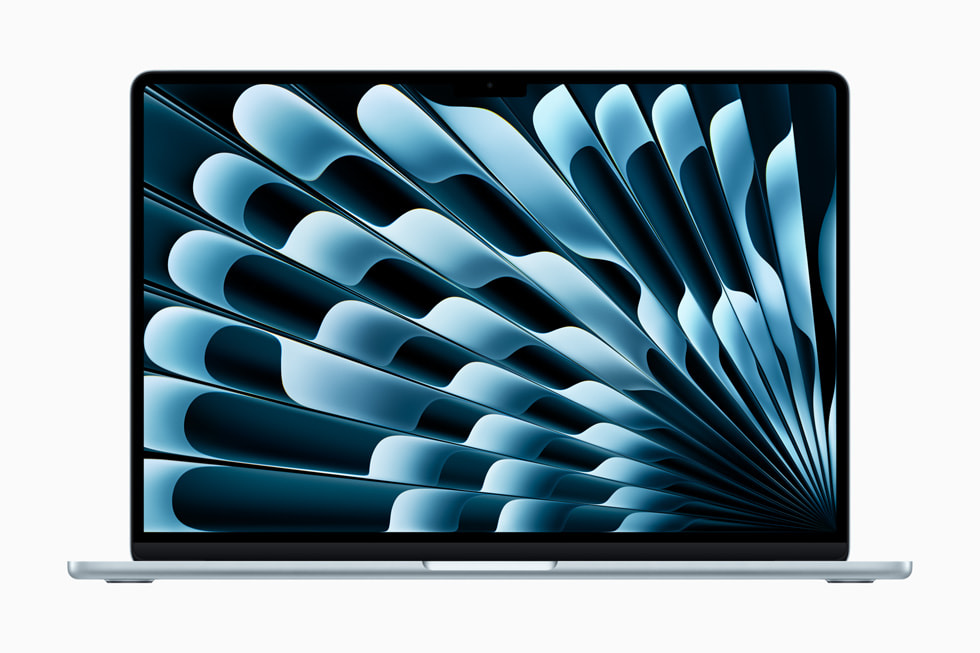
If you’re choosing between MacBook options, Apple now sells two ultra-thin laptops at very different price points, and the overlap between them is just large enough to cause genuine confusion. The M4 MacBook Air 13-inch starts at £999 in the UK and remains the default recommendation for most people. The A18 Pro MacBook Neo starts at £599 and is Apple’s direct challenge to the Chromebook market. If you are trying to decide between them, the answer depends entirely on what you actually do with a laptop, not what you think you might do one day.
Macbook Air: Contents
- Start with What You Actually Need
- Performance: Where the Gap Actually Matters
- Display and Build Quality
- Ports and Connectivity
- Battery Life
- The Student Question
- The Professional Question
- Our Recommendation
Start with What You Actually Need
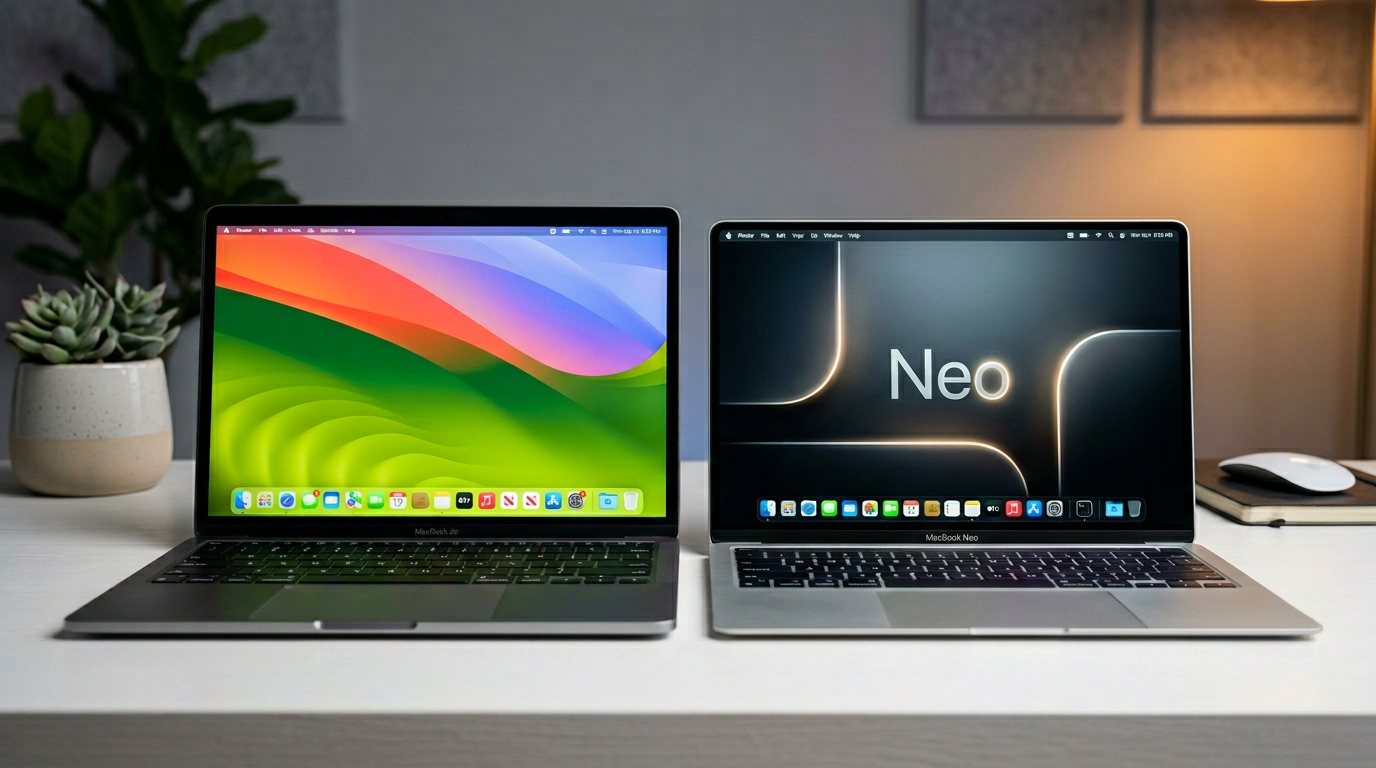
Before diving into specifications, ask yourself three honest questions. Do you regularly use professional software like Final Cut Pro, Logic Pro, Xcode, or Adobe Creative Suite? Do you need to run multiple demanding applications simultaneously? Do you connect external displays for extended desktop work? If you answered yes to any of these, the MacBook Air is almost certainly the right choice. If you answered no to all three, the MacBook Neo deserves serious consideration, and could save you £400.
The MacBook Neo runs on Apple’s A18 Pro chip, which is derived from the iPhone rather than the Mac-specific M-series silicon. This is not a weakness in everyday use. For web browsing, document editing, email, video calls, streaming, and light photo editing, the A18 Pro handles everything smoothly. It runs a full version of macOS, not a stripped-down operating system, so you get access to the same App Store and the same software library. We covered the MacBook Neo’s launch in detail, and our initial impressions hold up after extended use.

Performance: Where the Gap Actually Matters
The M4 chip in the MacBook Air is meaningfully faster than the A18 Pro in the MacBook Neo, but the gap only becomes apparent in sustained workloads. Exporting a ten-minute 4K video in Final Cut Pro takes noticeably longer on the Neo. Compiling a moderately complex Xcode project shows a similar story. Synthetic benchmarks put the M4 ahead by a comfortable margin on multi-core workloads, driven by both more performance cores and more memory bandwidth.

Display and Build Quality
The MacBook Air’s 13.6-inch Liquid Retina display remains one of the best in the business at this price class, with excellent colour accuracy, sharp text rendering and up to 500 nits of brightness. The MacBook Neo’s 13-inch Liquid Retina panel at 2408×1506 is sharp and pleasant, but drops the Air’s extended dynamic range and peaks at a lower brightness, so it struggles more in bright daylight.
Build quality tells a similar story. The MacBook Air is constructed from recycled aluminium with a premium, seamless finish. The Neo uses a mix of aluminium and recycled composite materials, resulting in a chassis that is lighter but feels slightly less rigid. Neither will fall apart, but the Air has that unmistakable premium feel that Apple fans expect. The Neo feels more like a very well-made Chromebook, which, given the price, is perfectly reasonable.
Ports and Connectivity
The MacBook Air offers two Thunderbolt 4 (USB-C) ports, a MagSafe charging port, and a 3.5mm headphone jack. The Neo provides two USB-C ports without Thunderbolt, MagSafe charging, and a headphone jack. The practical difference is that the Air can drive external displays at higher resolutions and connect to faster external storage. If you use a portable USB-C monitor, both laptops will work, but the Air offers greater bandwidth for demanding peripherals.
Battery Life
Apple rates the MacBook Air M4 at up to 18 hours of video playback, and our mixed-use testing (web browsing, document editing, occasional video streaming, brightness at 50 per cent) consistently saw around 13 to 14 hours per charge. The MacBook Neo is newer, with Apple rating it for a shorter period of video playback, and in the same mixed-use pattern we averaged 11 to 12 hours. Both are excellent by any standard, and both will comfortably last a full working day away from a charger. The Air’s advantage is meaningful on very long travel days, but the Neo is by no means a compromise here.
The Student Question
University students are the most obvious target market for the MacBook Neo. It handles lecture note-taking, research, essay writing, and video calls with ease. The lighter weight is a genuine benefit when carrying it across campus, and Apple’s £499 education price makes it even more appealing. For students studying computer science, video production, or graphic design, however, the MacBook Air’s additional performance headroom and Thunderbolt connectivity make it the safer long-term investment. If you have been weighing up whether the MacBook Neo is worth it, the answer for most students is yes, unless your course demands professional creative software.
The Professional Question
If your employer is buying and you have a choice, take the MacBook Air. The M4 chip, Thunderbolt ports, and superior display make it the better tool for any professional context. If you are self-employed and budget matters, the Neo is perfectly capable for roles that revolve around communication, writing, and web-based tools. Accountants, consultants, and project managers will not find the Neo limiting. Developers, designers, and video editors will.
Our Recommendation
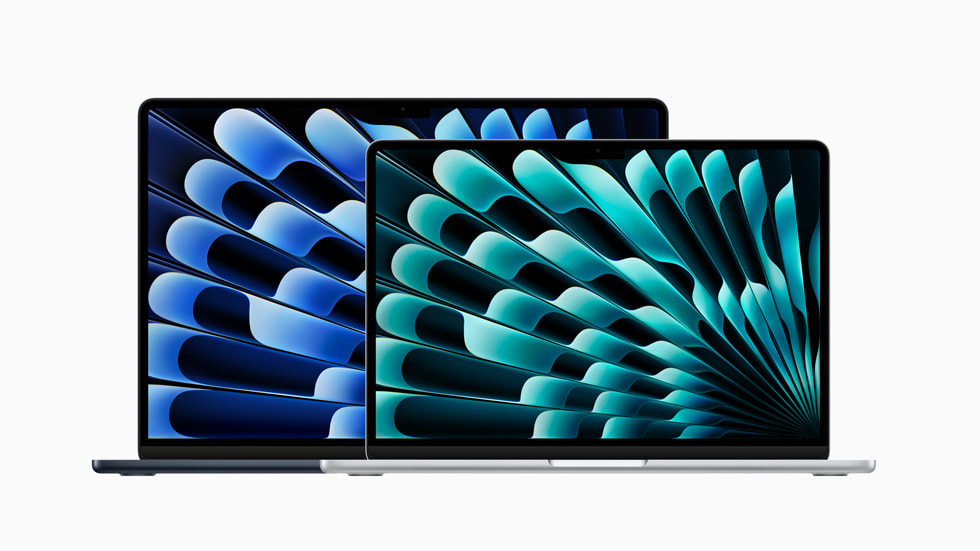
Buy the MacBook Air M4 if you use professional-grade software, need Thunderbolt connectivity, want the best display, or simply prefer to future-proof your purchase. At £999 it remains the best all-round laptop Apple makes.
Buy the MacBook Neo if you primarily use web-based tools, want a lightweight and affordable macOS device, or need a secondary laptop for travel. At £599 (or £499 on education pricing), it offers remarkable value and brings genuine macOS into a price bracket that was previously Chromebook territory.
Both are excellent laptops. The Air is the better machine; the Neo is the better value. Choose accordingly.
Buyer action
Where to buy or check next
Use this as the final check before ordering a phone, changing network or trusting a headline monthly price.














Reader discussion
Leave a comment
Comments are moderated. Keep it useful, accurate, and on topic.