
The DJI Mic 3 has dropped the 3.5mm lavalier input that sat on the Mic 2 transmitter, so you can no longer plug a wired lav into the pack you clip on the talent. Reviewers who got hands on it first — Pro Moviemaker flagged it in their mini-test — were blunt about it. The new transmitters rely solely on their built-in omni capsule. But the receiver still carries a locking 3.5mm TRS output, and that one port is the workaround that keeps your existing UK lav kit earning its keep.
The short answer: the Mic 3 removes the 3.5mm input from the transmitter but keeps the locking 3.5mm TRS output on the receiver, so you can still feed a clean signal into a camera or field recorder — you just lose the ability to hide a broadcast-grade wired lav on the subject while staying wireless. If that hidden-lav look is core to your work, the Mic 2 remains the smarter buy; if you shoot camera-first on a Pocket or Osmo, the Mic 3 is an upgrade and the missing jack is irrelevant.
If you have spent the last two years building a sound bag around DJI’s ecosystem, that is not a spec-sheet footnote. It is a workflow change, and the kind that bites you on a shoot day rather than in a showroom. Here is what actually changed, who it hurts, and the workaround in full.
What DJI actually deleted
On the Mic 2, the transmitter had a 3.5mm input. That single port was the bridge between DJI’s slick wireless system and the wider world of professional wired lavaliers — your Sennheiser MKE 2, your DPA, the discreet capsule you tape under a collar when an on-body box is too obvious. Plug it in, and the Mic 2 transmitter became a wireless pack for a mic you already trusted.
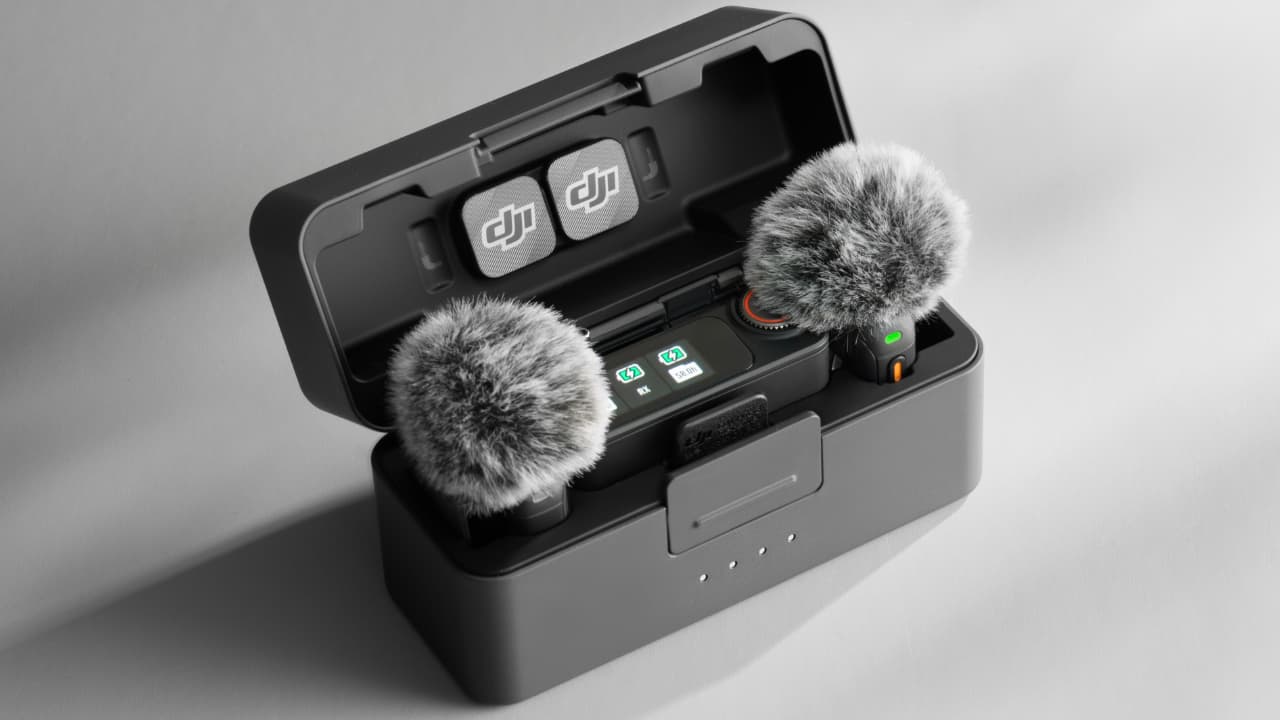
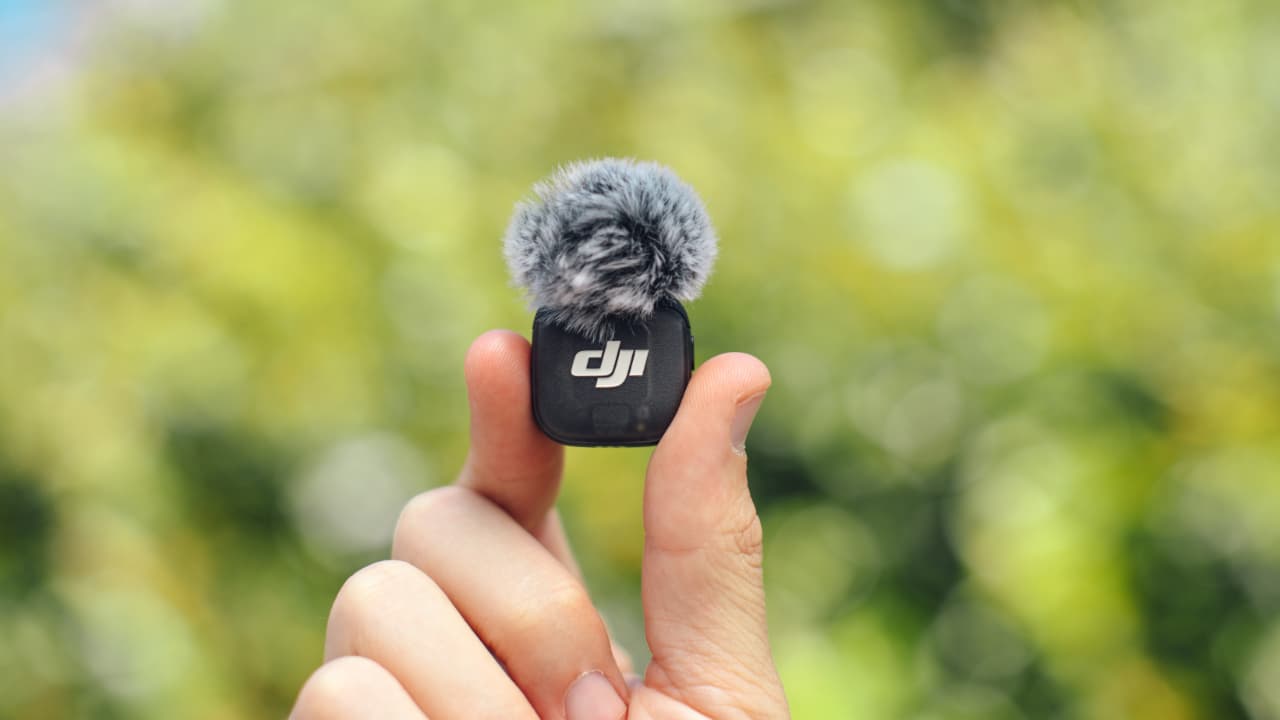
The Mic 3 removes that bridge entirely. The transmitters now rely solely on their internal omnidirectional microphones. There is no socket to plug a wired lav into the body you actually clip on the talent. For anyone whose look depends on a hidden, broadcast-grade lav rather than a visible clip-on box, that is the headline — and not in a good way.
| What matters for sound work | DJI Mic 2 | DJI Mic 3 |
|---|---|---|
| 3.5mm wired-lav input on the transmitter | Yes | No |
| Receiver 3.5mm locking TRS output (feeds camera/recorder) | Yes | Yes (locking) |
| Direct OsmoAudio pairing with no receiver in the chain | Receiver required | Yes (Pocket 3, Action 5 Pro, Action 4, Osmo 360) |
| Best suited to | Hiding a broadcast-grade wired lav while staying wireless | Camera-first solo shooting on DJI bodies |
| Who wins it | Hidden-lav shooters | Osmo and Pocket creators |
Why this stings most inside DJI’s own ecosystem
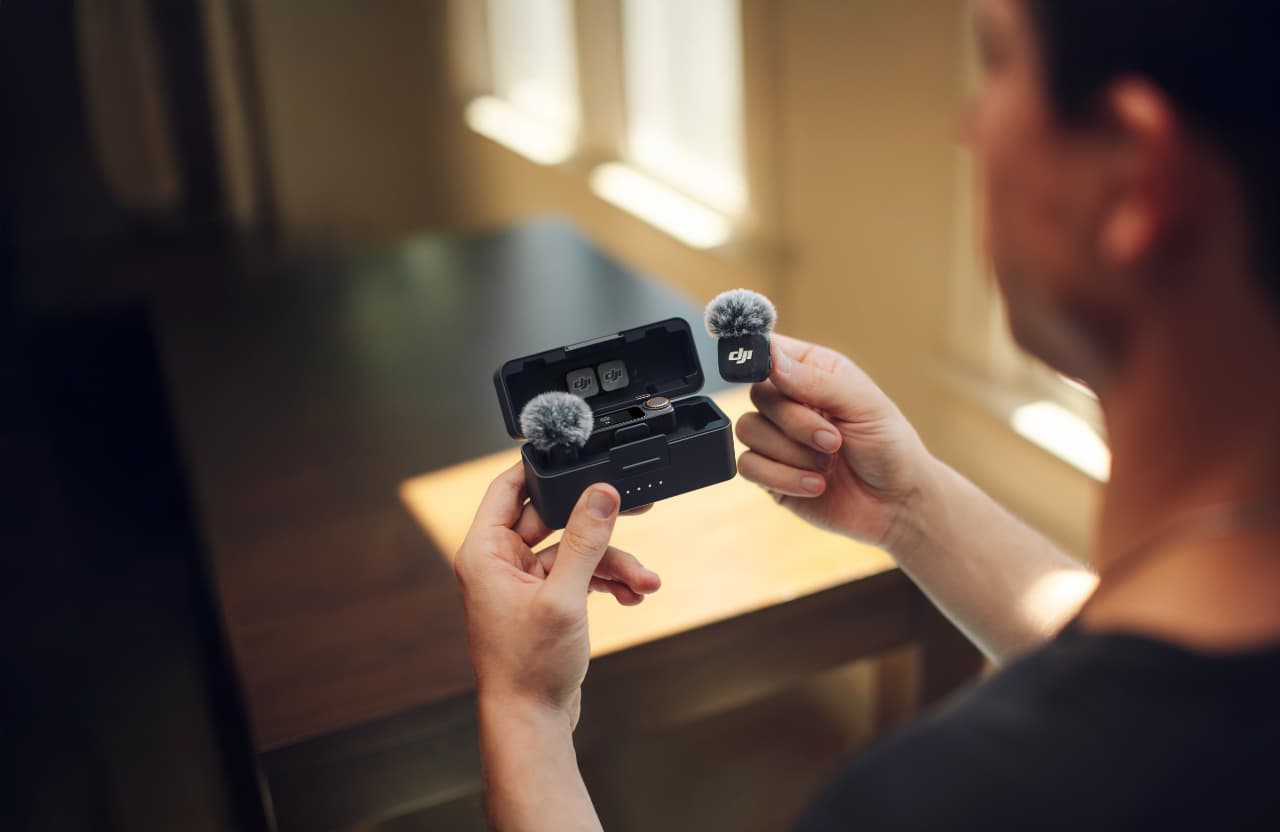
The irony is that DJI did not remove the port out of carelessness. It removed it because of where it thinks the Mic 3 belongs. As RedShark News details, the Mic 3 connects directly into DJI’s OsmoAudio ecosystem, pairing wirelessly with the Osmo Pocket 3, Osmo Action 5 Pro, Osmo Action 4 and Osmo 360 without needing a receiver in the chain at all.
That is genuinely clever for the solo creator who shoots on a Pocket and wants clean audio with zero faff. No receiver, no cable, no cold shoe full of adapters — the transmitter talks straight to the camera. But it also tells you exactly who DJI built this for, and who it quietly left behind. If your sound design starts with the capsule and not the camera, the Mic 3’s priorities are not your priorities.
DJI didn’t forget the lav jack. It decided your microphone choice mattered less than your camera brand — and for a lot of creators, that trade is exactly backwards.
The workaround that keeps your wired lavs alive
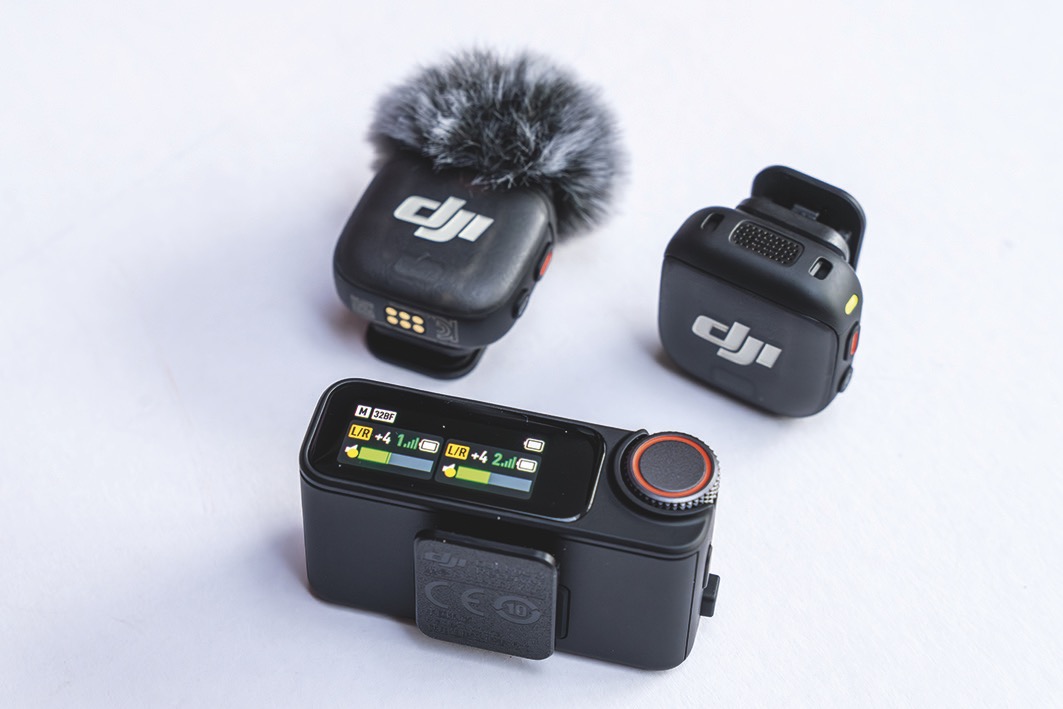
Here is the part worth knowing before you write off your existing kit. The lav input vanished from the transmitters, but the receiver is still a proper audio hub. As Swole Nerd Productions lays out in its Mic 3 versus Mic 2 breakdown, the receiver keeps a locking 3.5mm TRS output plus a TRRS monitoring port — which means traditional wired lavs and your camera or field recorder still have a way in and out of the system.
In practice, that reshapes your rig rather than killing it. You are no longer running a wired lav into the body on the talent; instead you lean on the transmitter’s internal capsule for the wireless link, and you use the receiver’s locking TRS out to feed a clean signal into your camera or recorder, with the monitoring port for live headphone checks. The locking output matters more than it sounds — a 3.5mm jack that physically clicks home is the difference between catching a yanked cable in the edit and not catching it at all on a moving shoot.
The honest caveat: this is not a like-for-like replacement for plugging a premium lav into the transmitter itself. You lose the ability to hide a high-end capsule on the subject while staying fully wireless. If that hidden-lav look is core to your work, the Mic 3 is a downgrade no workaround fully undoes, and the Mic 2 remains the smarter buy. For everyone else, the receiver’s outputs mean your camera-end cabling and monitoring habits carry over intact.
What you are not losing
It would be easy to read all this as a stripped-back product. It isn’t. The Mic 3 keeps the features that justify its place at the top of the wireless-mic shelf. As RedShark News details, the headline kit runs to dual-file 32-bit float internal recording, 32GB of onboard storage on the transmitter, dual-band 2.4GHz and 5GHz transmission with automatic frequency hopping, and embedded timecode.
Those are not consolation prizes. 32-bit float means a clipped take is recoverable rather than ruined — a real safety net on unpredictable UK location work where you cannot retake a one-off moment. The 32GB onboard backup means the transmitter is recording even if the wireless link drops, RedShark notes the timecode drifts by no more than a single frame over 24 hours, and the 5GHz path with frequency hopping holds up across a quoted 400-metre range. For a creator who values resilience over a hidden capsule, that is a serious feature set. The removed jack is the cost of admission, not a sign the rest was cheapened.
The call I’d make before I reorder cables
My position is straightforward. If you are a Pocket or Osmo shooter who has never plugged a wired lav into a transmitter in your life, the Mic 3 is an upgrade and the missing jack is irrelevant to you — buy with confidence, and lean into the receiverless pairing. If your work depends on hiding a broadcast-grade lav on the talent while staying wireless, do not let the newer number on the box talk you out of what works: hold onto your Mic 2 transmitters, or build the receiver-out workaround into your standard rig and test it before the job, not on it.
What would change my mind is simple — a firmware or hardware route that restores a wired input on the body you actually clip on. Until DJI offers that, the Mic 3 is a brilliant camera-first system that asks you to give up microphone-first thinking. Know which one you are before you spend, and your existing UK kit need not let you down.
Buyer action
Where to buy or check next
Use this as the final check before ordering a phone, changing network or trusting a headline monthly price.













Reader discussion
Leave a comment
Comments are moderated. Keep it useful, accurate, and on topic.