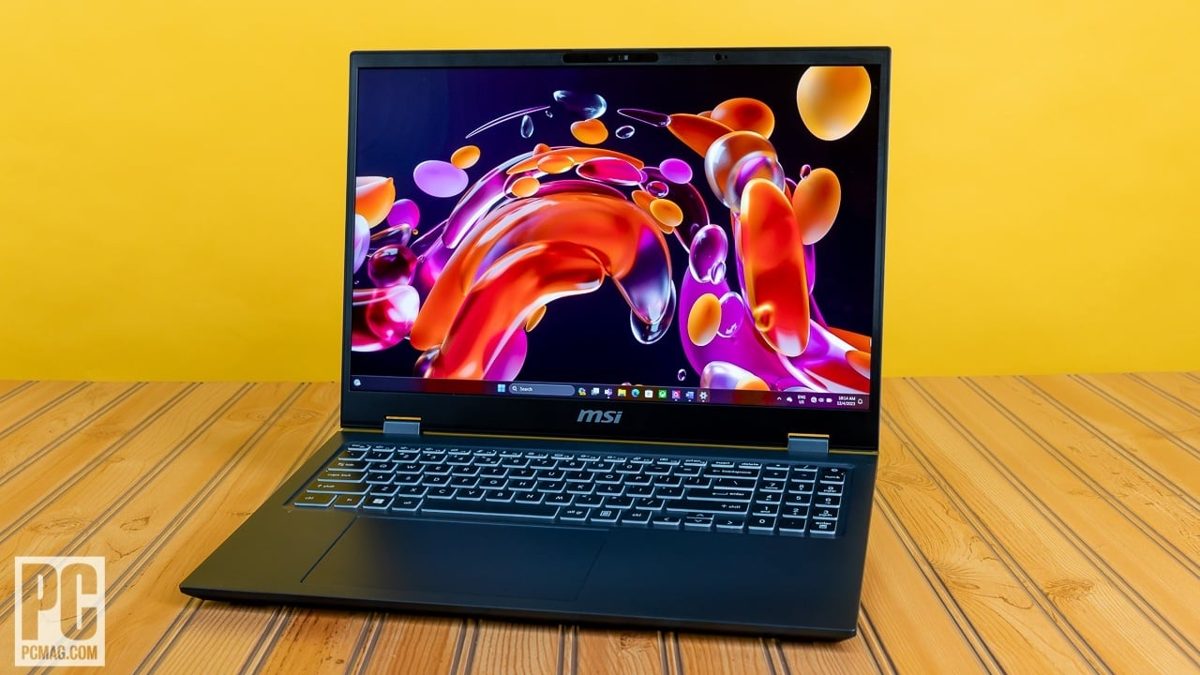
A 16-inch 4K OLED laptop with a creator’s spec sheet and not a single gamer-grade light strip in sight — and when PCMag put the MSI Prestige 16 AI Evo on the bench back in February 2024, the B1MG-005US it tested landed at $1,449 with an Intel Core Ultra 7 155H, 32GB of RAM and a 1TB SSD. That is the version most people still mean when they say “Prestige 16”, and it is the one I keep coming back to — because the laptop MSI built around that chip is the quiet, grown-up creator machine the company almost never gets credit for.
Let me be plain about where I stand: the Prestige 16 AI Evo is the MSI I would actually put on a desk that isn’t in a bedroom. No dragon shield glowing through the lid, no RGB theatre, no aggressive vents. It looks like it belongs in a meeting, and it carries a panel that belongs in a colour-grading suite. That tension — understated chassis, show-off screen — is the whole story, and it is why I rate it above flashier rivals that cost the same.
The panel is the reason to care
The configuration that made the early reviews sing is the 16-inch 3840×2400 OLED. That is a genuine 4K-class creator display, non-touch, with the contrast and colour an OLED gives you for photo and video work that an IPS screen simply cannot fake. When Laptop Mag reviewed the same Core Ultra 7 155H config in February 2025, they had it at $1,399 from Newegg — and the OLED was the headline there too, paired with 32GB of RAM, a 1TB SSD and Intel’s Arc integrated graphics doing the heavy lifting on the GPU side. A self-emissive 4K panel at that price, in a chassis this sober, is rarer than the spec sheet makes it sound.
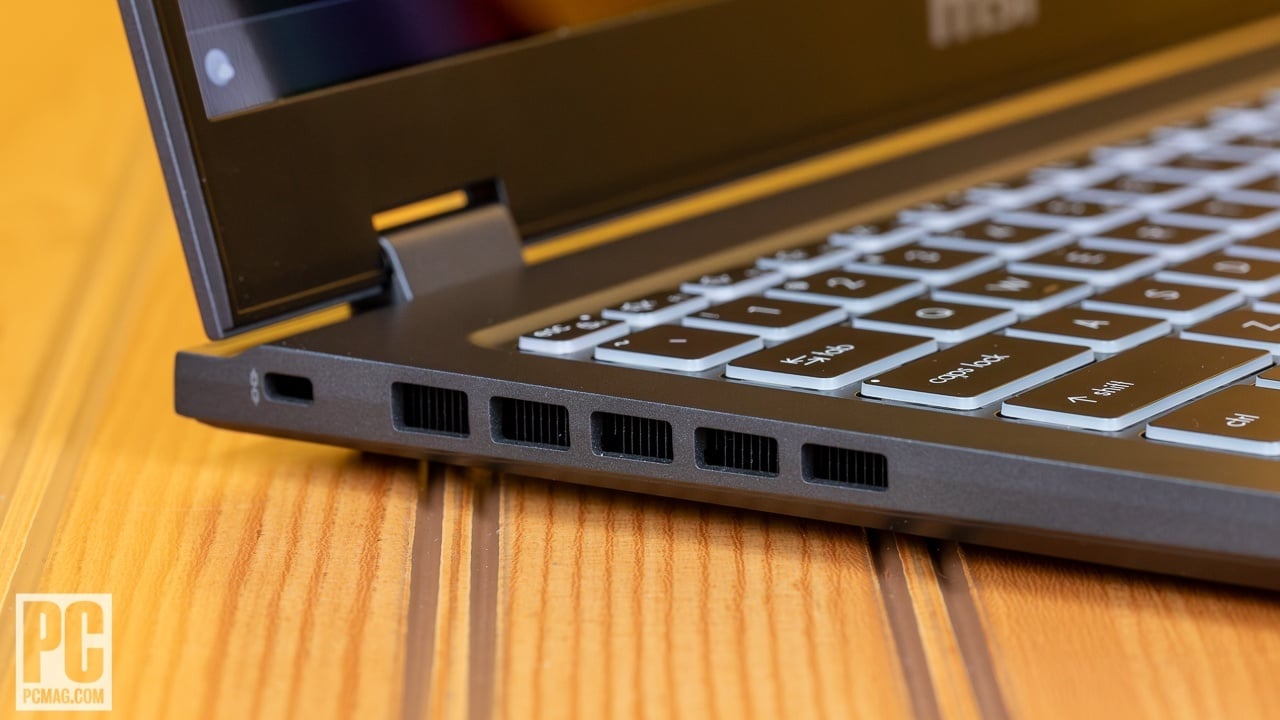
That last point matters for managing expectations. This is an Arc iGPU machine, not a discrete-GPU workstation. For Lightroom, Photoshop, lighter Premiere and DaVinci timelines, and the everyday grind of a working creative, it is comfortably enough — and the OLED means you are previewing your colour on a panel that actually shows you the blacks. For sustained 4K colour grading, long GPU exports or 3D, it is not pretending to be a mobile RTX rig, and you shouldn’t buy it as one. Know which side of that line your work sits on before you spend.
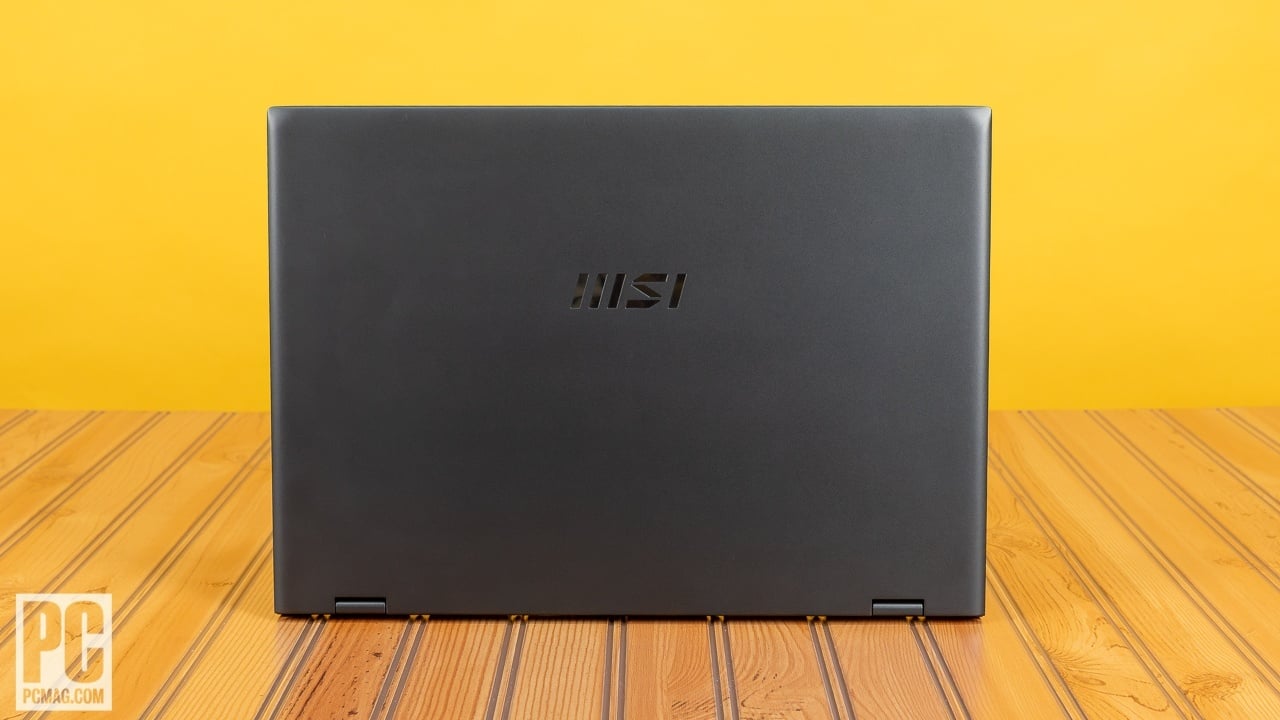
There’s a practical upside to skipping the discrete GPU, too. NotebookCheck’s review of the line leads on its impressive runtimes, and that tracks: an Arc-only creator laptop draws far less power than a discrete-GPU rig, so you get a machine you can take to a shoot or a café and trust to last a working session rather than hunting for a socket by mid-afternoon. Paired with the restrained, slim chassis, that makes the Prestige genuinely portable in a way the heavier dGPU creator laptops it’s cross-shopped against are not. For a creative who shoots on location and edits on the move, the combination of long battery, light body and a colour-true screen is the quiet argument for this machine that a spec sheet buries.
The Prestige 16 asks you to pay for the screen and the restraint, not the spectacle — and that is exactly the trade a working creator should want.
Mind the two very different “Prestige 16s”
Here is the bit that would trip up a UK buyer skimming spec sheets, and it is worth slowing down for. The Prestige 16 AI Evo name covers more than one panel. The OLED that PCMag and Laptop Mag fell for is the 3840×2400 version. But the same badge — same Core Ultra 7 155H, same 32GB LPDDR5 and 1TB SSD — is also sold with a 16-inch 2560×1600 IPS QHD+ display at a near-identical price. The display is the variable, not the chip.
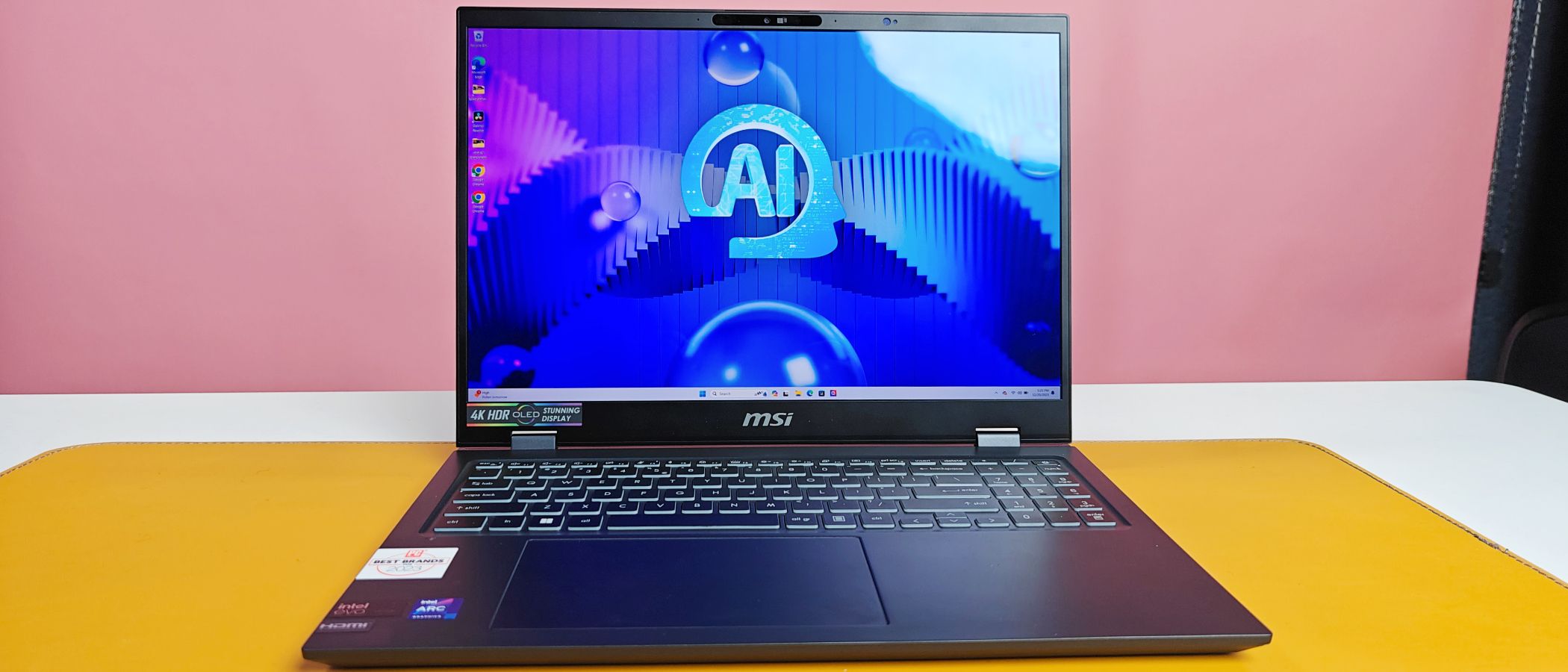
This isn’t a one-off, either: NotebookCheck’s review of the newer Arrow Lake model confirms IPS is MSI’s default panel choice across this line, with the 4K OLED positioned as an upgrade rather than the standard. So two machines can share a near-identical price and badge while offering two completely different screens. If you are buying this laptop for the display — and you should be — you need to confirm the exact model code before you pay. The OLED is the one worth chasing. Paying OLED money and getting the IPS panel by accident would be the single most expensive mistake on offer here.
The Arrow Lake refresh is coming — and it changes the maths
There is a newer Prestige 16 on the horizon, and it reframes the whole decision. NotebookCheck’s look at the Arrow Lake model covers a unit built around Intel’s Core Ultra 9 285H, with 32GB of soldered RAM and a 16-inch 2560×1600 IPS panel as the base, a 4K OLED option still on the menu. The catch is twofold: at the time of that review it wasn’t yet in stores, and the estimated price was pencilled in at “just over $2,000” — unconfirmed, but a long way north of the Meteor Lake model’s $1,449.
That gap is the crux of the buying decision. The 285H is a faster, more modern chip with better runtimes. But you are looking at potentially several hundred dollars more for it, and the configurations being talked about lead with IPS rather than OLED. If your work lives and dies by the screen, the older 155H plus the 3840×2400 OLED may genuinely be the better creator buy — even after the new one lands. Here is how the two stack up on the figures that have actually been published:
| Spec | Prestige 16 (Meteor Lake) | Prestige 16 (Arrow Lake) |
|---|---|---|
| CPU | Intel Core Ultra 7 155H | Intel Core Ultra 9 285H |
| Base panel | 3840×2400 OLED (review config) | 2560×1600 IPS (4K OLED optional) |
| RAM / SSD | 32GB LPDDR5 / 1TB | 32GB soldered / 1TB |
| Published price | $1,449 (PCMag); $1,399 (Laptop Mag, Newegg) | ~$2,000+ estimate, not yet in stores |
| Better for | Colour work that needs the OLED today | Raw CPU speed and runtimes, if you can wait |
What this costs a UK buyer — honestly
I’ll be straight with you, because the alternative is pretending I have figures I don’t: every confirmed price here is a US one. PCMag’s $1,449, Laptop Mag’s $1,399, the $1,449 MSRP — those are the numbers that have actually been published and stand up. I’m not going to invent a sterling RRP to make this read tidier.
What that means in practice: if you are shopping the Prestige 16 in Britain, treat those US figures as the anchor for what the machine is worth in its tier, then check the live UK listing — at the likes of Currys, Amazon UK or MSI’s own UK store — and the model code together before you commit. Watch for the IPS twin appearing at OLED money, and watch the configuration line in the basket like a hawk. The premium here is real and it is earned — a 4K OLED, 32GB and a 1TB SSD in a chassis this restrained is a proper creator-class package, not a discounted compromise. It is not a cheap laptop and it should not be sold as one. It is a considered one.
Who it’s for, and who should keep walking
Buy the OLED Meteor Lake Prestige 16 if you are a photographer, a designer, a video editor working mostly in 1080p and lighter 4K timelines, or anyone who spends their day looking at colour and wants a laptop that doesn’t announce itself across the room. The screen, the 32GB/1TB pairing and the grown-up design are the draw, and at the $1,400-ish mark they hold together beautifully. If you live in Lightroom and care more about how a black looks than how fast an export finishes, this is the easy call.
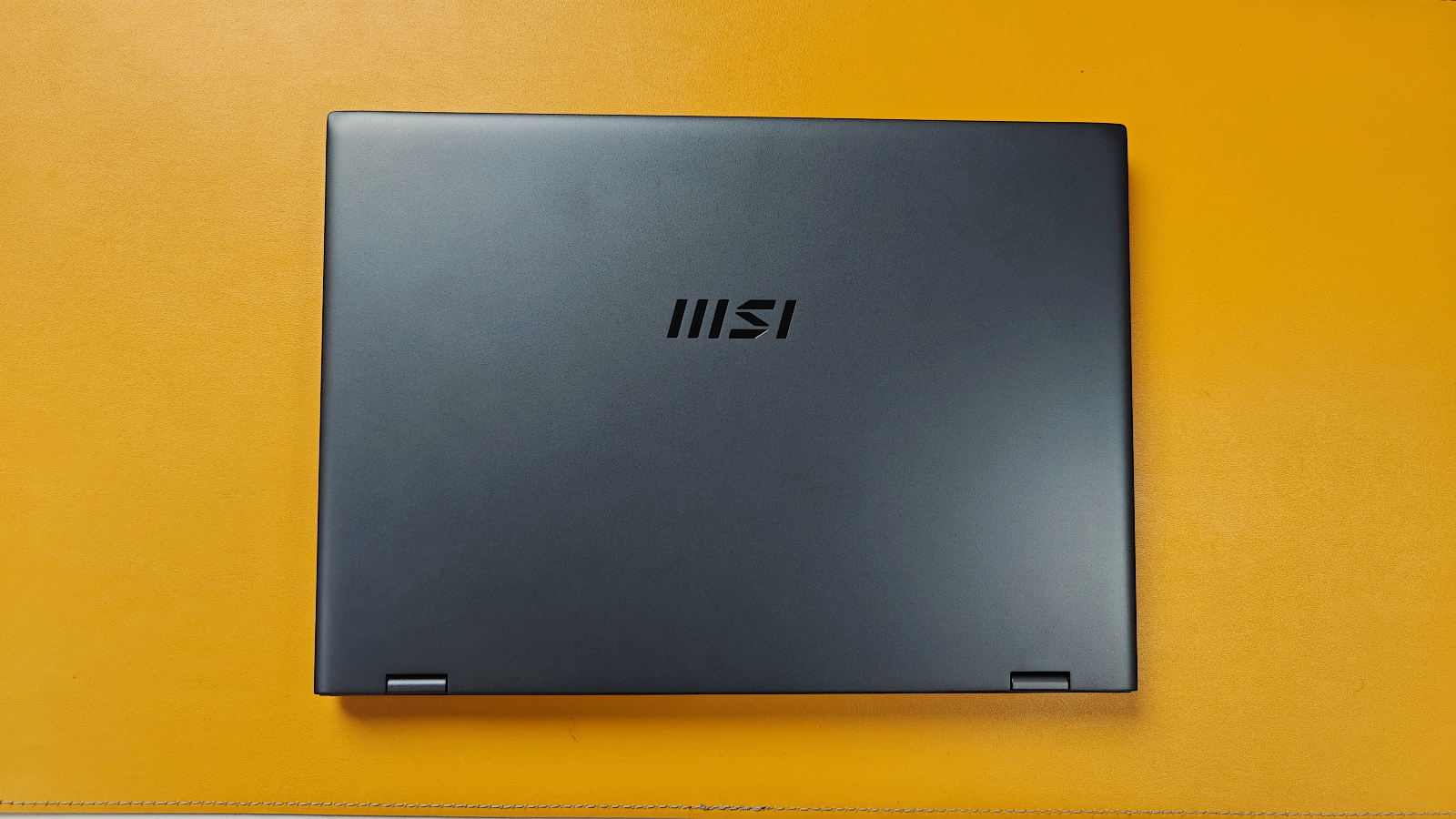
Don’t buy it if you need a discrete GPU for heavy 3D or sustained high-end grading — the Arc iGPU is capable, not a workstation, and no amount of OLED fixes that. And don’t reflexively wait for the Arrow Lake 285H unless raw CPU speed outranks the screen for you; “just over $2,000” for an IPS-led config is a different proposition entirely, and a slower-but-prettier panel may serve your actual work better.
The model worth holding out for
If it were my money, I’d hunt down the Core Ultra 7 155H with the 3840×2400 OLED, confirm the model code in writing before paying, and ignore the IPS twin trading on the same badge. The thing that would change my mind is a UK price on the Arrow Lake OLED that lands close to the older model’s — at that point the faster chip and better runtimes win. Until then, the understated 2024 machine with the spectacular screen is the Prestige I’d actually buy, and the one I’d tell a working creative to buy too.
Buyer action
Where to buy or check next
Use this as the final check before ordering a phone, changing network or trusting a headline monthly price.










Reader discussion
Leave a comment
Comments are moderated. Keep it useful, accurate, and on topic.