News · 3 Jun 2026 · MTW Editorial Team
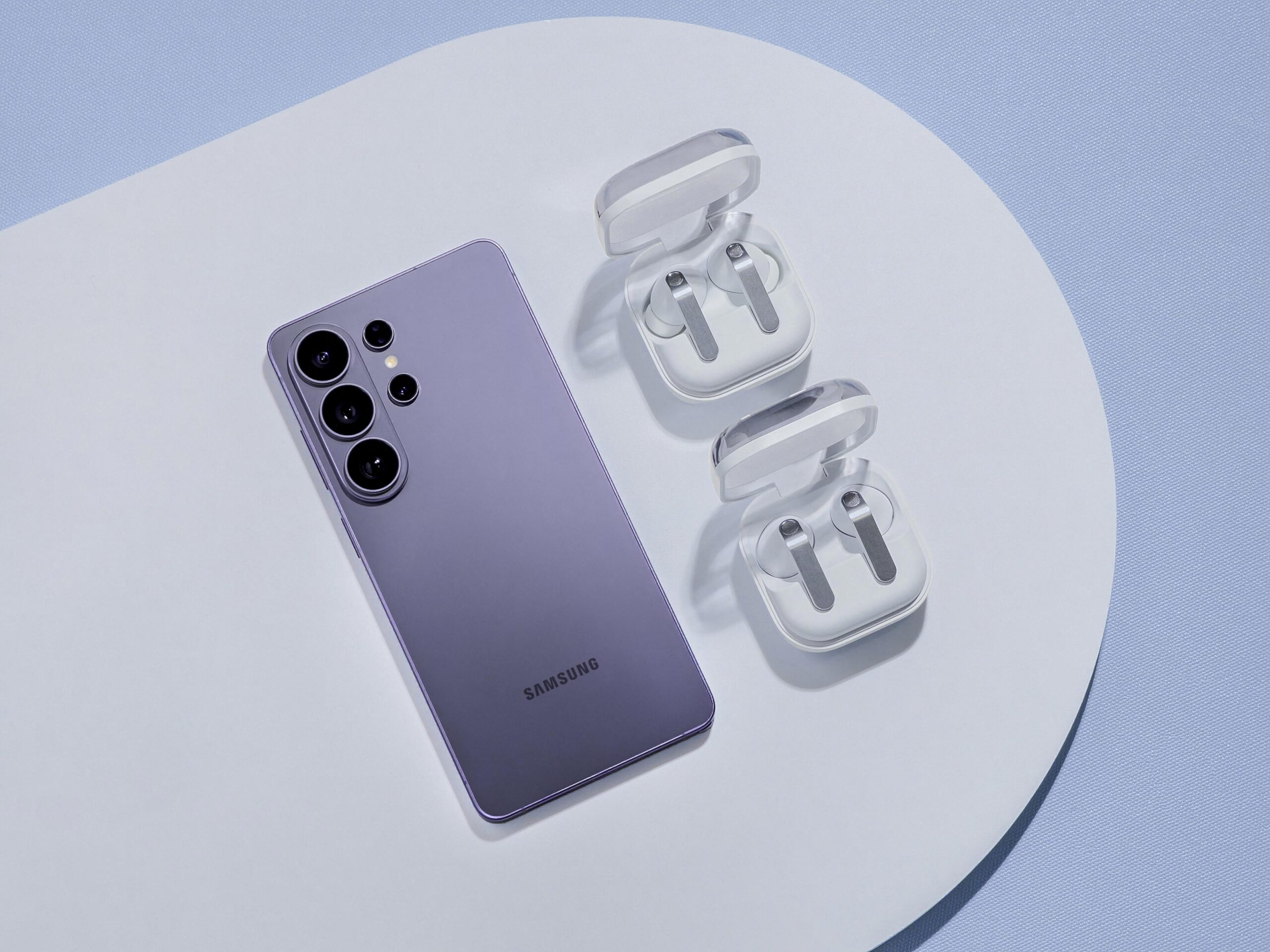
The Samsung One UI 9 beta UK programme is now open to Galaxy S26 owners, and it is the first time British users get to try the Android 17 version of Samsung’s software before its stable release. If you own a Galaxy S26, S26 Plus or S26 Ultra, you can apply to test the new build through the Samsung Members app, see the redesigned creative and accessibility tools early, and feed bugs back to Samsung. This guide explains exactly who qualifies, how to join, what is genuinely new, what can break, and how to get out again if the beta misbehaves.
Key facts: what the beta is and why it matters now
One UI 9 is Samsung’s interface layer built on the new Android 17 base, and the beta opened to Galaxy S26 owners in mid-May 2026 across a short list of launch markets that includes the United Kingdom, the United States, Germany, Korea, Poland and India. Samsung confirmed the rollout through its global newsroom, describing a release that brings expanded creative tools, more customisation, a more accessible mobile experience and stronger protection against security threats. The point of a beta is simple: you get the software weeks or months early in exchange for accepting that some things will not work properly yet.
The timing is the part worth understanding. Samsung has said the full experience of One UI 9 will arrive on upcoming Galaxy flagship devices later this year, which points to the next foldables rather than a fixed calendar date for existing phones. That means the beta is the only way to use One UI 9 on a Galaxy S26 right now, and the stable update for your handset will follow once Samsung is satisfied with stability. If you would rather wait, our wider take on whether software alone justifies a purchase sits in our piece on why you should not buy a new phone for an Android AI upgrade alone.

Which Galaxy S26 devices are eligible
At launch the beta is restricted to the current flagship line: the Galaxy S26, Galaxy S26 Plus and Galaxy S26 Ultra. These three are the first devices to test One UI 9, and in the United Kingdom you need a model sold and updated through Samsung’s UK channels rather than an imported unit, because the beta is tied to the firmware region your phone reports. If you bought your handset from a UK retailer or directly from Samsung, you are in the right place.
Older flagships are expected to follow, with the Galaxy S25 and S24 families widely reported as next in the queue, but they are not part of this first wave. Samsung typically widens a beta to previous-generation devices a few weeks after the initial launch, so S25 and S24 owners should keep checking the Samsung Members app rather than assume they have been left out. Galaxy A56 and A36 owners are more likely to receive the stable update later in 2026 without a public beta at all. If you are still deciding between Samsung and a rival before committing, our comparison of the best iPhone alternative in the UK for 2026 weighs Samsung against Google and OnePlus, and budget buyers can read our pick of the best mid-range Android phones in the UK under 500 pounds.

How to join the One UI 9 beta via Samsung Members
The route in runs entirely through the Samsung Members app, which comes preinstalled on Galaxy phones. Before you start, make sure the app is updated to its latest version from the Galaxy Store, and sign in with the same Samsung account you use on the phone. The exact path is as follows. Open Samsung Members, then look on the home tab for the One UI beta programme banner or notice card. Tap it to open the registration screen, then tap Register or Sign up, read the terms and conditions, and accept them. Registration confirms your device against Samsung’s eligibility list.
Once you are enrolled, the beta firmware is delivered as a normal over-the-air update. Go to Settings, then Software update, then tap Check for updates. If the build is ready for your handset it will start downloading automatically, and when the download finishes you tap Install now. The phone restarts after a few minutes and boots into One UI 9. The first beta build for the Galaxy S26 shipped with the May 2026 security patch, and Samsung pushed a second beta later in the month that moved the patch level forward, so expect regular follow-up updates through the same Software update screen rather than a single one-off download.
If the beta banner does not appear in Samsung Members, the most common reasons are a full enrolment quota for your region, an out-of-date Members app, or a phone signed in to the wrong Samsung account. Samsung caps beta places in each market, so spaces can fill quickly after launch and reopen later. People who lean heavily on Google’s assistant layer should also read our explainer on the Gemini Intelligence Android rollout in the UK, since AI behaviour can shift between software versions.
What is new in One UI 9
One UI 9 is an iterative update rather than a wholesale redesign, and most of the visible changes are about polish and personalisation. Samsung Notes gains creative additions including decorative tapes and a wider range of pen line styles, which makes it more useful for handwritten planning and sketches. The Contacts app now offers direct access to Creative Studio, so you can build a personalised profile card without hopping between apps. These are small touches individually, but they add up to a more expressive system for people who use Samsung’s own apps day to day.
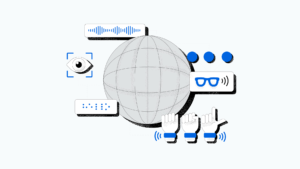
The Quick Panel has been reworked so brightness, sound and the media player behave as more independent controls, and the lock screen media widget picks up colourful waveform animations. Accessibility is a clear focus this year: One UI 9 adds an adjustable Mouse Key speed, combines the TalkBack package into a single download, and introduces a Text Spotlight feature that enlarges selected text for easier reading. Security is the other pillar, with enhanced app threat detection and blocking aimed at catching malicious behaviour before it causes harm. Camera-focused readers planning a summer trip will want our Galaxy S26 Ultra UK camera tips alongside the new software.
For a feel of how Samsung is positioning the Galaxy S26 experience overall, the company’s own UK promotional video is a useful watch before you commit to the beta.
It is sensible to set expectations on artificial intelligence. The beta is mainly about the interface, the creative tools and accessibility, so do not enrol expecting a wave of new generative features on day one. Samsung tends to layer its Galaxy AI additions in over a software cycle, and some features depend on server-side switches rather than the build on your phone. If privacy around AI matters to you, our guide to the Gemini app privacy settings to check before personalised features is a sensible companion read.
Beta risks: back up first and check your essential apps
A beta is unfinished software, and the single most important step before you join is a full backup. Use Samsung Cloud or a local backup, and copy anything irreplaceable, such as photos and authentication data, somewhere safe. Beta builds can carry bugs that affect battery life, app stability and occasional reboots, and while most issues are minor, you are accepting that your daily driver may misbehave. If your phone is your only device and you cannot tolerate downtime, that alone is a reason to wait for the stable release.
UK banking and payment apps deserve special attention. Some banking apps run integrity checks that can flag pre-release software, and a small number may refuse to open on a beta build until the stable version ships. Mobile payment through Samsung Wallet and contactless can also be sensitive to system changes. Before you enrol, confirm you have an alternative way to pay and to access your bank, because losing app access for a few days is a real possibility on any beta. The same caution applies to two-factor authentication apps that store codes locally.
There is one practical trap specific to Samsung betas. Moving from a beta build to a future major stable release sometimes requires a factory reset, because you cannot always downgrade cleanly across versions. That is why the backup matters twice over: once for the normal risk of bugs, and once for the possibility that you choose to leave and have to wipe the phone to do it. Anyone weighing a new handset against keeping their current one might also look at our roundup of the best gaming phones in the UK for 2026 for context on raw performance.
How to leave the beta or roll back
Leaving the programme is straightforward, but how cleanly you exit depends on timing. The simplest route is to open Samsung Members, return to the One UI beta programme screen, and tap to unregister or leave the beta. Unenrolling stops you receiving further beta builds, but it does not by itself remove the beta software already on your phone. To get back to stable software you wait for the public stable release for your device and update to it, which in many cases happens without a wipe.
If you want off the beta immediately and cannot wait, the reliable method is to use Samsung’s Smart Switch software on a Windows PC or Mac to perform an emergency software recovery or a firmware reinstall, which returns the phone to the latest stable build. This route erases the device, so your earlier backup is what saves your data. Make a note of the exact model number shown in Settings, then About phone, before you start, because Smart Switch needs to match the correct firmware to your handset. Take the same care here that you would with any sensitive setup, in the spirit of our Samsung and Google AI eyewear privacy test.

Key takeaways at a glance
| Detail | What to know |
|---|---|
| Software | One UI 9, built on Android 17 |
| Eligible at launch | Galaxy S26, S26 Plus, S26 Ultra |
| UK availability | Yes, among the first markets from mid-May 2026 |
| How to join | Samsung Members app, then Settings, Software update |
| First build patch | May 2026 security patch, with later beta updates following |
| Stable release | Expected later in 2026, timing not confirmed by Samsung |
| Main caution | Back up first, check banking and payment apps |
Where to buy or check next in the UK
The beta itself is free and only needs a Galaxy S26, so there is nothing to buy to take part. If you are still shopping for the handset, the Samsung UK store at samsung.com is the natural first stop for the latest pricing, trade-in offers and finance, and it is also where you confirm a device is a UK model that will receive the beta cleanly. Check the delivery estimate and the returns window before you order, as Samsung runs its own warranty and support for direct purchases.
For a like-for-like price comparison, Currys, John Lewis and Argos all stock the Galaxy S26 line, and John Lewis is worth a look for its longer guarantee on many electronics. Amazon UK and Very can be competitive on bundle pricing, while AO.com is another option for delivery flexibility. If you would rather spread the cost on a contract, EE, Vodafone and Three carry the Galaxy S26 with various data tariffs, so compare the total cost over the contract term rather than the upfront figure alone. Whichever route you choose, confirm price, delivery date, warranty length and the returns period before committing. Readers planning around Samsung’s wider 2026 range can also check our Samsung 2026 TV lineup UK guide if you are building a fuller Galaxy ecosystem.
Our verdict: who should join and who should wait
| What we like | What we would watch |
|---|---|
| Early access to One UI 9 creative and accessibility tools | Banking and payment apps may reject a beta build |
| UK is in the first wave, not a late addition | Battery life and stability can wobble between builds |
| Clear enrolment through the Samsung Members app | Leaving early can require Smart Switch and a wipe |
Our view is that the One UI 9 beta is a good fit for enthusiasts who have a backup, a second way to pay and bank, and the patience to report bugs rather than rage at them. If that is you, the creative tools and accessibility improvements are genuinely useful, and being in the first UK wave means your feedback actually shapes the stable build. The new security and threat-detection work is also reassuring for a daily driver, provided you accept the trade-off that comes with unfinished software.
If your Galaxy S26 is your only phone, or you depend on a banking app that cannot afford a single bad day, wait for the stable release later this year. Nothing in the beta is so transformative that it justifies risking access to your money or your two-factor codes. What would change our recommendation is Samsung confirming that major UK banking apps run cleanly on the beta, plus a firm stable date for existing handsets. Until then, treat the beta as an opt-in for the prepared, not a default upgrade for everyone.










Reader discussion
Leave a comment
Comments are moderated. Keep it useful, accurate, and on topic.