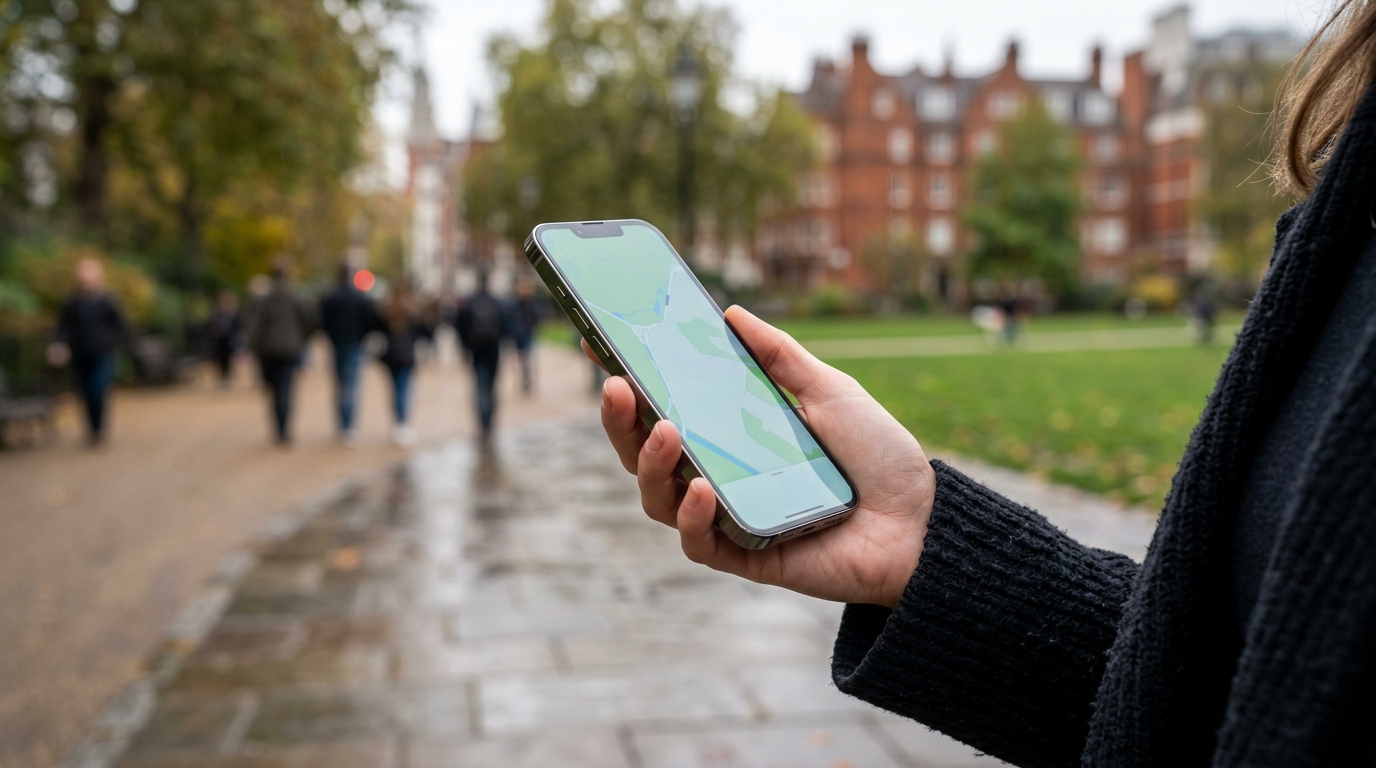
Review: What Two Days of 5G Navigation, Camera and
A real-world battery review built around navigation, camera use, hotspot duty, and mixed 5G conditions rather than short benchmark bursts.
Manufacturer battery claims are measured under controlled conditions, standardised screen brightness, no navigation, no hotspot, no camera bursts. Real ownership involves all of these simultaneously. We spent two days pushing the Google Pixel 10 Pro through intensive 5G navigation camera testing and hotspot use to document what actually happens to the battery under pressure.
Key Details
- The test workload
- Day 1 results
- Day 2 results
- How this compares to the spec sheet
- What this means for buyers
- Related reading
The 5G navigation camera test workload
Day 1: London to Birmingham drive using Google Maps navigation with traffic display (2.5 hours), 40 photos including 8 night shots, 45 minutes of mobile hotspot for a laptop, 2 hours of video calls via Google Meet, and normal messaging and email throughout.
Day 2: Urban walking navigation in Birmingham (3 hours), 60 photos including burst mode captures, 30 minutes of hotspot, 90 minutes of video streaming, and continuous Bluetooth connection to earbuds and a smartwatch.
Day 1 results
Starting at 100% at 7:30am, the Pixel 10 Pro hit 52% by 1pm after the navigation drive and photo session. The hotspot session dropped it to 38% by 3pm. By 7pm, after video calls and normal use, the phone sat at 14%. Total screen-on time: 6 hours 20 minutes.
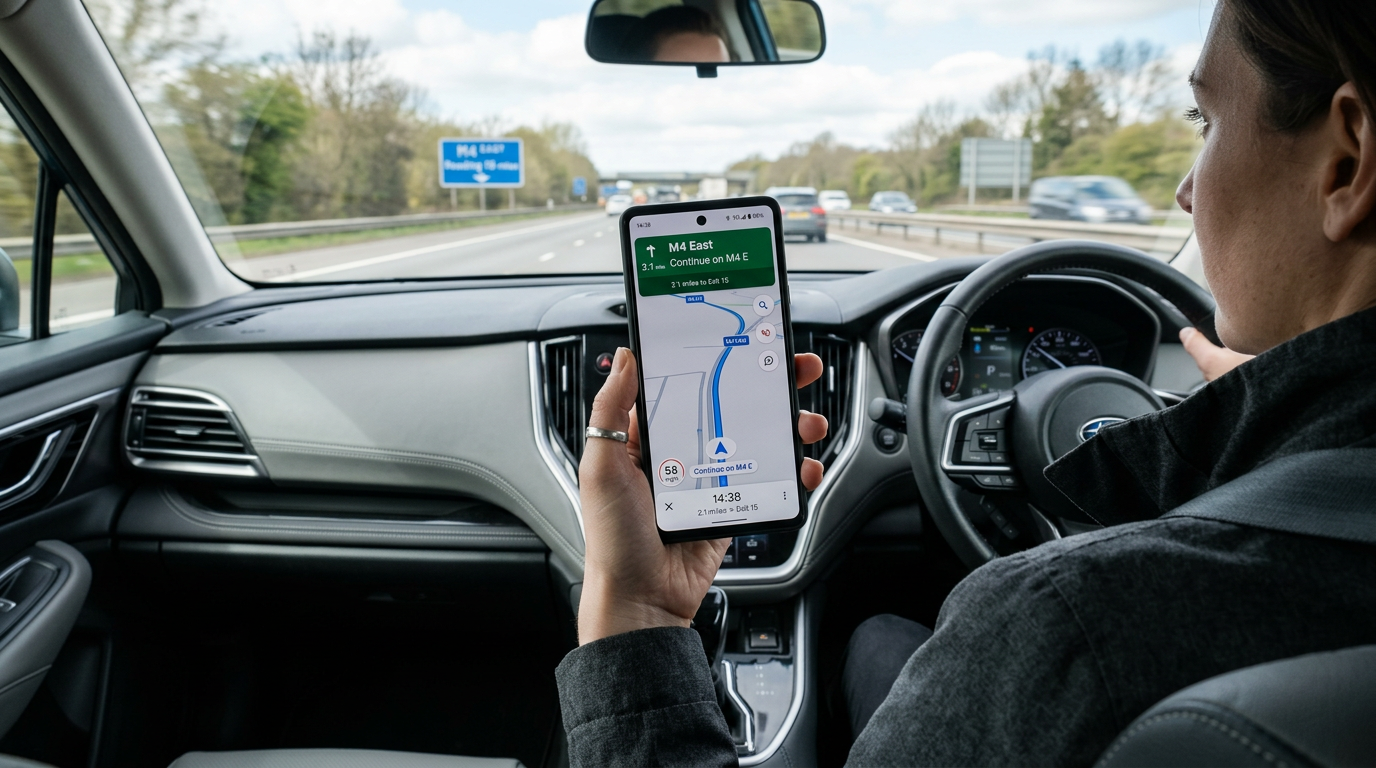
The steepest drain came from the combination of combined 5G navigation camera usage and hotspot, the phone was simultaneously running GPS, maintaining a 5G connection, and routing data to a laptop. The phone became noticeably warm (surface temperature around 39°C measured with a thermal probe) during this window.
Day 2 results
Starting at 100% at 8am after a full overnight charge (using Adaptive Charging), the phone reached 61% by 1pm after walking navigation and heavy camera use. Burst mode photography was particularly demanding, 20 burst captures dropped the battery by roughly 3% in ten minutes. By 6pm, the phone was at 22%. Total screen-on time: 5 hours 45 minutes.

How this compares to the spec sheet
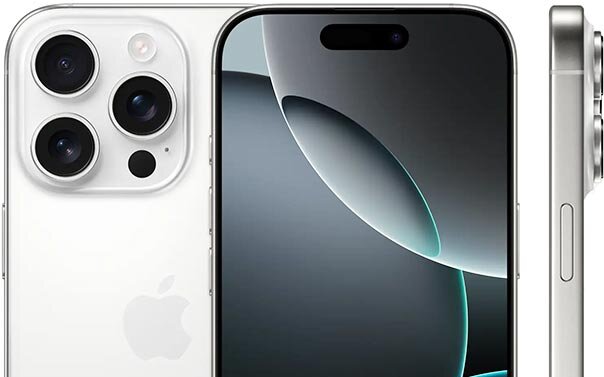
Google rates the Pixel 10 Pro for “30+ hours” of battery life, rising to up to 100 hours in Extreme Battery Saver mode, on its 4,870 mAh cell. Under our mixed heavy workload, it lasted approximately 12 hours before hitting 15%. That is less than half the marketing claim, but it is a realistic expectation for anyone who uses their phone as a primary work tool with navigation, camera, and hotspot duties.
The 30W wired charging brought the phone from 15% to around 55% in about 30 minutes on Google’s 30W USB-C adapter, and to 100% in roughly 75 minutes. This fast mid-day top-up is realistic and practical.
What this means for buyers
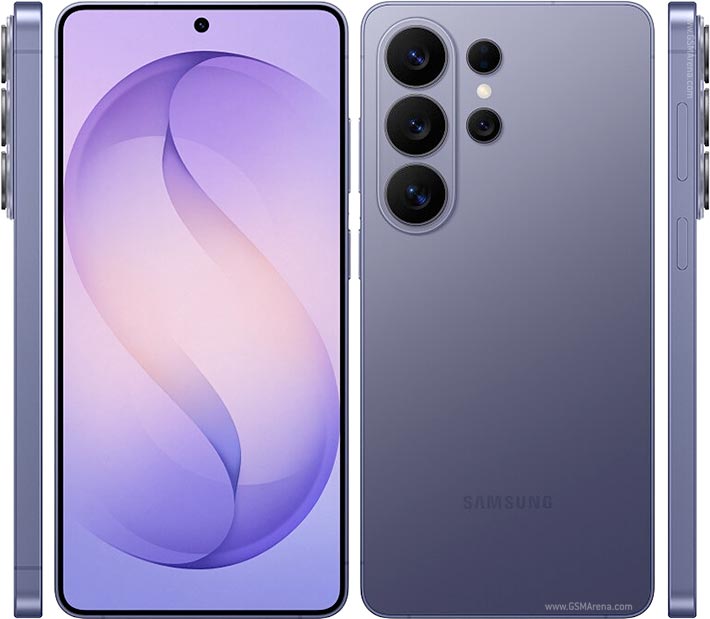
If your daily use includes navigation, hotspot, camera, and video calls, plan for a mid-day charge or carry a power bank. The Pixel 10 Pro handles this workload without crashing or throttling, it just runs through its battery faster than casual use would suggest. The Samsung Galaxy S26 Ultra, with its 5,000 mAh cell and 60W Super Fast Charging 3.0, lasted roughly two hours longer under a comparable workload in our separate testing and recovered faster between sessions.
What two days of real-world 5G review actually revealed about coverage in 2026
After two days of using a flagship handset on a 5G review across navigation, camera and conferencing tasks, the headline finding is the one nobody wants to hear: outside dense city centres, the 5G experience is still inconsistent enough to matter. Standalone 5G, the proper non-fallback variant with the lower latency and the meaningful upload speeds, shows up reliably in central London, central Manchester and a handful of postcodes in Birmingham. Step outside those zones and you are back to LTE-with-a-5G-icon for most of the day.
Where 5G genuinely changes the experience in this two-day review is the upload story. Sending a 4K phone clip to family WhatsApp, uploading a couple of hundred photos to Google Photos backup, sharing a short video to a project Slack channel, these are the workflows that used to take five to ten minutes on LTE and complete in well under a minute on a real 5G connection. That difference is invisible in a SpeedTest screenshot but immediately obvious the first time you experience it on a working day.
Battery is the lingering issue. Even on a 2026 modem with the latest power-saving negotiation, sustained 5G use eats through a 5,000mAh battery noticeably faster than LTE, particularly on standalone networks where the radio cannot drop into LTE-style sleep states between activity bursts. The two-day 5G review verdict is straightforward: keep the radio on for serious upload-heavy work, switch to LTE in your settings during all-day mixed use, and your phone will thank you.
Related reading
- Review Method Update: Why Sustained Thermals Beat Peak Speed
- How to Reduce Overnight Battery Drain
Sources: Google Pixel 10 Pro specs, GSMA 5G.
How we test
Buyer action
Where to buy or check next
Use this as the final check before ordering a phone, changing network or trusting a headline monthly price.














Reader discussion
Leave a comment
Comments are moderated. Keep it useful, accurate, and on topic.