News · 1 Nov 2011 · MTW Editorial Team

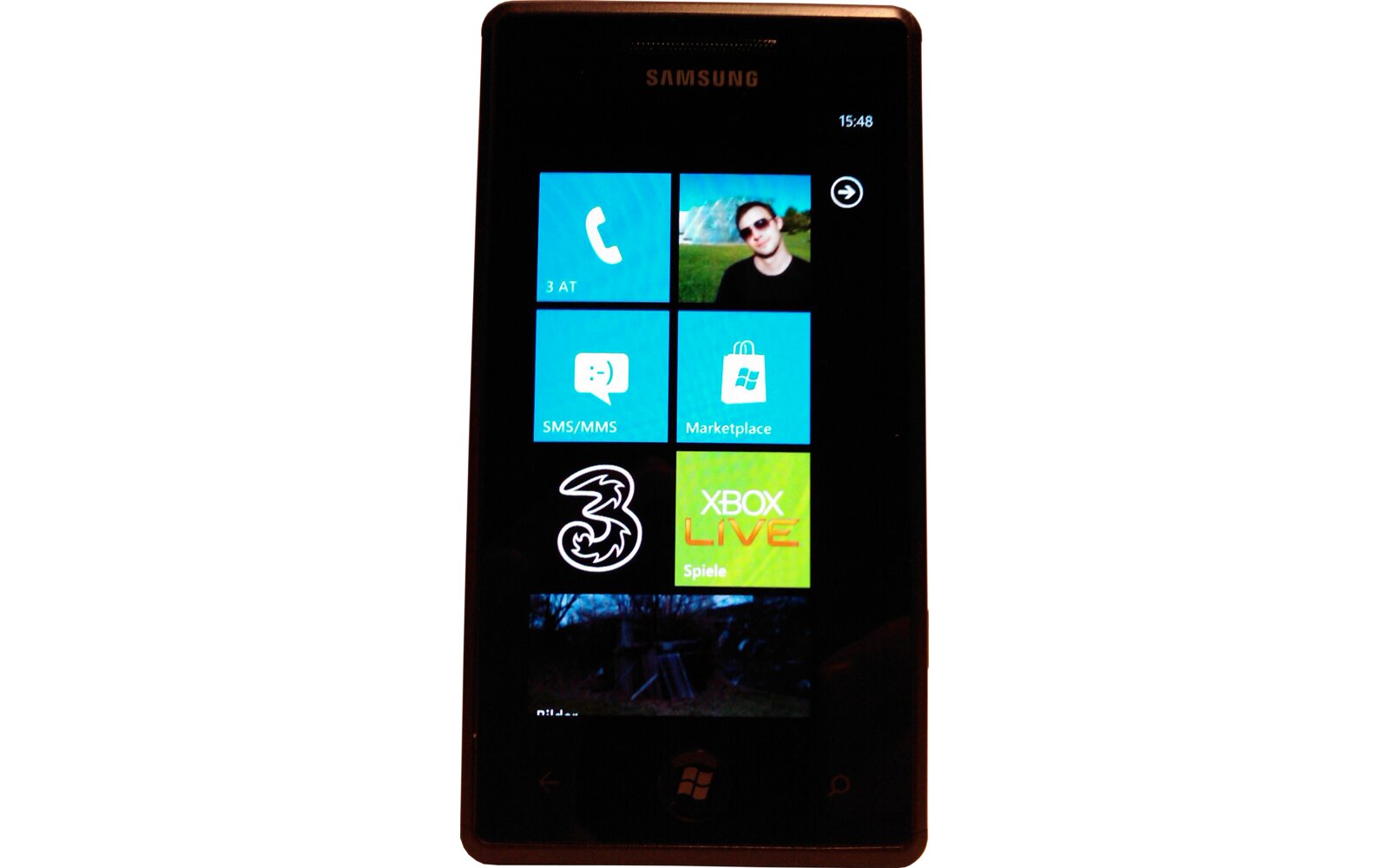
Want that fancy WiFi Hotspot internet sharing Tethering feature on you Windows Phone 7 device? If you are a Samsung Omnia 7 owner today is your lucky day. T-Mobile Germany pushed out a new firmware last night version I8700XXKI4 with the tethering / Internet Sharing feature enabled (thanks for the tip guys!). I’m a nice guy so I grabbed the firmware file and uploaded it so you can manually install it on your handset. Follow the instructions below (same a before and I’m not responsible if it doesn’t work for you):
– Download the firmware here (remember that’s not the OS but only the firmware bits) then download the WPupdate tools from here.
– Unzip the Tools in a folder then unzip the firmware in the same folder as the tools.
– Plug in your device, wait until the Zune client starts and then close it.
– Run the the Updater and press S or B (depending on the size of your balls..)
– your phone will then reboot in download mode and update (don’t unplug it or do stupid things with your PC during the whole process..)
Please note that this won’t work if you are running the latest I8700XXKI3 firmware from SFR (there’s a conflict with the 5.9.1.4 bootloader and maybe others too) so you will have to painfully revert back to an older firmware like the T-Mobile RC1 here (I8700XXKH2).
You should then have the following:
OS Version: 7.10.7720.68
Firmware revision number: 2424.11.9.4
Hardware revision number: 3.15.0.4
Radio software version: 2424.11.9.1
Radio hardware version: 0.0.0.800
Bootloader version: 5.9.3.0
Chip SOC version: 0.36.2.0

Enjoy tethering your handset!
Buyer action
Where to buy or check next
Use this as the final check before ordering a phone, changing network or trusting a headline monthly price.