News · 2 Oct 2011 · MTW Editorial Team

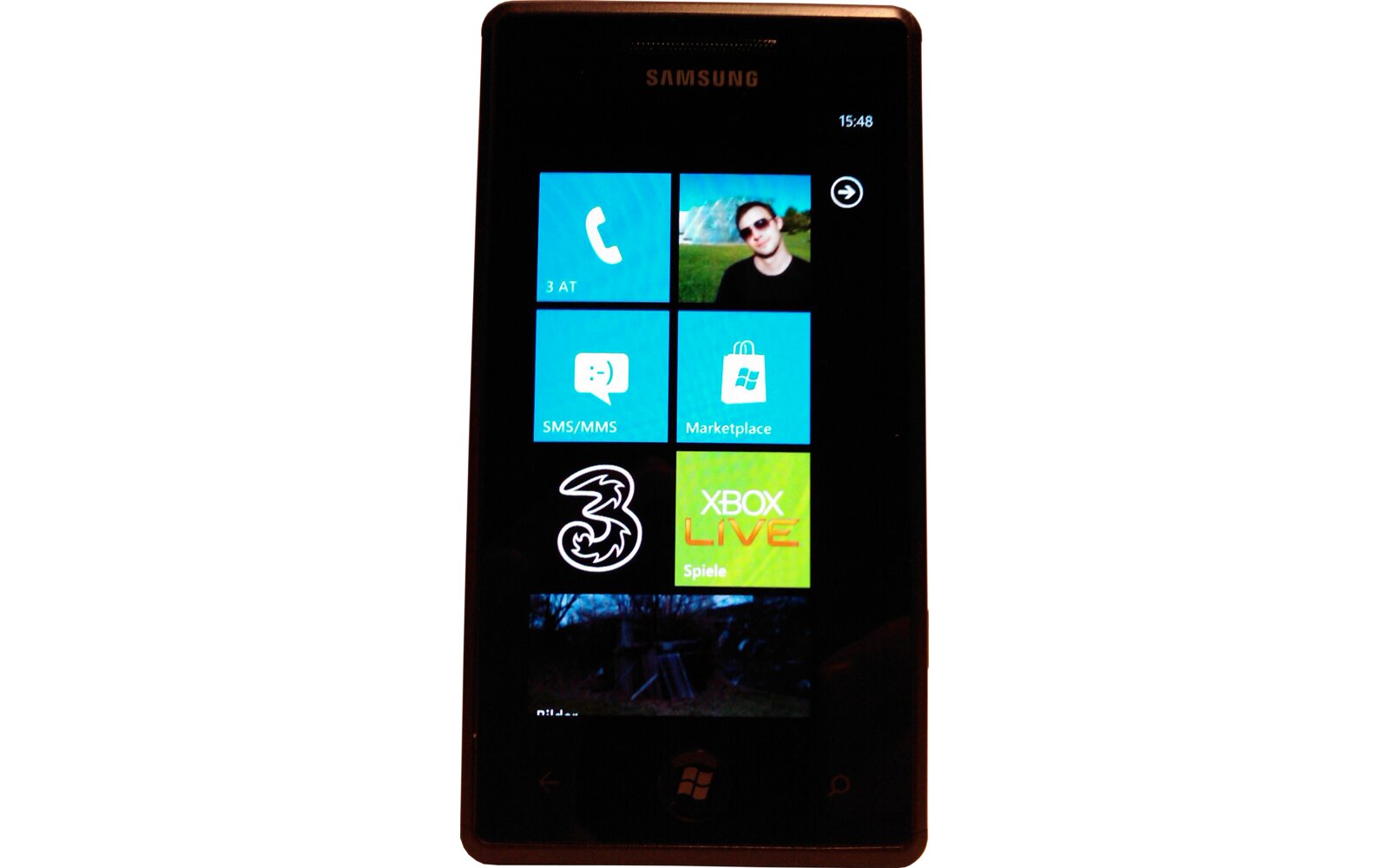
A relatively easy trick enables you to bypass the current restriction put in place to allow the Allshare DLNA application to work on the Samsung Omnia 7 and Samsung Focus devices:
– Connect you device to a WiFi network
– Launch the Allshare app and instantly hit the start/home button of your device (before the error message pops up
– Navigate back to the Allshare application by long pressing on the back button and selecting it in the fast application switching view
– Voila you’re done
I just did it and it works like a charm but I sincerely hope that Samsung updates it though.
UPDATE: Actually it doesn’t properly work at all. The application in its current state doesn’t have access to the multimedia files stored on the device. You can only use is as a remote control to playback files that are shared on a network.
source: YouTube via MonWindowsphone thanks for the tip Gilles
Buyer action
Where to buy or check next
Use this as the final check before ordering a phone, changing network or trusting a headline monthly price.