The Final Cut Pro vs DaVinci Resolve question used to have a tidy answer, and as of mid-2026 that tidy answer is wrong on both sides: Apple Creator Studio (Apple, 28 January 2026) added a monthly subscription route to FCP, and the DaVinci Resolve 21 final release (2 June 2026) gave the free editor a stack of new tools. The old “buy Final Cut once for £299, or get Resolve for free” line no longer describes either app, so if you are a UK Mac creator weighing these up this year, the maths and the workflow trade-offs both deserve a fresh look.
I have spent a lot of time talking creators down from buying the wrong tool for a panicky reason, so let me lay out what actually changed, what each one costs in pounds, and which one suits the way you work. Here’s where people get stuck, and how to skip it.
The quick read
Final Cut Pro now sells three ways: a £299.99 one-off licence, or via Apple Creator Studio at £12.99/month or £129/year (Apple, 28 January 2026).
Apple Creator Studio bundles FCP with Logic Pro and Pixelmator Pro, includes a one-month free trial and costs £2.99/month for students.
DaVinci Resolve has a genuinely capable free tier; Resolve Studio remains a buy-once licence (no subscription), at around £295 one-off.
FCP is Mac and iPad only; Resolve runs on macOS, Windows and Linux.
Three ways to buy Final Cut Pro now, and what each costs
Apple quietly turned a one-product decision into a three-product one. Option one is the classic: a £299.99 one-off licence from apple.com/uk/final-cut-pro, yours forever, no recurring fee. Option two is the new subscription via Apple Creator Studio, £12.99 a month or £129 a year, which also throws in Logic Pro and Pixelmator Pro. Option three is the same subscription at the student rate of £2.99 a month, which is the most affordable legitimate route into FCP I have seen.
The honest read is this: if you keep FCP for more than about two years, the one-off licence is cheaper. The subscription earns its keep only if you also want Logic Pro and Pixelmator Pro, or if you are a student paying £2.99, or if spreading the cost matters more to you than the total. Do not subscribe out of habit because Adobe trained you to; FCP is one of the few pro editors where buying outright is still the sensible default. If you are weighing a subscription against an outright purchase elsewhere too, my piece on Capture One vs Lightroom walks through the same trap for photographers.
What DaVinci Resolve 21 actually added
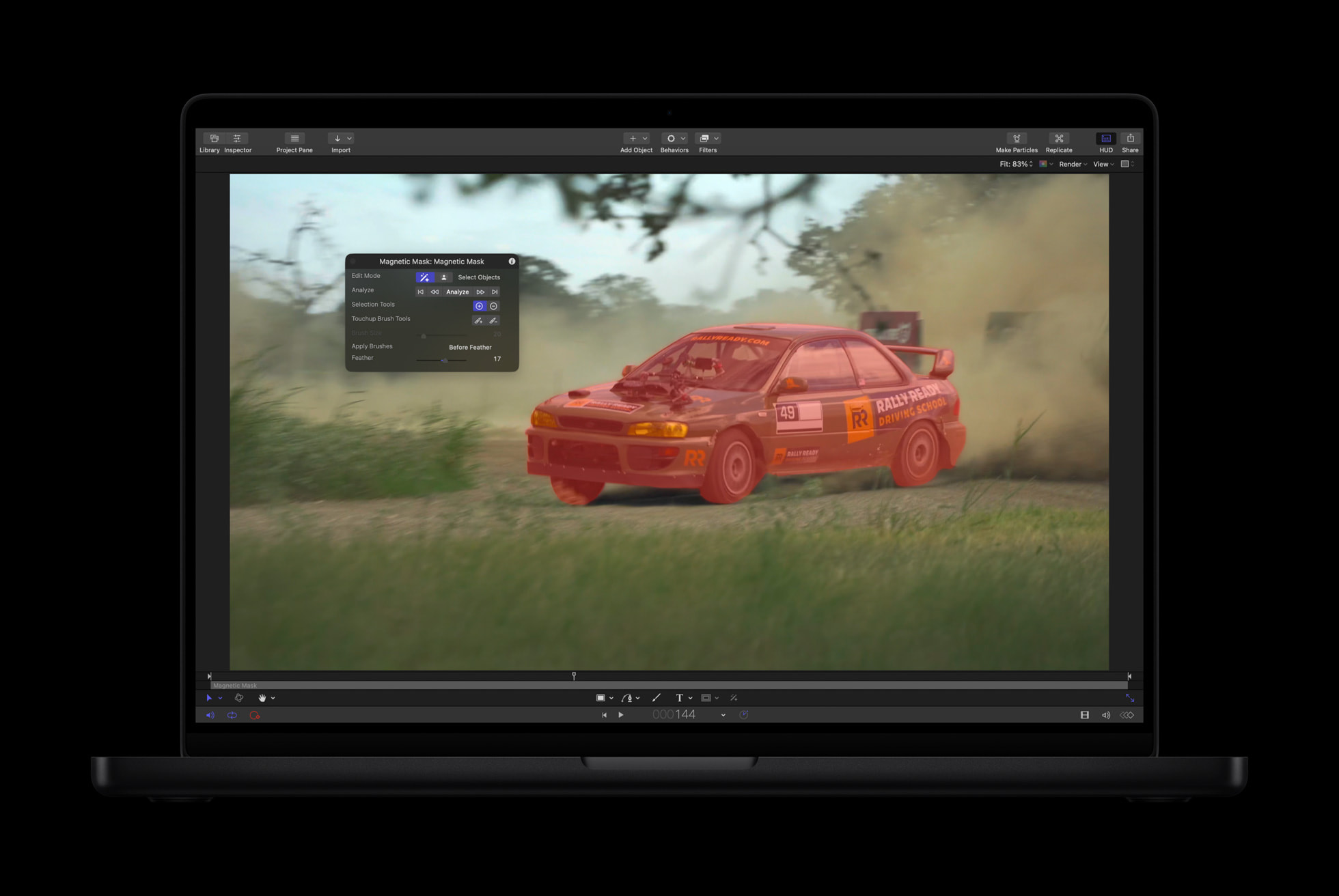
Resolve 21 is not a cosmetic dot-release. The headline is a new Photo page, which folds raw photo editing into the same app you cut video in, so Resolve is creeping toward being a full creative suite rather than just an editor. IntelliSearch lets you find clips by describing what is in them, CineFocus AI handles depth-aware focus effects, and Blackmagic counts more than 100 changes in total. You can read the full breakdown at blackmagicdesign.com, and most of it lands in the free version, which is the part that still amazes me.
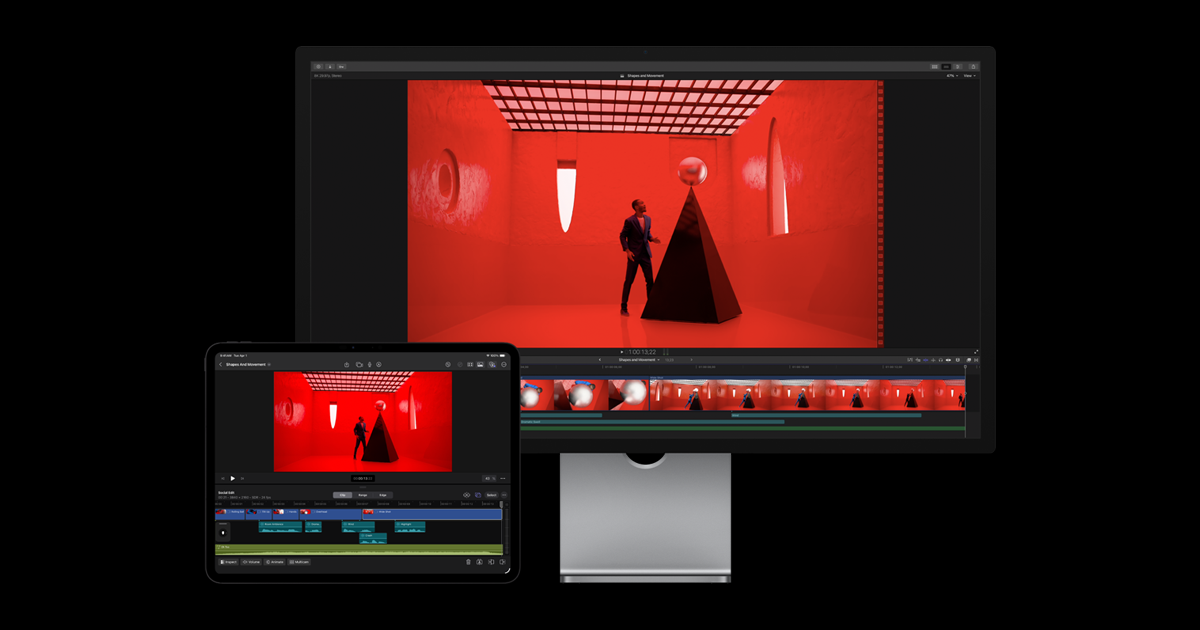
Image: Apple
The thing worth flagging is the inversion. For years the framing was FCP buy-once versus Resolve free, with paid Resolve Studio as an afterthought. Now FCP has a subscription and Resolve Studio is the one that stays resolutely buy-once. If the one-off model is what you value, Resolve Studio actually fits that instinct better than FCP does today. I covered the licence in detail in DaVinci Resolve Studio’s £225 licence, though you should confirm the current Resolve 21 Studio price on the Blackmagic UK store before you buy.
Which editor suits a UK Mac creator
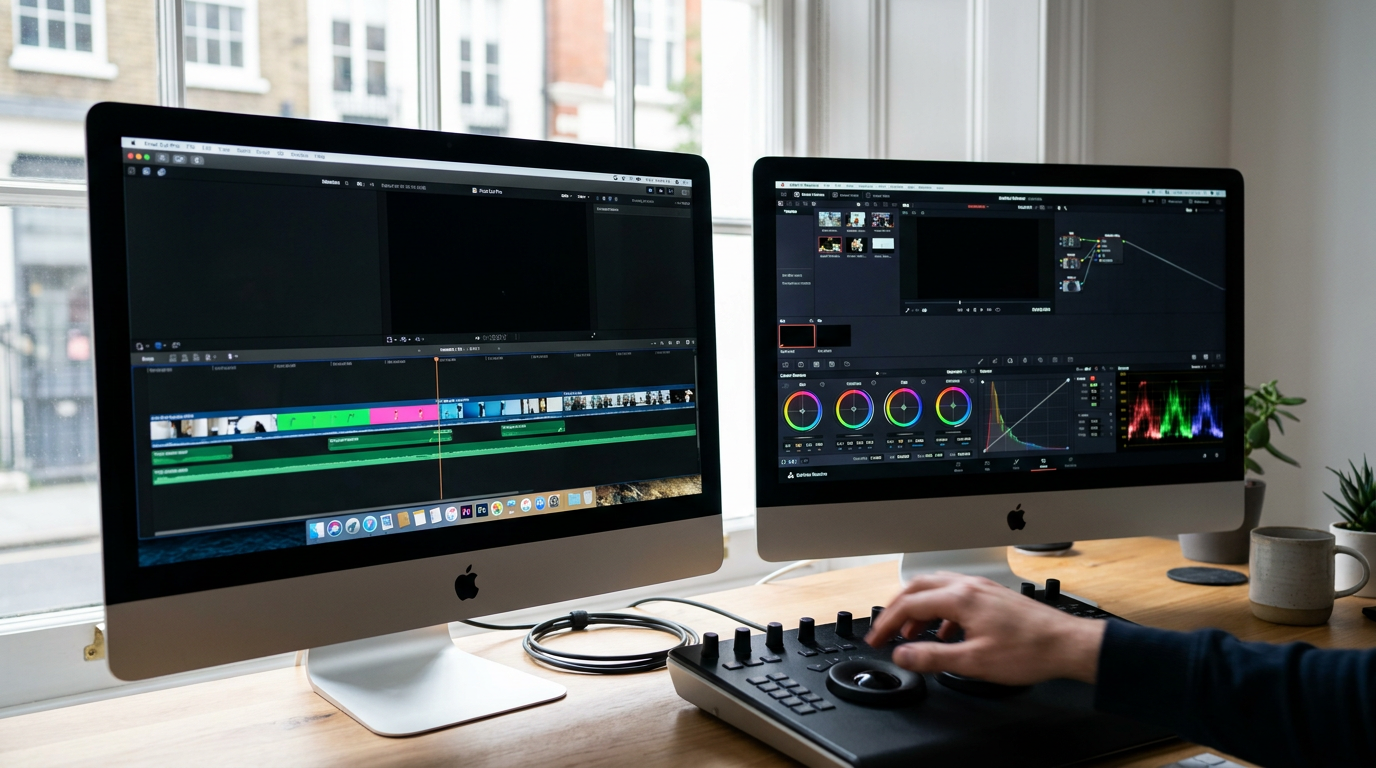
Workflow is where the two diverge most. FCP’s magnetic timeline is a genuinely different way of editing: clips snap and shuffle to avoid gaps and collisions, which makes solo, fast-turnaround cutting feel effortless once it clicks. It is tuned tightly to macOS and Apple Silicon, so on a recent Mac it is fast and quiet, and it slots neatly into the Creator Studio bundle if you also live in Logic and Pixelmator. If you are choosing the machine to run it on, my MacBook Pro M5 Max vs M4 Max comparison is the natural next read.
Resolve pulls the other way. Its colour grading is best in class, full stop, and it bundles Fairlight audio and Fusion VFX so you rarely leave the app. The learning curve is steeper because the page-based layout asks you to think like a post house, not a solo YouTuber, but the payoff is a tool that scales with you. Crucially, it is cross-platform, so if you might ever edit on Windows or Linux, or collaborate with someone who does, Resolve travels and FCP does not. That portability matters if you are eyeing a Snapdragon X2 Elite laptop for video as a second machine.
For years it was Final Cut buy-once versus Resolve free. In 2026 that has flipped: Final Cut is the one with a subscription, and Resolve Studio is the one that stays resolutely buy-once.
Image: Apple
The price maths in pounds
Strip out the marketing and here is the spend. Resolve free is £0 and does more than most creators will ever need. FCP costs £299.99 once, or £129 a year, or £2.99 a month as a student. Resolve Studio is roughly £295 one-off, confirmable on the Blackmagic UK store. So over three years, a working creator pays nothing for Resolve free, about £295 once for Resolve Studio, £299.99 once for FCP outright, or £387 if they take the annual FCP subscription for three years. The subscription only wins on total cost if you genuinely use Logic and Pixelmator enough to value them at the difference.
How to choose without overthinking it
Start with the free thing. Download Resolve, cut a real project in it, and you will know within a weekend whether the page-based layout suits your brain. If it does, you may never need to spend a penny. If you find yourself fighting it and you are committed to the Mac, take the one-month FCP trial through Apple Creator Studio and feel the magnetic timeline for yourself. The decision is rarely about features on paper; it is about which app gets out of your way. If colour is your whole job, Resolve. If speed and the Apple ecosystem are, FCP. If you shoot on a hybrid camera and want the workflow context, my Lumix S1 II for 6K filmmaking review pairs well with either editor.
Where I land
For most UK Mac creators in 2026, I would start with Resolve free, buy Resolve Studio once if I hit its ceiling, and only reach for Final Cut Pro if the magnetic timeline and Apple-bundle convenience genuinely change how fast I work, in which case I would buy the £299.99 licence outright rather than subscribe. The subscription is a fair option, not a trap, but it is the right call for a narrow group: students at £2.99, and people who want Logic and Pixelmator anyway. The big takeaway is simpler than the pricing pages suggest. Both apps are now excellent and both have abandoned their old caricatures, so pick the workflow you enjoy, because in 2026 you genuinely cannot go wrong on quality.
Buyer action
Where to buy or check next
Use this as the final check before ordering a phone, changing network or trusting a headline monthly price.
We use cookies to make this site work, measure how it is used, and (with your consent) personalise advertising. Strictly necessary cookies always run. Analytics and advertising cookies run only if you accept. See our Cookie Policy and Privacy Policy.
MobileTechWorld Ltd — Companies House registration 16224011. Independent UK technology publisher since 2009.











Reader discussion
Leave a comment
Comments are moderated. Keep it useful, accurate, and on topic.