News · 3 Jun 2026 · MTW Editorial Team
RCS end-to-end encryption UK arrivals have finally closed the biggest privacy gap in everyday phone messaging, because for the first time a text sent from an Android phone to an iPhone can be scrambled so that no carrier, network or platform owner can read it in transit. Google and Apple began rolling out end-to-end encrypted RCS in beta on 11 May 2026, and the change matters for millions of British texters who switch between the two systems every day without thinking about it. This guide explains exactly what is now protected, what is not, how to switch it on, and how UK networks fit into the picture.
Key facts: what changed and why it matters now
Rich Communication Services, or RCS, is the modern replacement for SMS. It brings typing indicators, read receipts, high-resolution photos and group features to the default texting app on your phone. Until now its biggest weakness was that messages crossing between Android and iPhone were not end-to-end encrypted, so the content could in principle be read while it travelled between the two devices. That is the gap that has now closed.
The fix rests on the GSMA RCS Universal Profile 3.0, the industry specification that, for the first time, defines end-to-end encryption for person-to-person RCS. It uses the Messaging Layer Security protocol, known as MLS, which is an open standard designed so that clients built by different companies can encrypt to one another without a shared back end. In plain terms, Apple’s Messages app and Google Messages can now lock a conversation that neither company can unlock. The rollout is in beta, it is on by default, and it will reach existing and new conversations gradually rather than all at once.
What is now encrypted between Android and iPhone
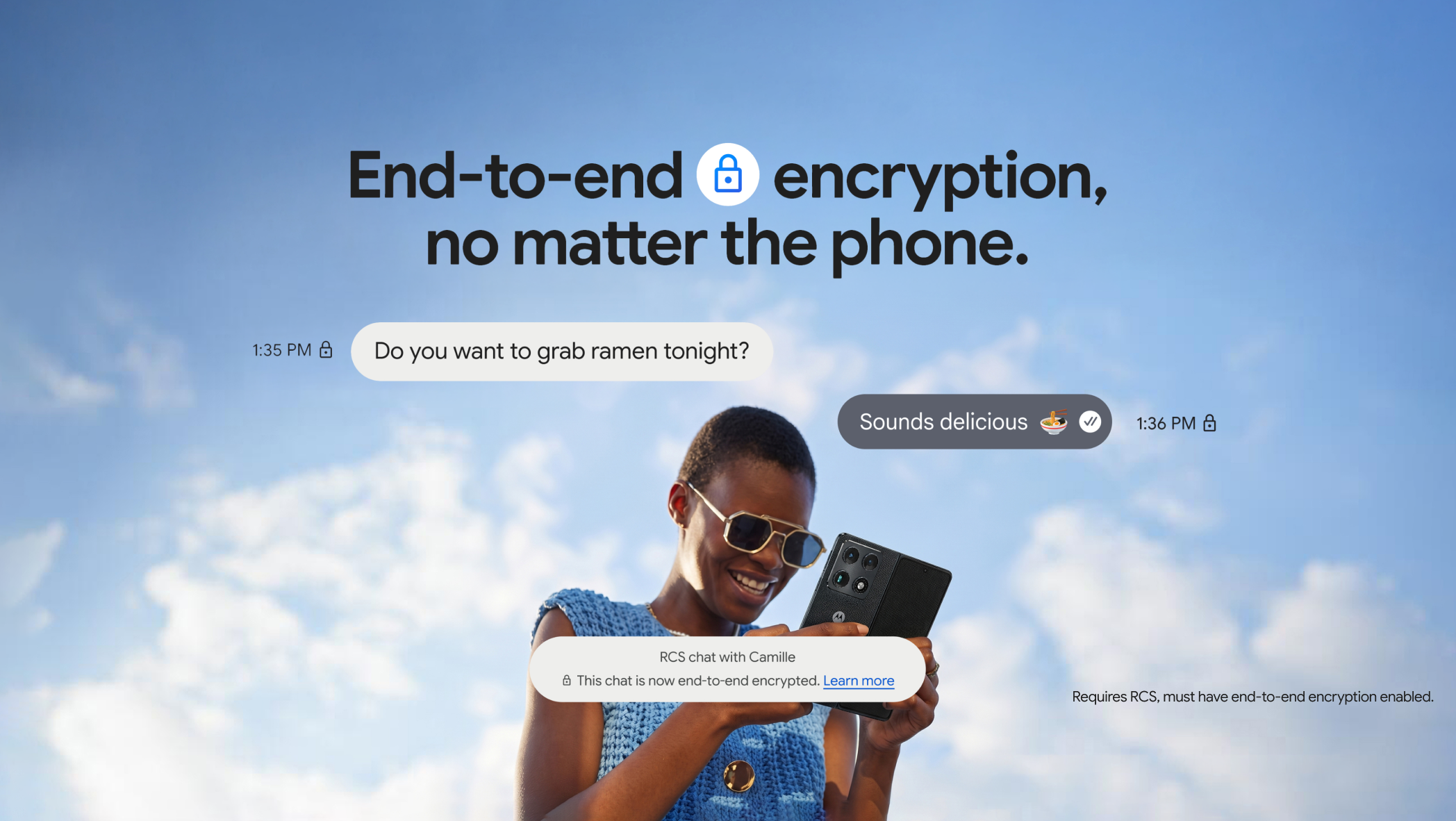
When a cross-platform RCS conversation is end-to-end encrypted, the message content cannot be read while it is sent between the two phones. Google and Apple have both confirmed that the same lock icon already used inside RCS chats signals the protection, so you do not need to learn a new symbol. The encryption covers one-to-one chats first, which is where most sensitive messaging happens, from a doctor’s appointment reminder to a one-time security code. If you mostly text a partner, a parent or a colleague on the opposite platform, this is the conversation type that benefits straight away.
There are clear limits worth understanding before you assume everything is sealed. Encryption protects message content, but metadata such as who you messaged and when can still be collected and stored. Backups are a separate matter too: a message that was encrypted in transit can sit unencrypted in a cloud backup unless you have turned on the relevant backup protection on your device. If you want a deeper look at how your Android settings shape what Google can see, our walkthrough of the Gemini app privacy settings to check before personalised features covers the same account-level controls that govern messaging history.
What is not encrypted yet, and where it falls back to SMS
The headline upgrade is for one-to-one cross-platform chats. Group chats that mix Android and iPhone users are a harder problem, because every participant’s client has to support the same encryption handshake at the same time. Group RCS encryption between Google Messages and Apple Messages is not the day-one promise of this beta; the cross-platform standard was built to handle one-to-one first, and group support across the two platforms is expected to follow as the Universal Profile work continues. Inside an all-Android group where everyone uses Google Messages with RCS turned on, encryption already applies, so the missing piece is specifically the mixed Android-and-iPhone group.
There is also the question of what happens when RCS is not available at all. RCS needs a data connection and a supported carrier on both ends. If you message someone whose phone, network or settings cannot use RCS, the conversation falls back to plain SMS or MMS, which is not encrypted and never was. That is the moment to be careful: a green or grey fallback message does not carry the lock, so anything genuinely private is better sent once the encrypted RCS thread is confirmed. The same caution applies abroad, where roaming and local network support can quietly push you back to SMS without an obvious warning.
How to turn it on: Android and Google Messages
On Android you need the latest version of Google Messages and RCS chats switched on. Open Google Messages, tap your profile picture, choose Messages settings, then open RCS chats and make sure the feature is enabled. Once RCS is active, encrypted cross-platform conversations are enabled automatically as the beta reaches your device, so there is no separate switch to hunt for. You can confirm a chat is protected by the lock icon that appears on the send button as you compose and next to the message timestamp.
One practical warning: avoid toggling RCS chats off and on repeatedly, because doing so can drop you out of existing group conversations and reset some chat features. If you are setting up a new handset and weighing Android against Apple before you commit, our comparison of the Pixel 10 Pro versus iPhone 17 Pro for UK buyers at £899 versus £1,099 is a useful reference point, since the messaging experience is now far closer between the two camps than it used to be. Buyers who would rather stay on Android without paying flagship money can also read our roundup of the best mid-range Android phones in the UK for 2026 under £500, all of which run Google Messages.
How to turn it on: iPhone and iOS 26.5
On iPhone you need iOS 26.5 and a supported carrier. The encrypted RCS feature is in beta, so it does not appear on every device at once even after the update. The settings path lives under Settings, then Messages, then RCS Messaging, where the encryption option is labelled End-to-End Encryption (Beta). With RCS Messaging on and a supported network, encryption applies by default to eligible conversations, and the lock icon mirrors the one Android users see. As with Android, there is no need to manually encrypt each message; the protection is automatic once the conversation qualifies.
If you are an iPhone household thinking about how messaging, payments and screen time tie together, the controls sit alongside the rest of your account setup. Our Family Sharing iPhone UK 2026 step-by-step setup guide walks through the broader account picture, and anyone weighing whether to leave Apple altogether should look at our verdict on the best iPhone alternative in the UK for 2026 now that encrypted texting no longer locks you into one ecosystem.
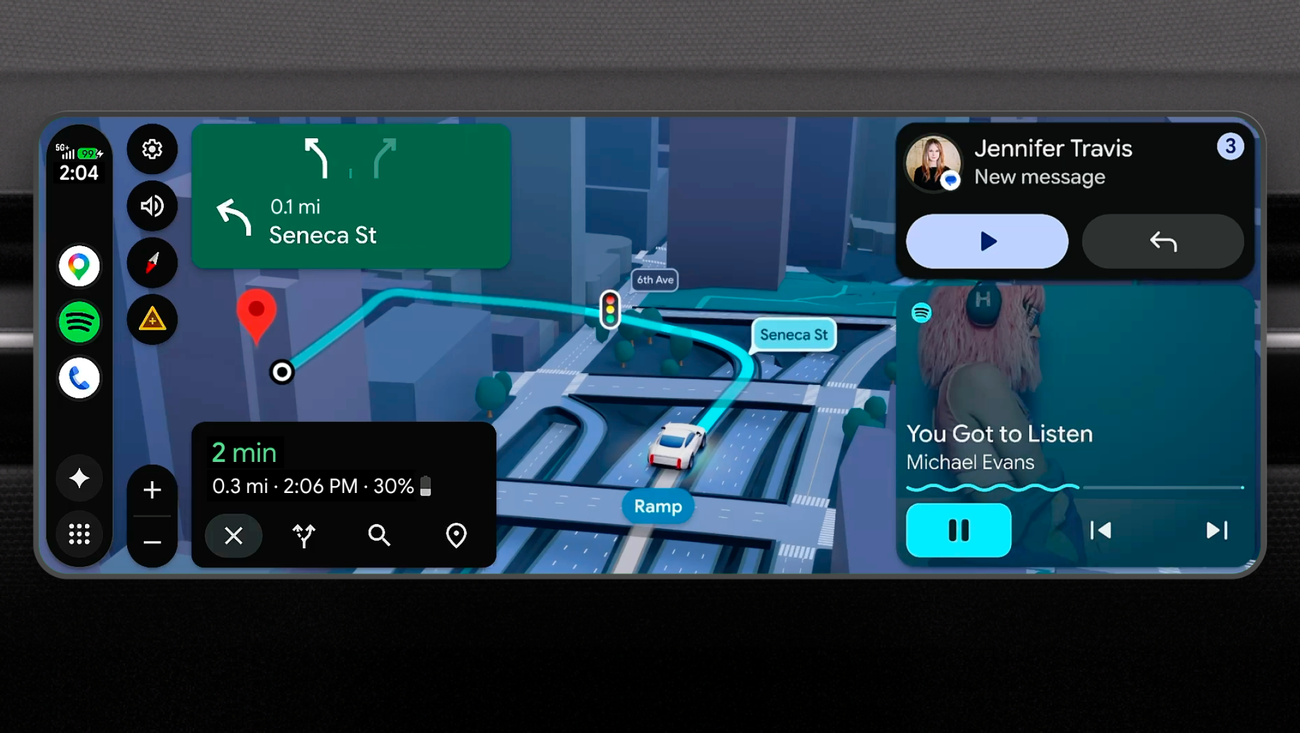
The video above sits within Google’s wider 2026 platform direction, where messaging, on-device intelligence and account privacy are increasingly handled together. That context matters here, because the same accounts and devices that now carry encrypted RCS are also the ones doing more on-device processing, and the privacy story only holds if both ends of a conversation are configured sensibly.
UK carrier support: EE, Vodafone and Three
RCS itself has been live on the major UK networks for some time, and EE, Vodafone and Three all support RCS chats on compatible handsets. The newer element is encrypted cross-platform RCS, which depends on a supported carrier configuration on both the sending and receiving side. Because the feature is in beta and is being switched on network by network, the honest position today is that availability will broaden over the coming weeks rather than appear uniformly for every customer on day one. If your encrypted thread has not appeared yet, the usual causes are an out-of-date app, an older operating system, or a network that has not finished enabling the beta for your account.
There is a useful UK wrinkle around eSIM and dual-SIM setups. RCS is tied to the phone number that is registered for chats, so if you run a work and personal line, the encrypted thread follows the number that has RCS enabled, not necessarily the one you expect. Anyone juggling profiles should read our eSIM setup UK 2026 guide for EE, VodafoneThree and O2 before assuming a chat will encrypt on the right line. The same networks are also building out coverage in other directions; our look at the VodafoneThree satellite clearance from Ofcom for phone-to-space coverage shows how patchy-signal areas may one day still carry messages, though satellite links and encrypted RCS are separate developments for now.
Privacy compared with WhatsApp, iMessage and Signal
For years the standard British advice for a genuinely private chat across platforms was to move everyone to WhatsApp, because it offered end-to-end encryption regardless of whether your friends used Android or iPhone. Apple’s iMessage already encrypted blue-bubble chats, but only between Apple devices. Encrypted RCS changes the default, because the protection now lives in the texting app that ships on the phone, with no extra download and no separate account. For a lot of everyday messaging, that removes the main reason casual users felt pushed towards a third-party app.
It would be wrong to oversell it. Dedicated encrypted messengers such as Signal still go further on metadata, disappearing messages and overall design for privacy, and security specialists continue to recommend them for the most sensitive conversations. Encrypted RCS is best understood as raising the floor for ordinary texting rather than replacing a purpose-built secure messenger. If your interest in switching phones is partly about privacy and AI features, our explainer on Gemini Intelligence on Android in the UK and checking Pixel and Galaxy first covers how on-device processing intersects with the data you keep on your phone.
Key takeaways at a glance
| Item | Detail |
|---|---|
| Rollout date | Began in beta on 11 May 2026 |
| Standard | GSMA RCS Universal Profile 3.0, using the MLS protocol |
| Android requirement | Latest Google Messages, RCS chats turned on |
| iPhone requirement | iOS 26.5, supported carrier, RCS Messaging on |
| Covered first | One-to-one cross-platform chats |
| Not yet covered | Mixed Android-and-iPhone group chats; SMS or MMS fallback |
| How to tell | Lock icon on the send button and beside the timestamp |
| Default state | On by default, enabled gradually per device and carrier |

Where to buy or check next in the UK
You do not buy encrypted RCS as a product; it arrives with a software update and the right network. The practical UK shopping question is whether your current handset will receive it, and if not, which phone to choose next. At Currys and John Lewis you can filter for recent Android models that run the latest Google Messages, and John Lewis is worth a look for its standard two-year guarantee on many phones, which is useful peace of mind on a longer ownership cycle. Argos is the place to check same-day stock if you want a budget Android in your hand quickly, while Amazon UK and Very are convenient for spreading the cost, so compare the total price including any finance before you commit.
For iPhone buyers, the Apple UK store and EE, Vodafone and Three all stock iOS 26.5-capable models, and the network channels are where you should confirm that encrypted RCS is enabled on your tariff, along with delivery dates and returns windows. On any contract, read the returns terms before you sign, since a 14-day window is common but not universal. AO.com is another option for delivery slots on Android handsets, and across all of these the things worth verifying are price, delivery timing, warranty length and the returns policy rather than any single headline discount.
Our view
Our view is that this is the most meaningful messaging upgrade British phone users have had in years, precisely because it requires no effort and no new app. The moment a private text between an Android phone and an iPhone is encrypted by default, the everyday case for nagging friends onto a separate messenger weakens considerably. We would tell most people to simply update their phone, confirm RCS is on, and look for the lock icon before sending anything sensitive.
We would still wait before treating it as complete. Group chats across the two platforms are the obvious gap, the beta is reaching devices unevenly, and the protection only holds when both ends are properly configured and not dropping back to SMS. If your messaging is genuinely high-stakes, keep using a dedicated encrypted app for those conversations. What would change our recommendation to an unqualified one is encrypted group chats arriving across Android and iPhone, and the beta label disappearing across the main UK networks. Until then, this is an excellent default that is not yet a full replacement for a specialist secure messenger.
What we like and what we would watch
| What we like | What we would watch |
|---|---|
| Encryption is on by default with no extra app to install | Mixed Android-and-iPhone group chats are not encrypted yet |
| Built on an open standard so different apps interoperate | Beta rollout is uneven across devices and UK networks |
| Familiar lock icon makes the status easy to read | SMS or MMS fallback is still unencrypted, so check before sending |












Reader discussion
Leave a comment
Comments are moderated. Keep it useful, accurate, and on topic.