
Getting the Meta AI glasses privacy basics right takes about ten minutes in one app, and it is worth doing before you wear Ray-Ban Meta or Oakley Meta out of the house in the UK. Meta sets out the controls in its own privacy pages, but the defaults are not the settings a cautious wearer would choose, and a couple of them cannot be turned off at all. This guide walks through five checks you can run in the Meta AI app and in Accounts Center, what the capture light actually signals to the people around you, and where UK data-protection law leaves you when you record in public.
- The companion app is the Meta AI app, renamed from Meta View; every privacy control below lives in it or in Accounts Center.
- Voice recordings are now stored by default and kept for up to one year; you cannot switch storage off, only delete entries.
- The outward capture LED lights whenever you take a photo or video and cannot be covered or disabled.
- Ray-Ban Meta Gen 1 frames start at £224 at ray-ban.com/uk; the UK ICO household exemption stops applying the moment you post a clip publicly.
Start in the right app: Meta AI, not Meta View
The first thing to get straight is which app you are even in. The companion software used to be called Meta View, and Meta renamed it to the Meta AI app, so older guides and a few in-box leaflets still point you at a name that no longer exists on the App Store or Google Play. Everything in this guide assumes the current Meta AI app, paired to your glasses over Bluetooth, signed into the same account you use for the glasses.

Two account layers matter here, and people routinely confuse them. The Meta AI app holds the glasses-specific controls: voice activity, the wake word, media sync and the capture settings. Your wider data choices, the ones that decide how Meta links the glasses to your Instagram, Facebook and WhatsApp identity and what feeds ad and model systems, sit in Accounts Center, reachable from the app menu. Run the five checks below in order and you will have touched both layers without hunting through nested menus twice. If you are still deciding between frames, our rundown of the prescription details UK buyers need before ordering Meta glasses covers the lens side this guide deliberately skips.
Check one: understand the capture light you cannot switch off
The single most important control on these glasses is one you do not control. The outward-facing capture LED lights whenever you take a photo or record video, and when the glasses first power on. It is the only signal the people around you get that a camera built into a pair of sunglasses is running, and Meta is explicit that you must not cover it. The privacy pages put it plainly: do not hide the capture LED, and the glasses detect if the light is obstructed and limit capture in response.
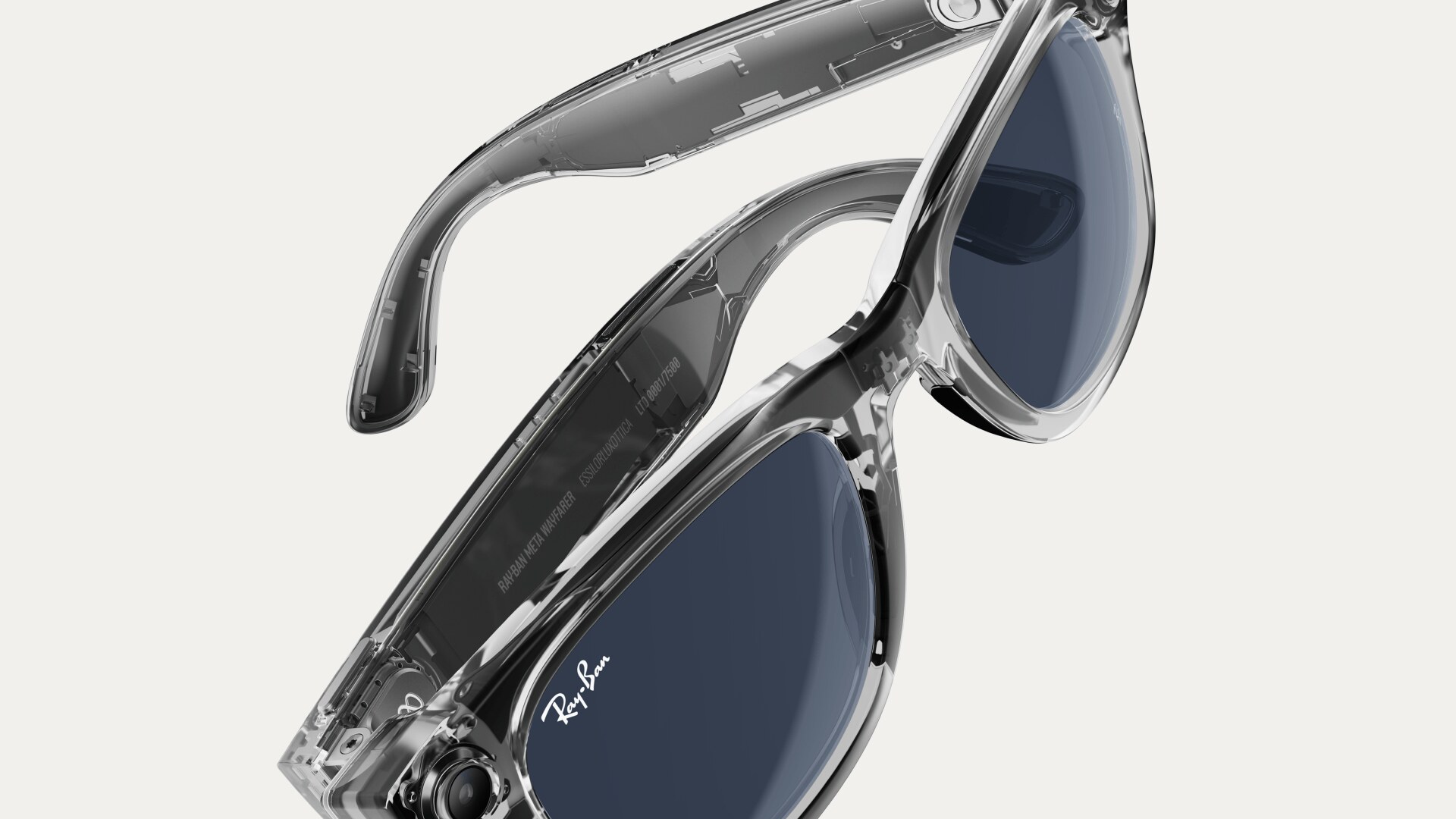
The practical reading: treat the LED as an etiquette obligation, not a privacy feature for you. It protects the people you point the glasses at, and only weakly, because a small white light on a temple is easy to miss in daylight or a busy bar. The honest wearer’s rule is to announce that you are filming the way you would lift a phone, and to stop recording in changing rooms, bathrooms, near schools and anywhere a phone camera would already be unwelcome. The earlier Ray-Ban Meta smart glasses background we published covers how the camera placement changed across generations, which matters because the Gen 2 lens sits in the outer corner and is even less obvious than before.
Check two: the Hey Meta wake word and what it now keeps
The glasses listen for a wake word, by default “Hey Meta”, and only stream audio to Meta after they think they have heard it. You can review and manage that behaviour, but the deletion-only reality is the part to absorb. Meta states in its voice notice that once Meta AI is enabled the glasses activate on the wake word, store the resulting audio recordings and transcripts to improve its products, and keep them for up to one year. The toggle that used to let you opt out of voice-recording storage has been removed; storage is now on, and the only lever left is deletion.

There is one piece of good news in the small print. If Meta’s systems decide you did not actually mean to trigger Meta AI, those clips are labelled false wakes and deleted within 90 days of detection, rather than kept for the full year. That does not cover deliberate queries, which is most of what you say to the glasses, so it is not a reason to relax. If you would rather the glasses did not listen at all in a given moment, hold the capture button for a manual photo instead of speaking, or power the frames down with the side switch, which is the only way to guarantee the microphones are off.
Check three: review and delete your voice history
Because storage is no longer optional, the deletion screen becomes the control that matters. In the Meta AI app, open the glasses section, go into the device settings, then tap Glasses privacy and open Voice activity log. That log lists every interaction the glasses recorded, with the transcript and the audio. You can delete a single entry or clear the whole log, and Meta documents this path on its AI glasses help pages.
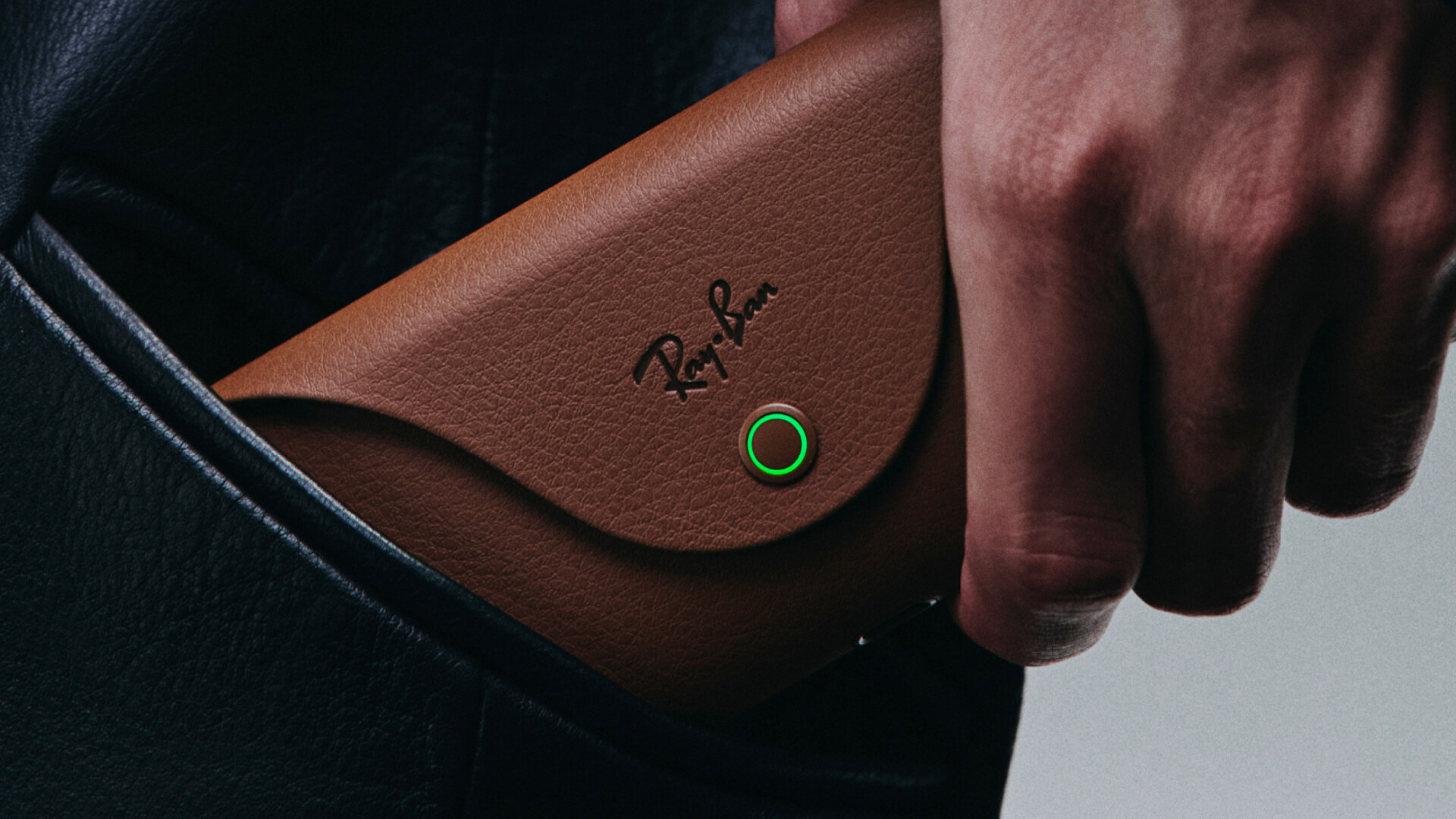
Make this a habit rather than a one-off. A sensible routine is to open the Voice activity log once a week and clear it, the same way you might clear a browser history, because anything you leave there can sit on Meta’s servers for up to a year and may be reviewed by trained human teams as well as machine-learning systems. The same logic applies to captured media: photos and video sync to the app and, depending on your Cloud Media choice, to Meta’s cloud for processing. If you do not want clips leaving your phone, turn Cloud Media off in the same privacy area, and uncheck Share Additional Data so extra diagnostic information is not bundled along with it. For readers thinking about how a recording habit fits a wider data routine, our walk-through on building a privacy-first mobile AI workflow is a useful companion.
Check four: location, camera AI and the data-use controls in Accounts Center
Location is opt-in by mechanism rather than by Meta’s choice. The glasses cannot read your position on their own; location-based answers, weather, “what is this building”, directions, work only if you have granted location to the Meta AI app in your phone’s own settings. That makes your iOS or Android privacy screen the real switch. Set the app to “While Using” rather than “Always” if you want answers without a background location trail, and turn precise location off when an approximate fix is enough.
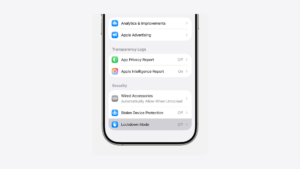
The deeper controls live in Accounts Center, reached from the menu in the Meta AI app. This is where the glasses connect to your wider Meta identity and where you decide what feeds Meta’s broader systems. Open the menu, tap into Accounts Center, and work through the data and privacy section: review which accounts are linked, check the ads and information settings, and look for the camera-based AI options that let Meta process what the glasses see. If you would rather Meta did not analyse your photos for AI features, that is the screen to switch them off. Treat anything you cannot find a clear off switch for as on by default, because that has been the pattern with voice storage.
Check five: the UK law and the etiquette that goes with it
Recording strangers in public with camera glasses is not automatically illegal in the UK, but the protection you rely on is narrower than people assume. The ICO explains that personal data captured purely for your own household or personal enjoyment falls outside UK GDPR, the so-called domestic exemption. Take a clip of your own walk and keep it to yourself and you are broadly fine.

The exemption falls away the moment that footage stops being purely personal. The ICO’s own guidance is that once you post a recording publicly, beyond friends and family, it is no longer a domestic activity and data-protection duties can apply to you as the person who shared it. In practice that means a casual capture is low risk, but a clip of identifiable strangers uploaded to a public feed is a different matter, and recording in places where people expect privacy can also stray into harassment or voyeurism law regardless of GDPR. The plain rule a UK wearer should adopt is the same one this site applies to other camera wearables: if you would not film it on a held-up phone, do not film it through your glasses. Our look at how the Samsung and Google AI eyewear face the same privacy test shows this is a category problem, not a Meta-only one.
Where to buy in the UK and what it costs
If the privacy picture is acceptable to you, the buying side is simple. In the UK the glasses are sold through ray-ban.com/uk, Sunglass Hut and the Meta store, and Ray-Ban’s UK site lists Ray-Ban Meta AI glasses with Gen 1 frames from £224, rising to around £459 for prescription-ready and polarised combinations across more than 150 lens and frame options. The newer Ray-Ban Meta Gen 2 line sits above that, adding roughly 42 per cent more battery capacity and a 12-megapixel ultra-wide camera in the outer corner of the lens.
Whichever generation you choose, the privacy work is identical, because the camera, microphones, capture LED and Meta AI app are common across the range. Budget the ten minutes for the five checks above before the first time you wear them out, not after, and put a weekly Voice activity log clear-out in your calendar so a year of recordings does not quietly accumulate on Meta’s servers.
Our verdict
For a careful UK wearer the Ray-Ban Meta controls are usable but not generous, and we would buy the glasses only if you are willing to manage them actively rather than trust the defaults. The two we respect are the unhideable capture LED and the per-entry Voice activity log; the one we hold against Meta is that voice-recording storage can no longer be switched off, so a year of audio builds up unless you delete it yourself. That is the gap that decides it. If you will run the five checks, set location to “While Using”, turn off Cloud Media and Share Additional Data, switch off camera AI photo processing in Accounts Center, and clear the voice log weekly, the £224 Ray-Ban Meta Gen 1 is a reasonable buy. The risk that would flip our view is regulatory: if the ICO or Meta tightens or loosens how that always-on voice store works, re-run these checks, because the setting you cannot disable today is the one most likely to change.
Meta AI glasses privacy: frequently asked questions
Can I stop the Ray-Ban Meta glasses recording my voice?
Not the storage itself. Meta removed the toggle that disabled voice-recording storage, so once Meta AI is enabled the glasses keep audio and transcripts for up to one year. What you can do is delete them: open Glasses privacy, then Voice activity log, in the Meta AI app and clear entries individually or all at once. Powering the glasses off with the side switch is the only sure way to stop the microphones in a given moment.
Can I cover the capture LED to record discreetly?
No. Meta explicitly tells wearers not to cover the capture LED, and the glasses detect obstruction and limit capture in response. The light is there to warn the people around you that the camera is active, so blocking it defeats the only signal they get and breaches Meta’s own use rules. Treat the LED as a fixed feature and rely on your own etiquette, announcing recording the way you would with a phone.
Is it legal to record people in public in the UK with these glasses?
Generally yes for purely personal use. The ICO’s domestic exemption means footage you keep for your own enjoyment falls outside UK GDPR. The protection disappears once you share clips publicly beyond friends and family, when data-protection duties can apply to you. Recording where people expect privacy, such as changing rooms or bathrooms, can also breach harassment or voyeurism law regardless of GDPR, so context matters as much as the technology.
Which app controls the privacy settings?
The Meta AI app, which Meta renamed from Meta View. Older guides and some packaging still say Meta View, but that app no longer exists under that name. The glasses-specific controls, voice log, wake word, Cloud Media and Share Additional Data, live inside it under Glasses privacy. The wider data-use controls, including linked accounts and camera AI processing, sit in Accounts Center, reached from the same app’s menu.
Does location tracking run all the time?
Only if you allow it. The glasses cannot determine location on their own; location-based answers work only when you grant location permission to the Meta AI app in your phone’s settings. Set it to “While Using” rather than “Always” to avoid a background location trail, and turn off precise location when an approximate fix is enough. This is one of the few privacy levers that sits in iOS or Android rather than in Meta’s app.
How much do Ray-Ban Meta glasses cost in the UK?
Ray-Ban’s UK site lists Ray-Ban Meta Gen 1 frames from £224, rising to around £459 for prescription-ready and polarised combinations. The newer Gen 2 line costs more and adds roughly 42 per cent more battery and a 12-megapixel ultra-wide camera. They are sold through ray-ban.com/uk, Sunglass Hut and the Meta store. The privacy steps in this guide are identical across both generations, so the checks you run do not depend on which model you buy.












Reader discussion
Leave a comment
Comments are moderated. Keep it useful, accurate, and on topic.