
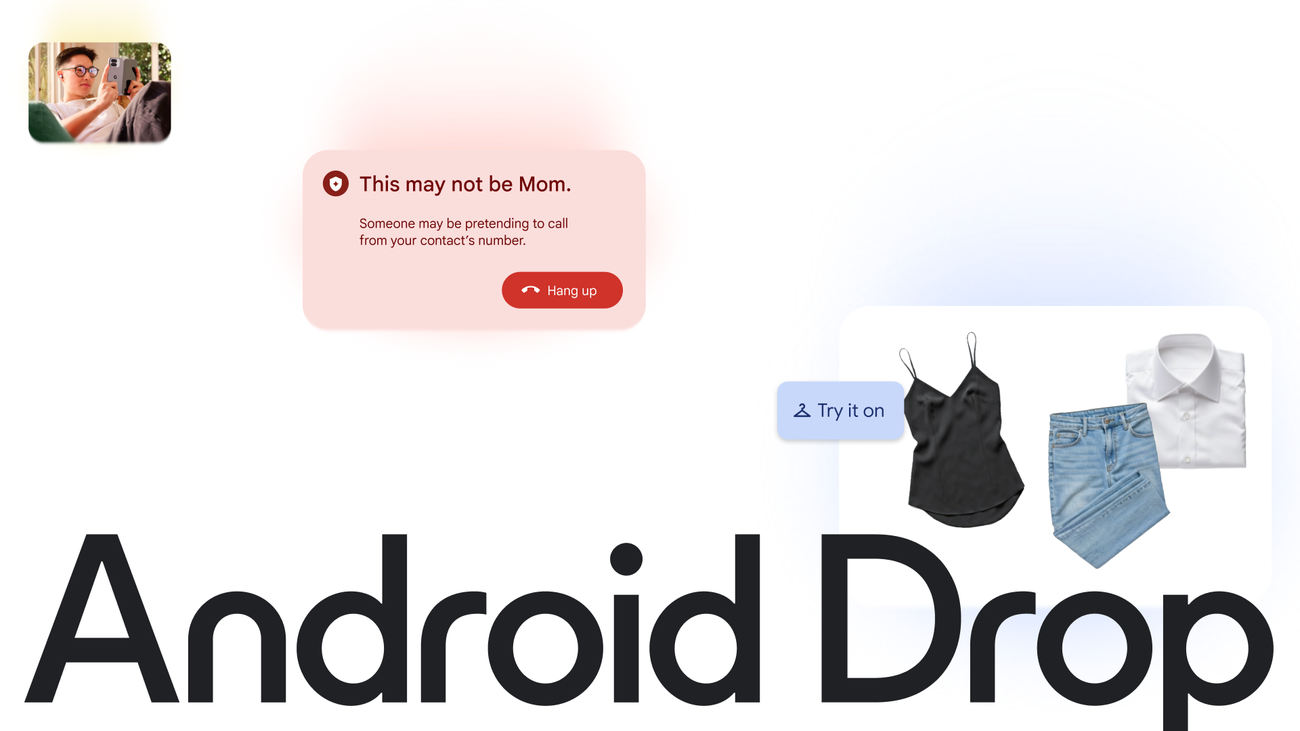
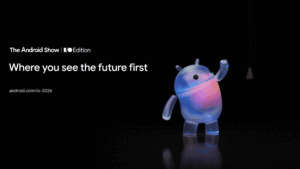
Google Find Hub is the rebranded, crowdsourced finding network that can pinpoint a lost phone, tablet, earbuds or a Bluetooth tracker even when the missing item has no data connection of its own, and as of June 2026 it is the default device-finder on UK Android phones. Google confirmed the rename from “Find My Device” at The Android Show: I/O Edition on 13 May 2025, and the rollout across web, app and the Android settings menu completed through 2025 (per Google’s own Find Hub help page); the June 2026 Android Drop then added Find Hub configuration to the initial phone setup rather than completing the rebrand itself. This guide walks you through enabling it, the exact UK settings path, tracker-tag support and the privacy controls that actually matter.
Key facts
- What it is: Find Hub is the new name for Find My Device. The rebrand was announced at The Android Show in May 2025 and is now complete across web, app and Android settings (Google, 2025).
- Offline finding: The crowdsourced network uses the world’s billion-plus Android devices to relay an item’s encrypted location over Bluetooth, so you can locate a tag even when it has no data of its own (support.google.com).
- UK settings path: Settings > Google > All services > Personal and device safety > Find Hub, with a separate Find Hub network toggle for offline finding.
- Trackers that work: Chipolo Pop, Pebblebee Clip 5 and Halo, plus the Motorola Moto Tag and Moto Tag 2, are the certified Find Hub tags (Google, 2026).
- People too: Find Hub now folds in location sharing with friends and family, and satellite location updates are arriving for off-grid areas.
What Google Find Hub does, and what changed from Find My Device
The single most useful thing Find Hub does is find your stuff when your stuff cannot speak for itself. A pair of earbuds left on a train, a bag tagged with a Bluetooth fob, a phone that has run flat: none of these has a working data connection, yet Find Hub can still place them on a map. It does this by quietly borrowing the Bluetooth radios of every nearby Android phone. When another Android device passes close to your lost item, it picks up the tag’s signal and reports an encrypted location back to you. Google calls this the Find Hub network, and it is the same crowdsourced approach Apple uses for its own kit, except it now rides on the much larger Android install base.
The rename matters because the product genuinely grew. Find My Device started life as a way to ring, lock or wipe a lost handset. Find Hub keeps all of that, then adds first-party Bluetooth tracker tags, Fast Pair earbuds, Wear OS watches and, crucially, people. You can now see where a trusted contact is from inside the same app you use to chase your keys. Google began folding location sharing and the older Find My Device features into one Find Hub surface during 2025, and if you have a recent Pixel or Galaxy you will already see the new name in the app drawer and in Settings. If you are weighing up a new handset to get the latest of all this, our guide to the Android 17 features UK phone owners actually get is a sensible next read.
How to enable Find Hub in the UK: the exact Android settings path
On most UK Android phones, Find Hub is on by default, but it is worth confirming the two toggles that decide whether you can ever find an offline item. On a Pixel running Android 15 or Android 16, go to Settings > Google > All services > Personal and device safety > Find Hub. On a Samsung Galaxy with One UI, the route is Settings > Google > All services > Find Hub. Inside, you want “Use Find Hub” switched on so the device itself is findable, and the separate “Find Hub network” option set to allow finding offline devices, which is the setting that powers crowdsourced location.
The Find Hub network toggle has three meaningful states worth understanding. “Without network” limits finding to your own devices and a direct connection. “With network in all areas” is the broadest setting and the one that locates a tag anywhere other Android phones roam. There is also an aggregated-by-default option that only reports a location once several nearby devices have seen your item, which is privacy-friendly in busy places but slower in quiet ones. For a tracker on luggage or a bike, “all areas” is the setting that gives you the best chance of a hit. If you own a Pixel Watch, Wear OS support means the watch can be found too, and our explainer on the Pixel Watch 4 in the UK covers which models qualify.
To use Find Hub from another device or a borrowed phone, open google.com/android/find in any browser and sign in with the same Google account. The web view shows every signed-in phone, tablet, watch and tag on one map, and lets you ring a device at full volume even on silent, secure it with a lock message, or erase it remotely as a last resort. This is the fastest route when your own phone is the thing that has gone missing. It is the same workflow our team uses, and it sits alongside the wider account hygiene we cover in our piece on protecting your full free Google storage.
Bluetooth tracker tags that work with Find Hub
Find Hub supports a growing list of certified Bluetooth tags you attach to a wallet, keys, a bag or a bike. The current certified picks are the Chipolo Pop, the Pebblebee Clip 5 and Pebblebee Halo, and Motorola’s Moto Tag and Moto Tag 2. The Chipolo Pop is the value all-rounder at around £29 and adds a handy reverse trick: squeeze the fob to ring your phone. Pebblebee’s Halo is the safety-first option, pairing a tracker with a 130dB siren, a strobe and an Alert Live location share for trusted contacts. Motorola’s Moto Tag 2, announced at CES 2026, is the one to buy if you want ultra-wideband precision finding that guides you to within a few centimetres; we go deep on it in our look at the Moto Tag 2 and Find Hub UWB tracking.
The offline network is the whole point: a tag with no data of its own still surfaces on your map because every passing Android phone is a silent relay.
A practical UK note on switching networks: Pebblebee’s tags can run on either Find Hub or Apple’s Find My, but you pick one network at setup and must reset the tag to switch. If you are moving between an iPhone and an Android phone, that reset matters. Tags certified for Find Hub also flag up unwanted-tracking alerts on both Android and iPhone, so a stranger’s tag slipped into your bag should warn you regardless of which phone you carry. For anyone choosing between ecosystems, our Pixel 10 versus iPhone 17 UK comparison lays out where each finding network is stronger.
Privacy and the encrypted network: what UK users should check
Find Hub is built on end-to-end encryption. According to Google’s UK help documentation, the location reports that flow across the network are encrypted with a key tied to your device PIN, pattern or password, so neither Google nor the relaying phones can read where your item is. In crowded places, an aggregation step combines several reports before a location is shown, which makes it harder for a single passer-by to be identified as having been near your tag. That design directly answers the privacy worry that crowdsourced finding could turn every phone into a tracking beacon.
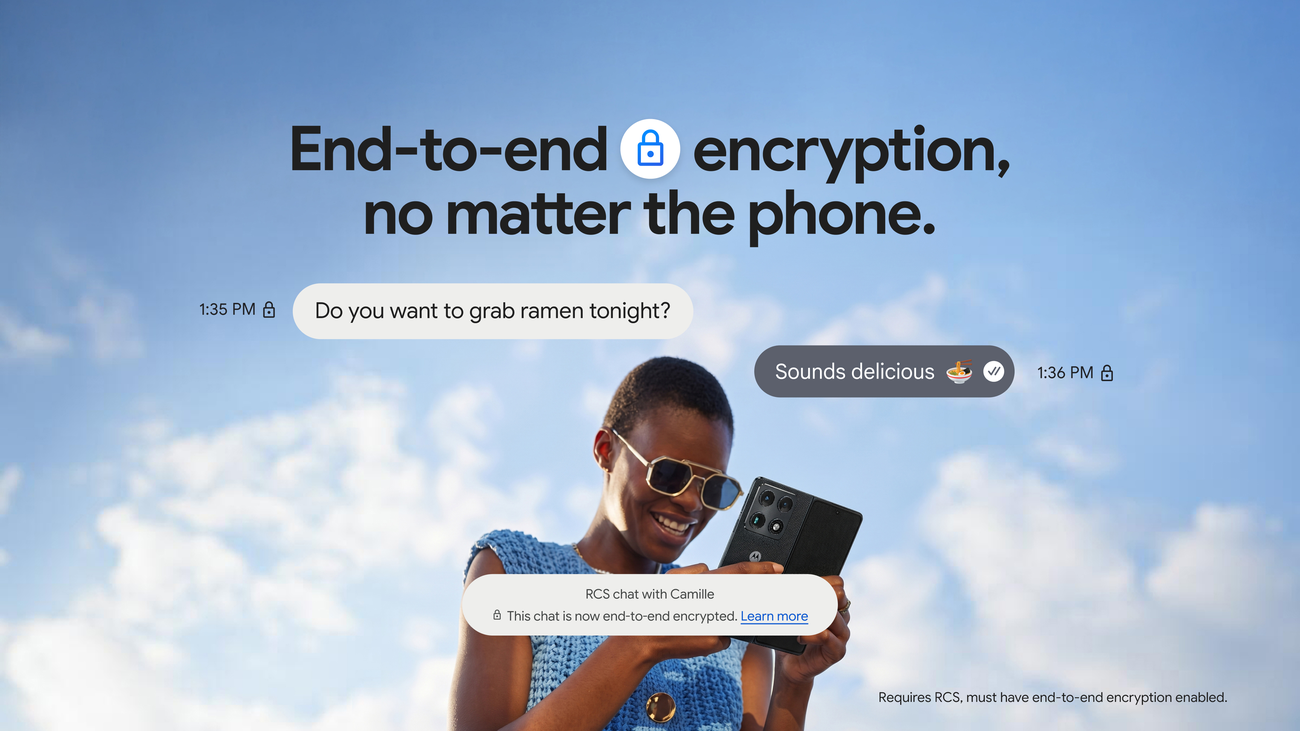
There are still controls worth knowing. You can opt a device out of the network entirely from the same Find Hub settings screen, which stops your phone both contributing to and benefiting from offline finding. You can also remove a shared person or revoke a device’s place on your account at any time. UK readers who care about how Google handles location and personalisation should pair this with our walkthrough of the Gemini app privacy settings to check first, because the same Google account governs both. The same end-to-end-encryption push is visible elsewhere on Android, as our coverage of encrypted RCS messaging in the UK explains.
One genuine UK quirk: enrolment notifications have been uneven, and some readers report not seeing a prompt to join the network even months after the rebrand. If you have never been asked, do not assume you are opted out, check the toggle manually using the settings path above. The Information Commissioner’s Office expects clear, informed consent for this kind of location processing, so it is worth confirming the state of the network setting yourself rather than trusting a notification that may never have arrived.
Finding people, satellite updates and UK network coverage
Beyond gadgets, Find Hub now handles people sharing. You can share your live location with family or friends and see theirs on the same map, which replaces the older standalone location-sharing flow for many users. The newer addition is satellite location: where you have no mobile signal, recent Pixel hardware can send a one-time location update to a trusted contact over satellite, and Google has been extending the satellite features that began with Pixel Watch SOS to the UK, Europe and Canada. That makes Find Hub useful well beyond losing your keys: it becomes a thin safety net when you are off-grid.
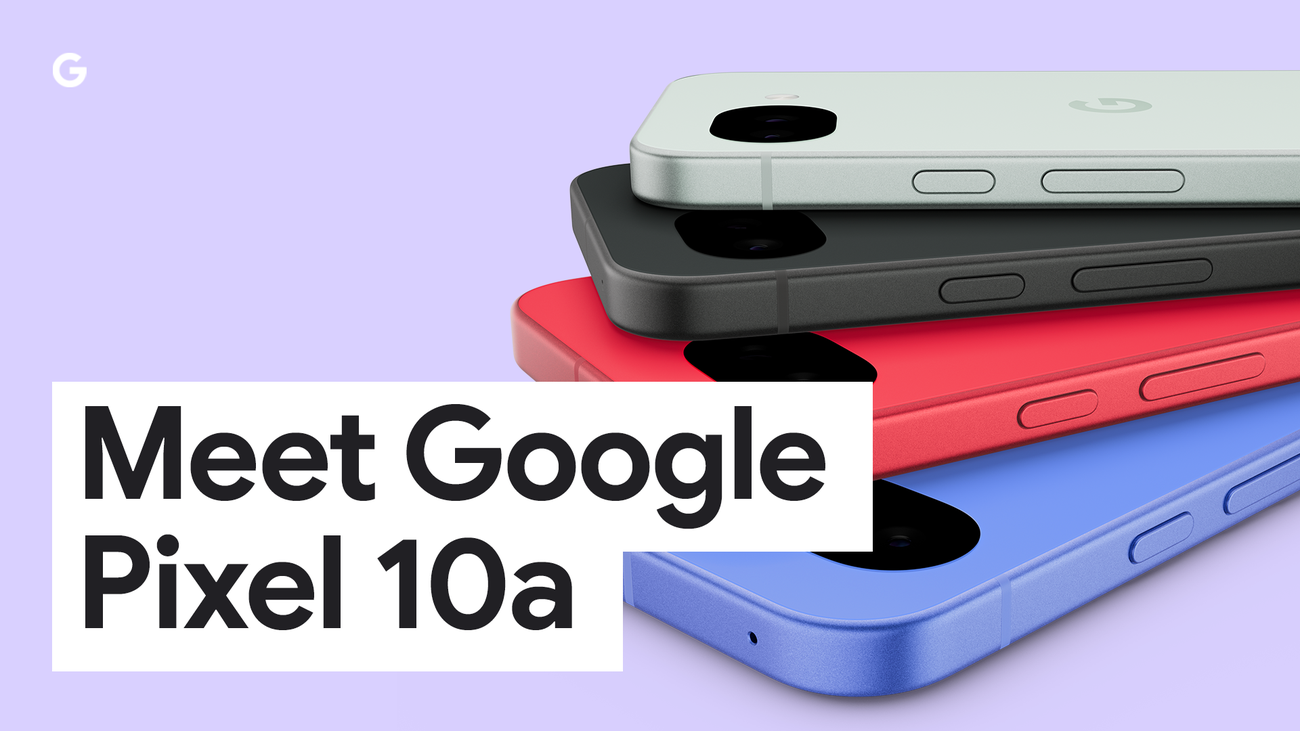
On UK networks, Find Hub does not care which carrier you are on for the core finding job, because offline location rides on Bluetooth and the crowdsourced network rather than your own data plan. What your network does affect is the satellite and live-sharing extras, which depend on compatible hardware and, for satellite, on Google switching the feature on in your region. If you are shopping for an affordable Pixel that supports the full Find Hub feature set, our verdict on the Pixel 10a in the UK is the place to start, and buyers comparing budget Android options should also see our best mid-range Android phones under £500 roundup.
For most people, the upgrade path is simple: make sure both Find Hub toggles are on, buy one certified tag for the item you lose most, and add a trusted contact for live sharing. That covers phones, earbuds, tags and people from a single app, which is exactly what the rebrand set out to deliver.
Where to check or set up Find Hub next in the UK
- Confirm the settings (free): open Settings > Google > All services > Personal and device safety > Find Hub on your phone and check both toggles. Last checked: 2026-06-12.
- Find Hub on the web (free): google.com/android/find to ring, lock or erase a missing device from any browser.
- Google’s official help page: support.google.com Find Hub data protection for the encryption and network detail.
- Compatible tags list: android.com Find Hub compatible devices for the current certified tracker line-up.
- Buy a Chipolo Pop: around £29 from Amazon UK or Chipolo direct, the cheapest certified all-rounder. Last checked: 2026-06-12.
- Buy a Moto Tag 2: roughly £30 to £40 from Currys and Amazon UK for UWB precision finding. Last checked: 2026-06-12.
Our verdict
Find Hub is the most worthwhile change Google has made to Android’s safety tools in years, mostly because the offline network finally gives Android the kind of crowdsourced finding iPhone owners have had for a while, on a far larger device base. In our checks the settings path is the only thing UK users routinely trip over, so the single action worth taking today is to open the menu above and confirm the network toggle is set to find offline devices in all areas. Add one certified tag and a trusted contact, and you have phones, earbuds, trackers and people covered from one app. The satellite and live-sharing extras are welcome but hardware-gated, so treat them as a bonus rather than the reason to switch. For the price of a single £29 tag, Find Hub is an easy yes.








Reader discussion
Leave a comment
Comments are moderated. Keep it useful, accurate, and on topic.