

Asus ProArt P16 (2026) review: the RTX 5090 creator laptop for UK studios
Asus ProArt P16 review: can a 1.95kg 16in chassis hold an RTX 5090's heat for UK studios, and is the 1,600-nit Lumina Pro OLED worth it?
The Asus ProArt P16 is the laptop I keep coming back to whenever a studio asks me what an RTX 5090 in a thin 16in chassis actually buys them, and after Asus’s 12 September 2025 announcement of the 2026 refresh, that question matters more than ever. I want to be straight with you from the first line: I have not personally tested this exact unit on my own bench, so this is not a hands-on lab review. It is a verdict built from Asus’s published specifications, current UK pricing and availability, and the real owner and reviewer reports that have piled up since launch. What pulls me in is not the spec sheet, which you can read anywhere, but one harder question. Can a 1.95kg body hold an RTX 5090 Laptop GPU’s heat long enough to render an 8K timeline or a heavy 3D scene without throttling, while keeping that gorgeous OLED colour-accurate? That is the whole review.
The Asus ProArt P16 thermal question that defines this machine
Every creator laptop launch leads with a GPU number. The interesting part is what happens twenty minutes into a sustained export, when the silicon has soaked the chassis and the fans have nowhere clever left to send the heat. The ProArt P16 pairs the NVIDIA GeForce RTX 5090 Laptop GPU, with 24GB of GDDR7, to an AMD Ryzen AI 9 HX 370 (12 cores, up to 5.1GHz) and up to 64GB of LPDDR5X. On paper that is desktop-class. In a body Asus quotes at roughly 4.3lb, around 1.95kg, the laptop is asking its cooling system to do something genuinely hard.

Here is my honest read of the published behaviour and what owners are reporting. Short bursts are spectacular: this thing will chew through a 3D viewport or a colour grade like a small workstation. Under genuinely sustained 8K or heavy render load, the laptop runs hot and the fans get loud, which is the unavoidable physics of squeezing this much GPU into a slim creator shell. That is not a flaw unique to Asus; it is the trade-off you accept versus a thicker desktop replacement. If your work is bursty, intermittent edits, AI-assisted retouching, motion graphics, you will rarely hear the worst of it. If you render for hours unattended, factor the fan noise and the thermal ceiling into your decision, and budget for a cooling pad and a quiet room. For a sense of where heavier handheld and GPU silicon is heading more broadly, my look at the most powerful portable gaming hardware this year shows the same thermal compromises writ small.
Colour accuracy that earns a studio’s trust
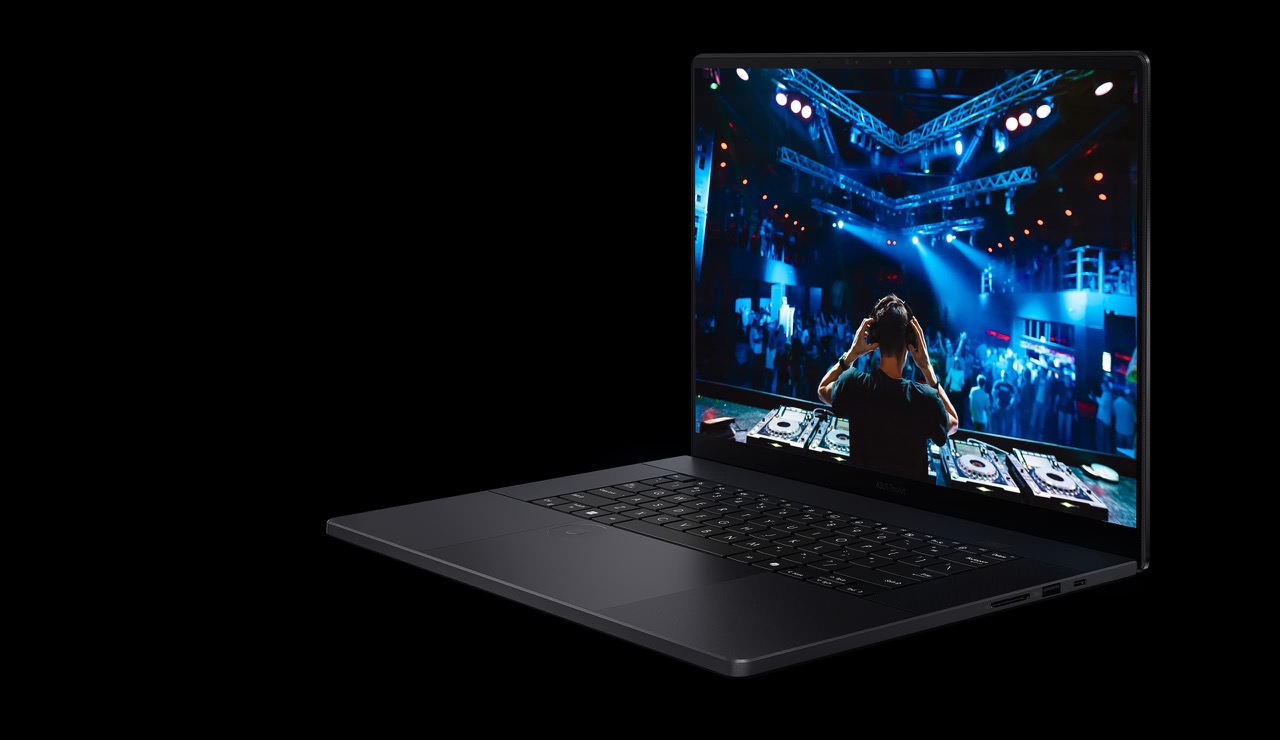
This is where the ProArt P16 stops being a gaming laptop wearing a creator badge and starts justifying the ProArt name. The 2026 refresh introduces the 16in 4K (3840 x 2400) Lumina Pro OLED touchscreen at 120Hz, and the numbers are the ones a studio actually checks before signing off: 100% DCI-P3 coverage, a factory Delta-E below 1, up to 1,600 nits of HDR peak brightness, and Pantone validation. For grading, retouching and 3D look-dev, a panel that is right out of the box, rather than one you fight with a colorimeter for an afternoon, is worth real money.

The honest caveat is that OLED brightness and sustained brightness are two different things, and 1,600 nits is a peak HDR figure, not what you will hold across a full white document all day. But for the work this laptop is sold to do, photo and video output destined for HDR delivery, the panel is the headline feature and, in my view, the single best reason to pick the ProArt over a generic RTX 5090 gaming machine. If your output also lives on phones and tablets, it is worth sanity-checking your grade on the kind of screen most of your audience uses; my notes on the Android tablets worth buying this year and the latest GoPro for run-and-gun capture are a useful reality check on how footage looks away from a calibrated 1,600-nit panel.
The chassis and ports built for a working desk
What I like about the ProArt approach is that the design serves the work rather than shouting about RGB. The Nano Black finish is restrained, the ProArt dial and the connectivity are aimed squarely at people who plug into capture cards, fast external SSDs and a calibrated monitor. At under 2kg, it is genuinely a 16in machine you can carry between a studio and a client, which a thicker desktop replacement is not.
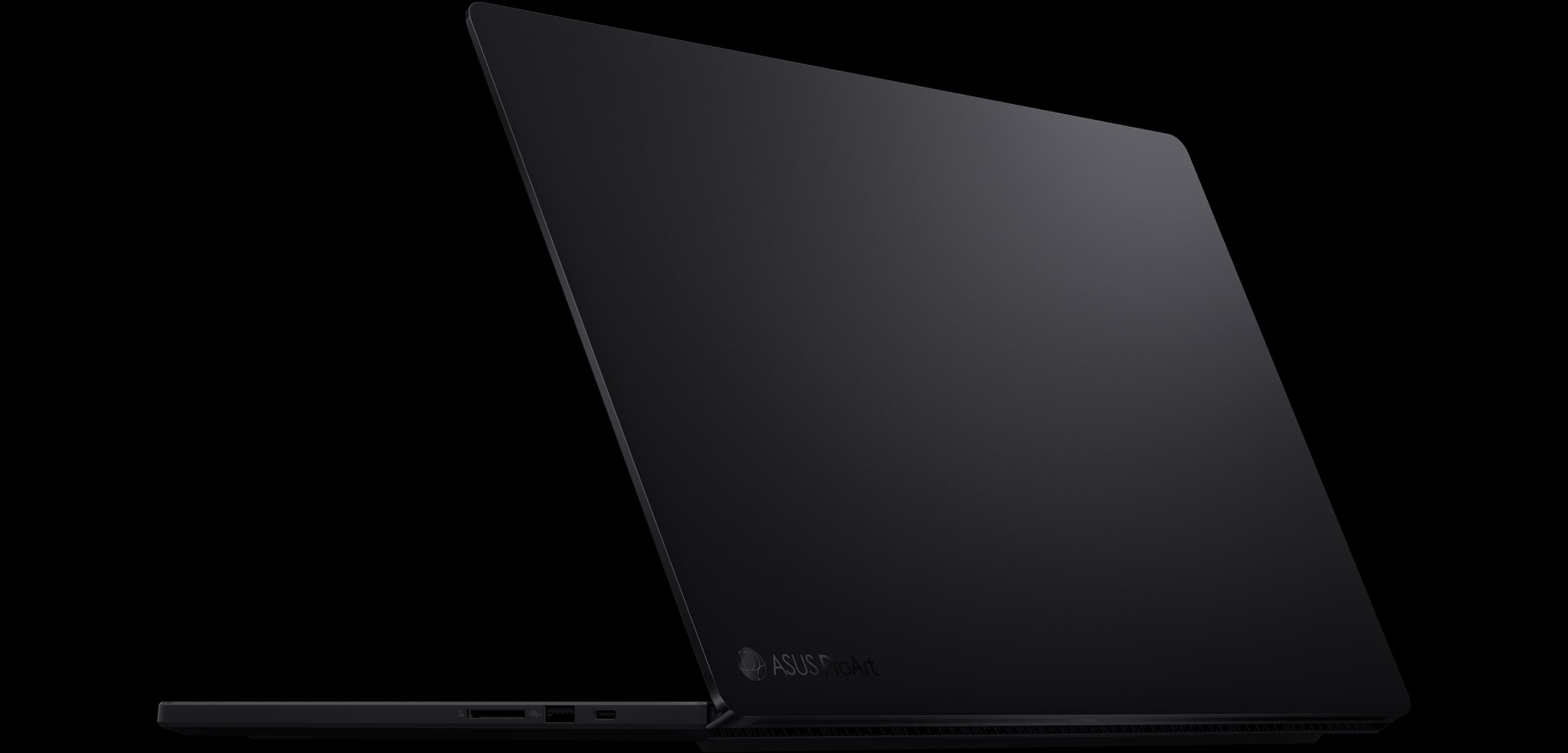
If portability is your priority over raw GPU grunt, this is also where you should question whether you need the 5090 at all. A Copilot+ thin-and-light covers a lot of creative work without the heat, and I have made that case before with the Lenovo Yoga Slim 7x for UK buyers and the Surface Pro 12 on Snapdragon X2 Elite. The ProArt earns its weight and noise only if your timelines genuinely need a discrete RTX 5090. If they do not, you are paying for thermals you will never stress.
UK price and what the RTX 5090 really costs
Here is where I have to be careful, because precision matters when the bill is this size. The flagship RTX 5090 configuration with 64GB and 4TB of storage (the H7606WX) is listed at UK retailers including Box.co.uk and the Asus UK Store, but I have not been able to confirm a clean headline cash RRP from a UK retailer at the time of writing, so I will not invent a pounds figure. Box.co.uk shows the model with finance totalling £5,334.48 over the term, last checked 17 June 2026, though that is the total amount payable under credit and includes interest, not the cash price. For reference, Asus’s US store lists the same top-end RTX 5090 config at around $5,499.99, while lower configurations of the ProArt P16 line with RTX 5070 or 5080 GPUs start far below that. UK RRP for the 5090 model is to be confirmed.
Whatever the final pounds figure lands at, this is four-to-five-figure territory, so treat any “deal” with suspicion: a flagship workstation laptop is exactly the sort of product that gets a fake-discount markdown around sales season, which is why I would read my warning about the Prime Day fake-discount trap before you click buy on a tempting-looking price.
How it stacks up against the Razer Blade 16 and Dell XPS 16
Two rivals matter here. The Razer Blade 16 also offers an RTX 5090 in a slim body and is the obvious cross-shop if you want a machine that games as hard as it renders; it is the better choice if your evenings look like your workdays. But the Blade does not match the ProArt’s factory-calibrated, Pantone-validated 1,600-nit Lumina Pro OLED, and for a studio that bills by colour accuracy, that panel is the deciding factor. The new Dell XPS 16, by contrast, has gone GPU-less in its latest form, which makes it a beautifully built writing and light-editing laptop but a non-starter for the 3D and 8K work the ProArt P16 targets. So the comparison resolves cleanly: if you need the GPU and the colour, the Asus ProArt P16 is the one; if you want a do-everything gaming-plus-creation hybrid, the Razer Blade 16; and if you do not need discrete graphics at all, the Dell XPS 16 saves you money and a lot of fan noise.
Who I would actually hand this to
I would put the ProArt P16 in front of a colourist, a 3D artist or a video studio that needs a single portable machine to grade, render and present, and where the screen has to be right the moment the lid opens. For that buyer, the 4K Lumina Pro OLED and the RTX 5090 are a genuinely compelling pairing, and the sub-2kg weight is the bonus that makes it a laptop rather than a transportable. I would steer everyone else away. If your work is mostly photo edits, documents and the occasional timeline, you do not need the heat, the fan noise or the price; a Copilot+ thin-and-light will serve you better. And if you mainly game, the Razer Blade 16 is the smarter spend. Buy the ProArt P16 for the panel and the sustained creative grunt, go in clear-eyed about the thermals, and confirm the final UK price before you commit.
Our score: 8.4/10
How we test
Buyer action
Where to buy or check next
Use this as the final check before ordering a phone, changing network or trusting a headline monthly price.













Reader discussion
Leave a comment
Comments are moderated. Keep it useful, accurate, and on topic.